2026/08/05
What to Do When a Government Website Requires an Image Under 300KB
Use a browser-based tool to compress a JPG or PNG to under 100KB, then upload it to a government or public-service website with a 300KB file limit.
If a government or public-service website requires an image under 300KB, use the tool that matches your file format:
- For JPG or JPEG photos: open the JPG image compressor
- For PNG images: open the PNG image compressor
Both tools reduce each image to 100KB or less, so the result also meets a 300KB upload limit. Processing happens locally in your browser, and your images are not uploaded to a server.
How to Compress a JPG Photo Below 300KB
Government portals often specify both the required format and the maximum file size. If the instructions say "JPG, under 300KB," follow these steps:
- Open the JPG compressor.
- Choose a JPG or JPEG photo, or drag it onto the page.
- Select Compress and download.
- Return to the government website and upload the downloaded image.
A single result downloads directly. If you process several photos, the results are packaged in a ZIP file. A photo that is already below 100KB is kept unchanged.
Why Does a 100KB File Meet a 300KB Limit?
"Under 300KB" is a maximum, not a target. The file does not need to be close to 300KB. A result below 100KB is safely within the stated limit and avoids edge cases where different websites calculate KB differently.
Before uploading the result, check that:
- the extension still matches the required format, such as
.jpgor.jpeg; - faces, document text, and important edges remain clear.
What If the Original Is PNG but the Website Requires JPG?
Do not rename .png to .jpg. Changing the extension does not convert the image, and the government portal may still reject it.
Use the export controls in the Inset asset library to create a JPG first, then run that file through the JPG compressor. JPG does not support transparency, so transparent areas need an opaque background.
If the website accepts PNG and the image needs transparency, use the PNG compressor instead.
Will Compression Make the Image Blurry?
A much smaller file cannot always remain pixel-for-pixel identical. The JPG tool adjusts encoding quality first. It reduces the image dimensions proportionally only when quality adjustment alone cannot reach 100KB.
ID photos, profile photos, and form attachments rarely need the full resolution produced by a phone camera. Review the downloaded result at the size used by the portal. If the face, text, and required details remain clear, the image is generally suitable for submission.
If the portal only requires a file below 300KB and the 100KB result loses too much detail, use the Inset asset library to adjust JPG quality and maximum dimensions manually. Export and check the file size until it is clear while remaining below 300KB.
What If a Large Image Freezes the Browser?
A file that occupies only a few megabytes on disk can require much more memory after the browser decodes it. High-resolution phone or camera photos may use hundreds of megabytes while being resized and encoded. Processing many large images together can make the page slow or unresponsive.
Try the following:
- process one image or a small batch at a time;
- close other memory-intensive tabs and applications;
- use a current desktop browser;
- reduce very large dimensions in your device's photo editor before compressing;
- keep the original file as a backup.
What Else Can Inset Do?
Inset (Inset.im) is an S3 Web Browser for organizing assets that helps users browse, preview, categorize, search, and use images and files in their own object storage from the browser.
The image and asset tools are designed for quick, focused compression tasks. When you also need to keep and organize application documents, Inset provides folders, tags, search, previews, and notes. It also supports format conversion, quality and dimension controls, batch export, image sharing, and copying image links.
Frequently Asked Questions
Can I Compress Several Images at Once?
Yes. Both the JPG and PNG tools accept multiple images. One result downloads directly, while multiple results are packaged together.
Are My Images Uploaded or Stored?
No. Compression happens in your current browser, and the tool does not upload the images to a server.
Why Did the Image Dimensions Become Smaller?
If encoding adjustments are not enough to reach 100KB, the tool reduces the width and height proportionally until the file meets the target.
Why Does the Government Website Still Reject the Image?
Check every requirement shown by the portal, including format, pixel dimensions, file name, and document type. A file below 300KB can still be rejected if another requirement is not met.
References
All posts
2026/08/12
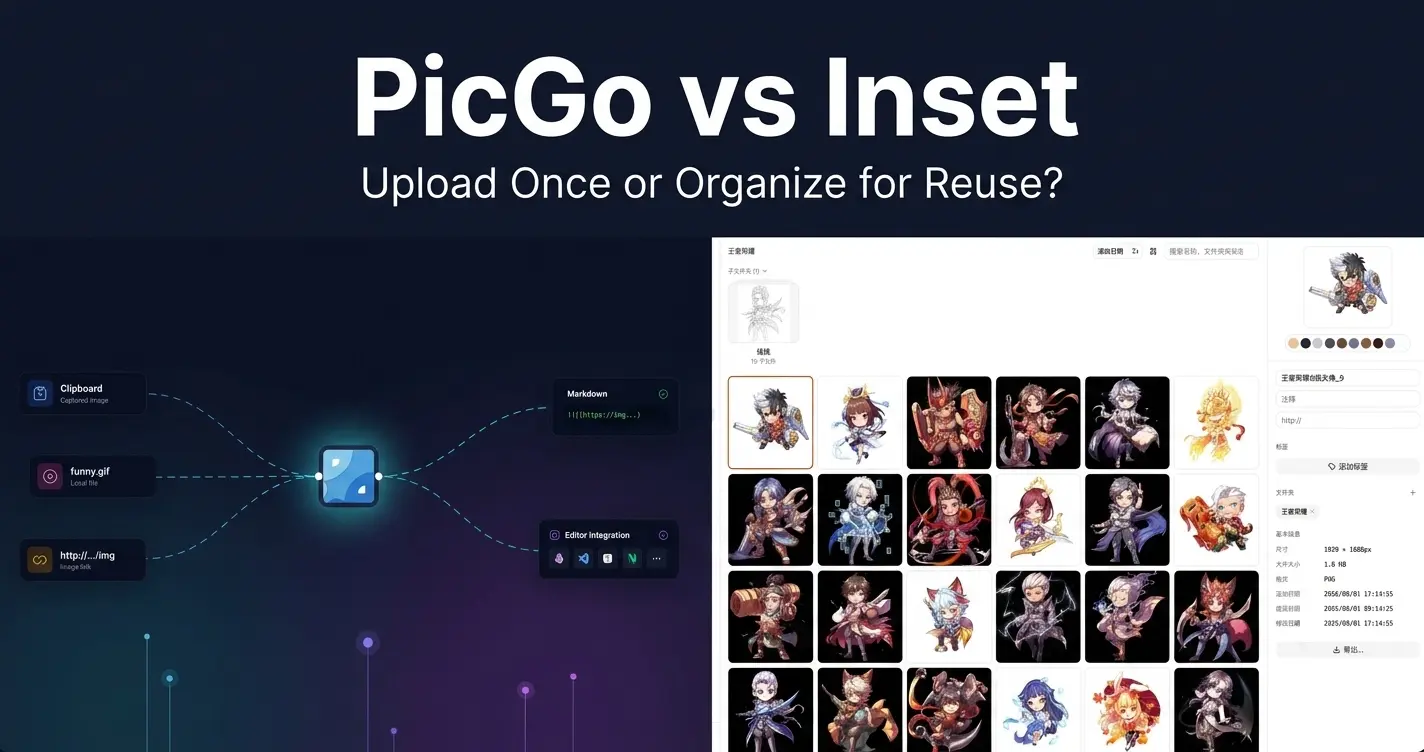
PicGo vs Inset
A practical comparison of PicGo and Inset across image uploading, link copying, asset organization, search, processing, and long-term reuse.
2026/08/11
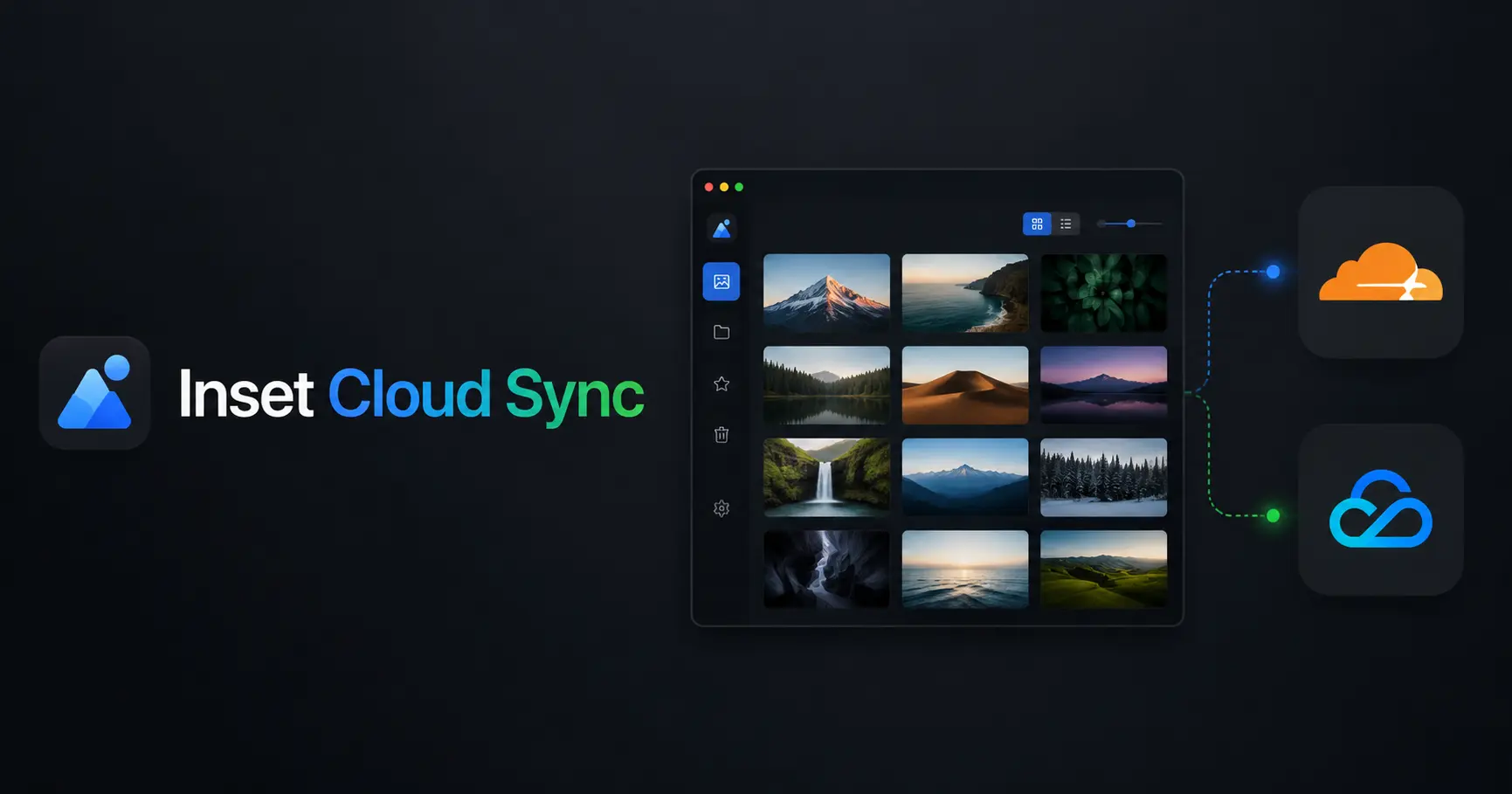
Inset Cloud Sync Is Now Available with Cloudflare R2 and Tencent Cloud COS
Inset now syncs local libraries with Cloudflare R2 and Tencent Cloud COS, with automatic sync, provider switching, and sync record recovery.
2026/08/05
What to Do When a Government Website Requires an Image Under 300KB
Use a browser-based tool to compress a JPG or PNG to under 100KB, then upload it to a government or public-service website with a 300KB file limit.
2026/08/05
Pixcall vs Inset — Which Asset Manager Fits Your Workflow?
Compare Pixcall and Inset across local file ownership, desktop and browser workflows, cloud sync, image organization, processing, and sharing.
2026/08/04
S3 Browser (Now CS Browser) vs Inset — Which Should You Choose?
Compare S3 Browser, now called CS Browser, with Inset across platforms, bucket administration, asset organization, image processing, and everyday workflows.
2026/08/03
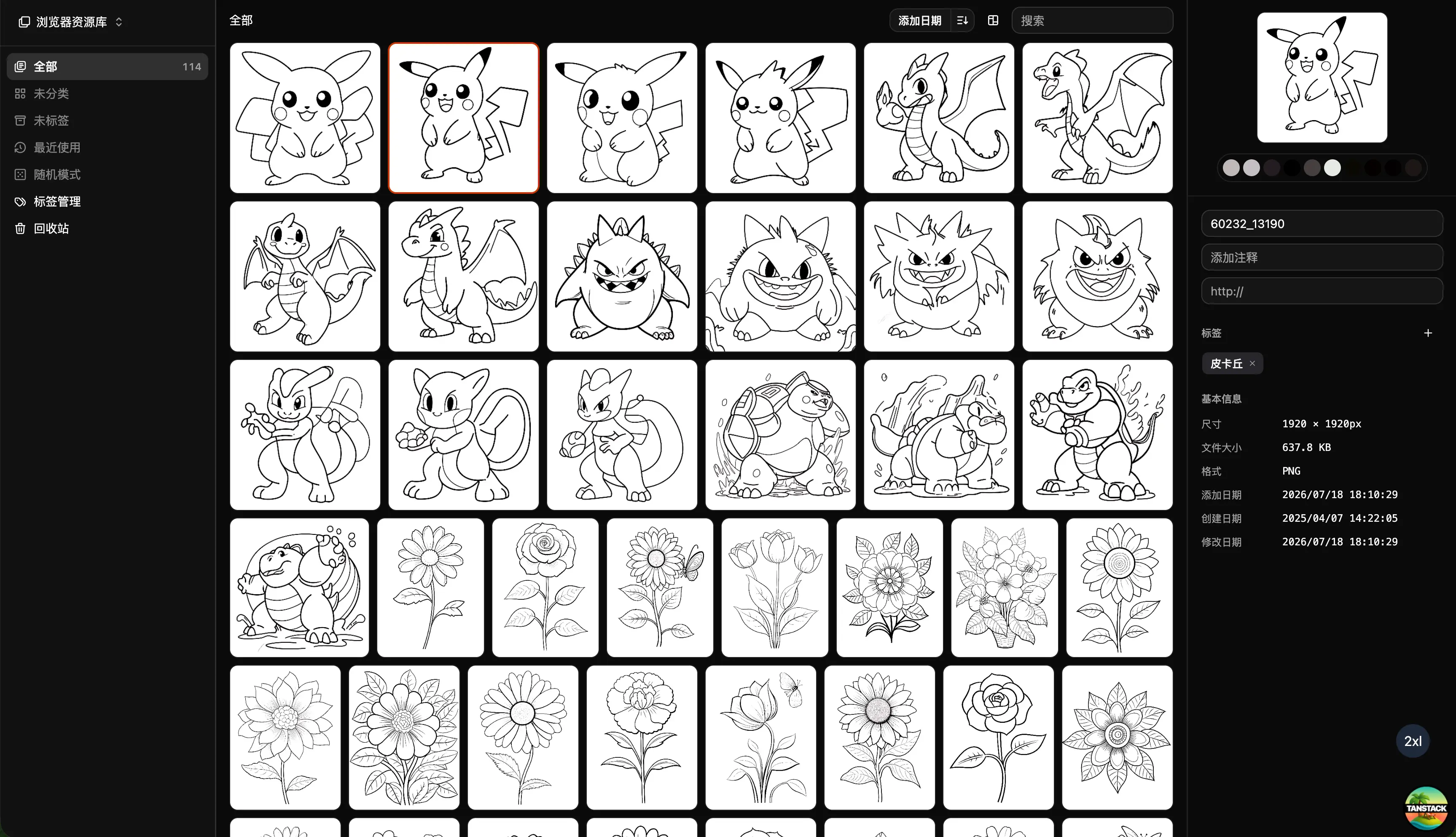
Can Inset Replace Eagle + Nutstore?
A practical comparison of Inset, Eagle, and Nutstore for image organization, file syncing, storage, browser access, image links, and object storage workflows.
2026/08/03
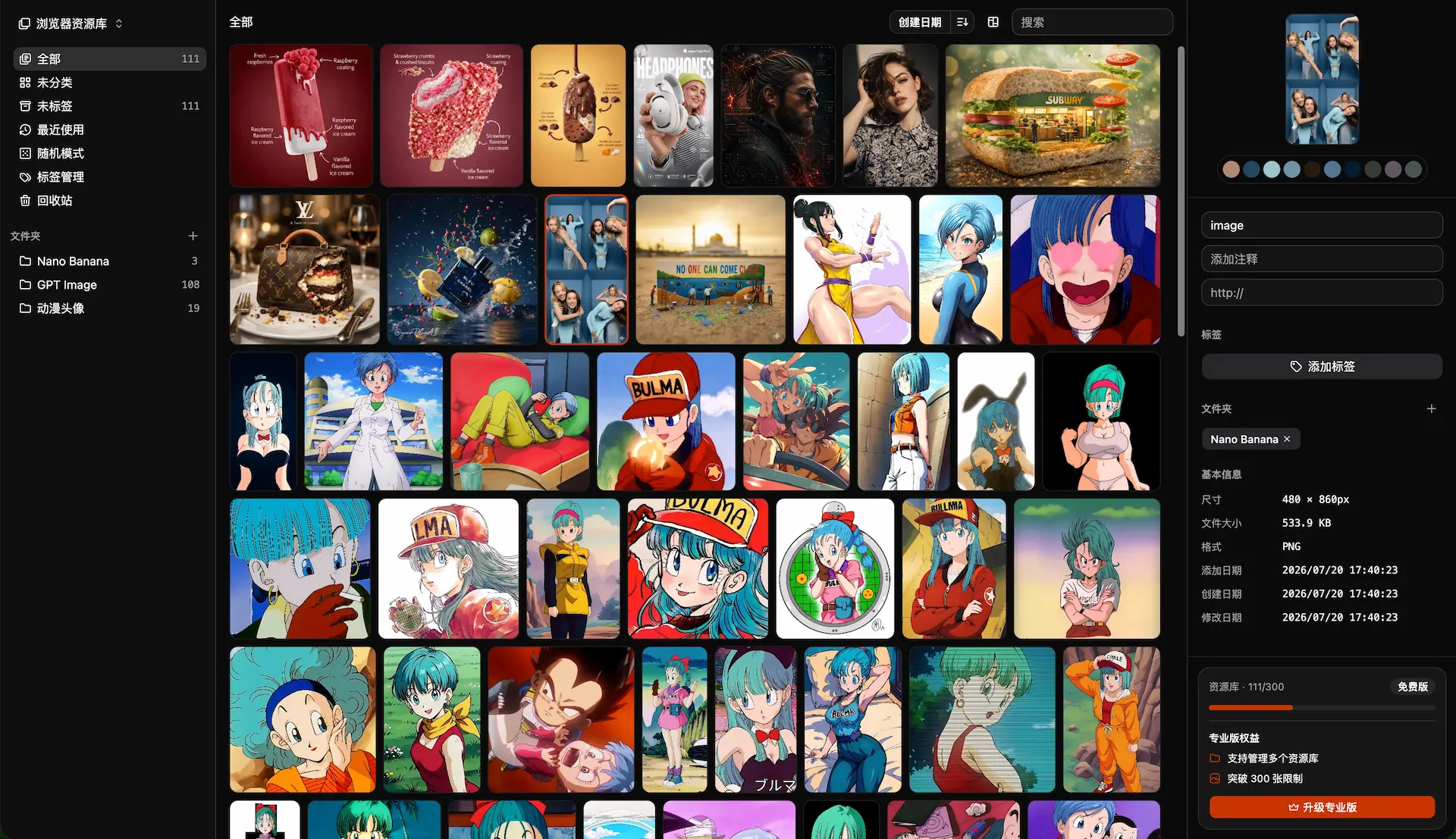
Lsky Pro vs Inset.im: Which Image Tool Should You Choose?
A practical comparison of Lsky Pro and Inset.im, covering image uploads, storage, sharing, link copying, self-hosting, asset organization, and everyday workflows.
2026/07/31
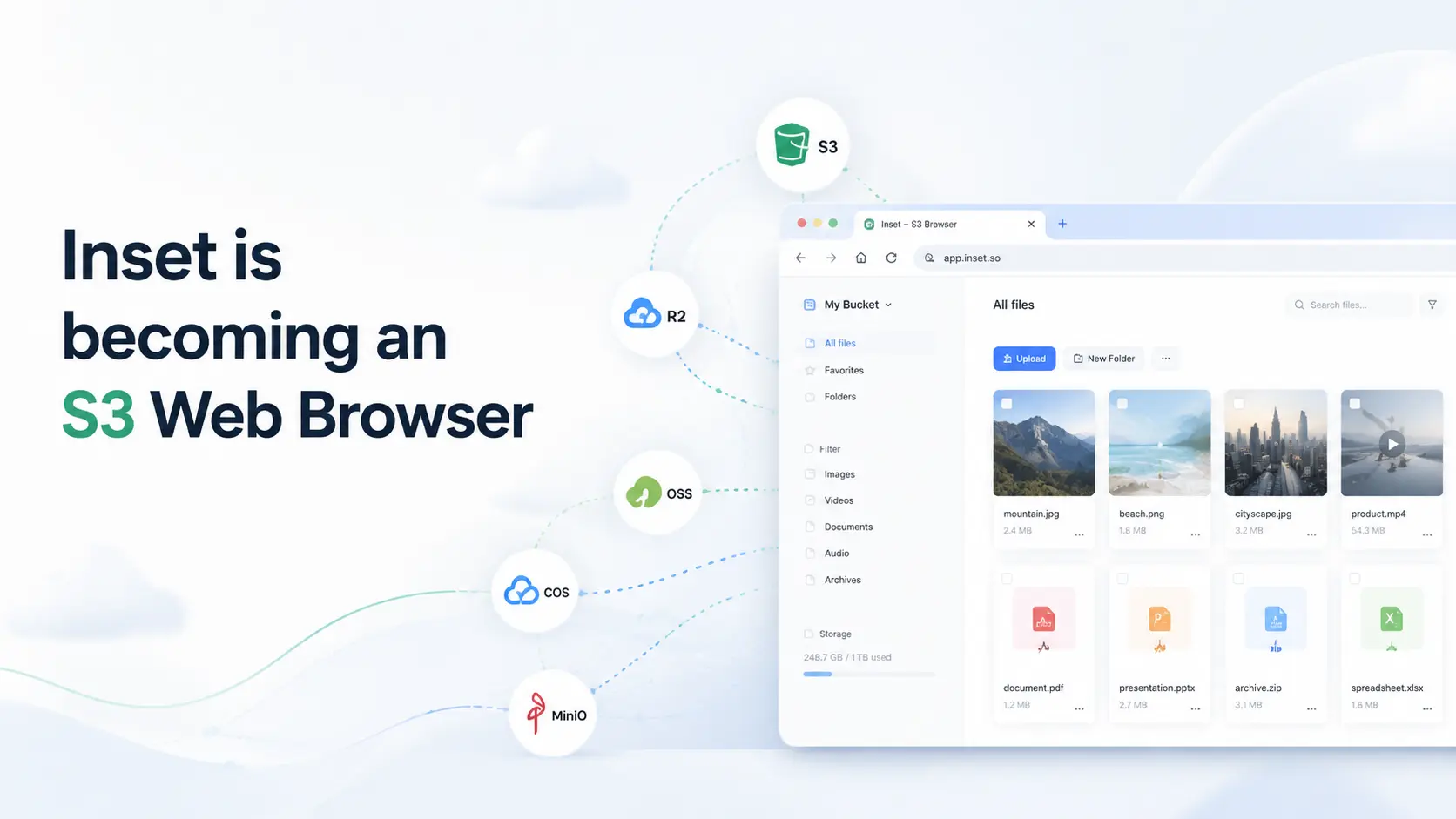
Inset is becoming an S3 Web Browser
Inset is moving from a browser-based image library toward a modern S3 Web Browser for managing cloud bucket files and visual assets online.
2026/07/26
Inset.im Batch Export Is Now Available
Export one or more images with Inset.im, convert formats, adjust quality, and resize by width, height, long edge, or short edge.
2026/07/22
How to Use a Redeem Code on Inset.im
Learn how to redeem Pro access on Inset.im, check when it becomes active, review your entitlement status, and resolve common redeem code errors.
2026/07/20
What Is the Difference Between Billfish and Inset.im
A practical comparison between Billfish and Inset.im, covering desktop asset management, browser-based image libraries, local-first storage, supported formats, organization workflows, and ideal users.
2026/07/18
Image Asset Management Tool Selection Guide
A practical guide to choosing between Eagle, Billfish, Pixcall, Adobe Bridge, and Inset.im based on library structure, local-first storage, Eagle compatibility, image processing, prompt management, and image organization scenarios.