2026/08/05
Pixcall vs Inset — Which Asset Manager Fits Your Workflow?
Compare Pixcall and Inset across local file ownership, desktop and browser workflows, cloud sync, image organization, processing, and sharing.
Pixcall and Inset both help people organize visual assets, but they are built around different centers of gravity.
Choose Pixcall if you want a desktop-first library for images, design files, video, and audio, with folders that remain visible in the operating system, official cloud sync, mobile access, and Eagle migration.
Choose Inset if you want to work in a browser, organize assets stored in Cloudflare R2, and keep image upload, search, compression, conversion, export, sharing, and link copying in one workflow.
The Quick Verdict
Pixcall is closer to a traditional desktop asset manager rebuilt around local-first principles. Its libraries map to normal folders on your computer, while a hidden .pixcall directory stores thumbnails, descriptions, links, and other library data.
Inset is a browser-based asset workspace. It offers browser and local directory libraries, plus direct asset management for Cloudflare R2. Its strongest workflows are centered on images that need to be organized, processed, published, or reused.
Neither product is universally better. Pixcall offers a broader desktop asset-management environment. Inset offers a shorter path from object storage or an image library to a usable, shareable image.
Pixcall vs Inset at a Glance
| Category | Pixcall | Inset |
|---|---|---|
| Product model | Desktop-first asset manager with mobile and web access | Browser-based asset and object storage workspace |
| Main platforms | Windows and macOS desktop clients, plus iOS, Android, and web access | Web browser |
| Storage model | Local or synchronized libraries mapped to computer folders | Browser library, local directory library, or Cloudflare R2 |
| Asset coverage | Images, design files, video, audio, and plugin-supported formats | General object storage browsing with deeper image organization and processing |
| Organization | Nested folders, tag groups, descriptions, source URLs, ratings, search, and filters | Folders, tags, name/folder/tag search, previews, notes, multi-select, and trash |
| Collection tools | File import, browser extension, built-in browser, and federated asset search | Browser upload, local directory import, and library management |
| Cross-device model | Pixcall synchronized library and cloud space | Browser access to your libraries and Cloudflare R2 assets |
| Image processing | Expandable through desktop plugins | Built-in compression, conversion, resizing, and bulk export |
| Sharing workflow | Primarily focused on library management and synchronization | Upload, store, share, and copy image links |
What Pixcall Means by an Open Library
Pixcall's most distinctive feature is the relationship between its library and the file system. Add, move, or rename a file in the library folder and Pixcall can detect the change. Organize a folder inside Pixcall and the corresponding computer folder changes as well.
This makes the original files accessible outside the app. You can inspect them in Finder or File Explorer, use third-party renaming tools, or move a complete library to another drive.
The management layer still matters. Pixcall creates a hidden .pixcall folder that stores thumbnails and library metadata. The files themselves are not locked inside a proprietary container, but deleting or damaging this system folder can affect tags, previews, descriptions, and library state.
For people who treat the desktop file system as the source of truth, this is a meaningful advantage.
Desktop Asset Manager vs Browser Asset Workspace
Pixcall extends a desktop library with a browser extension, a built-in browser, federated asset search, plugins, cloud synchronization, and companion access on mobile and the web. That combination suits designers who collect many types of references and production files from different sources.
Inset (Inset.im) is an S3 Web Browser for organizing assets that helps users browse, preview, categorize, search, and use images and files in their own object storage from the browser.
The current storage integration is Cloudflare R2. Other S3-compatible providers should not be treated as available until they are confirmed in the public product.
This difference affects the entire experience. Pixcall begins with a library folder on a desktop computer. Inset begins with a browser workspace and lets you choose a browser library, a local directory, or Cloudflare R2 depending on where the assets belong.
Where Pixcall Is Stronger
Pixcall is the stronger fit when an asset library contains much more than publishable images.
Its official feature set includes nested folders, tag groups, descriptions, source URLs, ratings, color and file filters, desktop monitoring, Eagle import, a browser extension, and plugin-based previews or tools. The Eagle importer preserves folders, tags, descriptions, source URLs, ratings, and tag groups from .library and .eaglepack files.
Pixcall also offers a synchronized library. Its official materials state that synchronized files are encrypted before transfer and remain stored as encrypted file blocks in the cloud. Mobile and web clients can access files that have reached cloud storage.
Pixcall is a better match when you need:
- a native Windows or macOS application;
- normal folders that remain usable outside the asset manager;
- a library containing PSD files, video, audio, and other asset types;
- official synchronization between desktop and companion devices;
- a more complete Eagle migration path;
- browser collection tools, federated search, or desktop plugins.
Where Inset Is Stronger
Inset is the stronger fit when images need to move from storage to publication without passing through several disconnected tools.
It supports image uploads, storage, sharing, and link copying, then adds folders, tags, previews, notes, search, and multi-select organization. Search can match image names, folder names, and tags, which is useful when a collection grows beyond a simple directory tree.
After finding an image, you can compress it, resize it, convert its format, or export multiple files together. This is especially useful for product images, article graphics, social media assets, screenshots, AI-generated images, and design references.
Inset is a better match when you need:
- a browser workflow without installing a desktop asset manager;
- a visual way to work with assets in Cloudflare R2;
- image folders, tags, notes, previews, and search;
- built-in compression, resizing, format conversion, and bulk export;
- image uploads, sharing, and copyable links;
- a focused image workflow rather than a plugin-driven multi-format library.
Web Access Is Not the Same as a Browser-First Product
Pixcall does have a web client, but its official documentation gives it a specific role: accessing a synchronized library from another device. The web client can see files that have been synchronized to Pixcall's cloud space; it cannot open a purely local library. Pixcall recommends the desktop app for regular work on a fixed computer.
Inset is browser-first. The browser is the main product environment rather than a companion interface. A browser library provides the quickest start, a local directory library keeps originals in a chosen folder, and Cloudflare R2 supports an online object storage workflow.
If offline desktop work and file-system monitoring matter most, Pixcall has the advantage. If you want the browser to be the main place where assets are organized and used, Inset is the more direct choice.
Can Inset Replace Pixcall?
It can replace part of a Pixcall workflow, but not every part.
Inset can cover organization, search, previews, notes, image processing, export, upload, sharing, and link copying for an image-focused collection. It becomes especially relevant when the collection is moving from local folders to Cloudflare R2.
It is not a direct replacement for Pixcall's desktop file monitoring, broader format support, plugin ecosystem, Eagle metadata migration, or official synchronized library across desktop and mobile clients.
The reverse is also true. Pixcall can manage and synchronize a broad asset library, but it is not designed around direct management of a user's Cloudflare R2 bucket or the same browser-first image publishing workflow.
How to Choose
Choose Pixcall when your computer folders are the foundation of the library and you want a native asset manager to add metadata, search, previews, collection tools, and synchronization without hiding the original files.
Choose Inset when the browser is your preferred workspace, your assets are in Cloudflare R2 or an image-focused library, and organization needs to connect directly to compression, conversion, export, sharing, and link use.
You may also use both. Pixcall can remain the desktop archive for mixed-format production assets, while Inset manages the image collection that needs to live in object storage and move quickly into websites, campaigns, documentation, or content publishing.
Frequently Asked Questions
Does Pixcall Have a Web App?
Yes. Pixcall's web client provides access to files that have been synchronized to its cloud space. It cannot open a purely local Pixcall library, and the official documentation recommends the desktop client for regular use on a fixed computer.
Which Product Is Better for Migrating from Eagle?
Pixcall has the clearer migration path. Its Eagle importer supports .library and .eaglepack files and preserves folders, tags, descriptions, source URLs, ratings, creation times, and tag groups. Inset is better treated as a new image and object storage workflow rather than a complete recreation of an Eagle library.
Which Product Is Better for Cloudflare R2?
Inset is the direct choice. Its current object storage workflow supports Cloudflare R2. Pixcall's official synchronization is built around Pixcall synchronized libraries and cloud space, not a direct connection to a user's R2 bucket.
Which Product Is Better for Image Compression and Conversion?
Inset provides compression, resizing, format conversion, and bulk export inside the image library workflow. Pixcall can extend desktop processing through plugins, which is more suitable when the broader asset library already lives in Pixcall.
References
All posts
2026/08/12
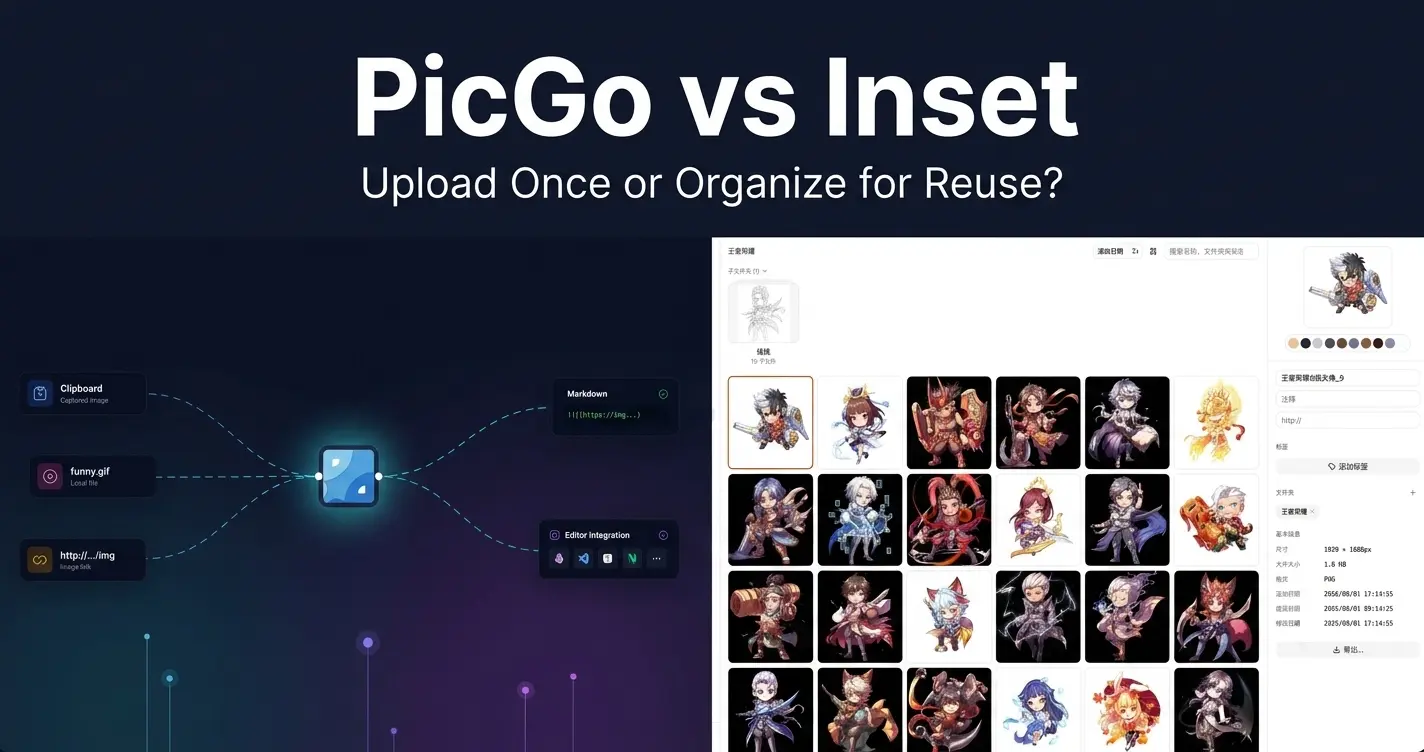
PicGo vs Inset
A practical comparison of PicGo and Inset across image uploading, link copying, asset organization, search, processing, and long-term reuse.
2026/08/11
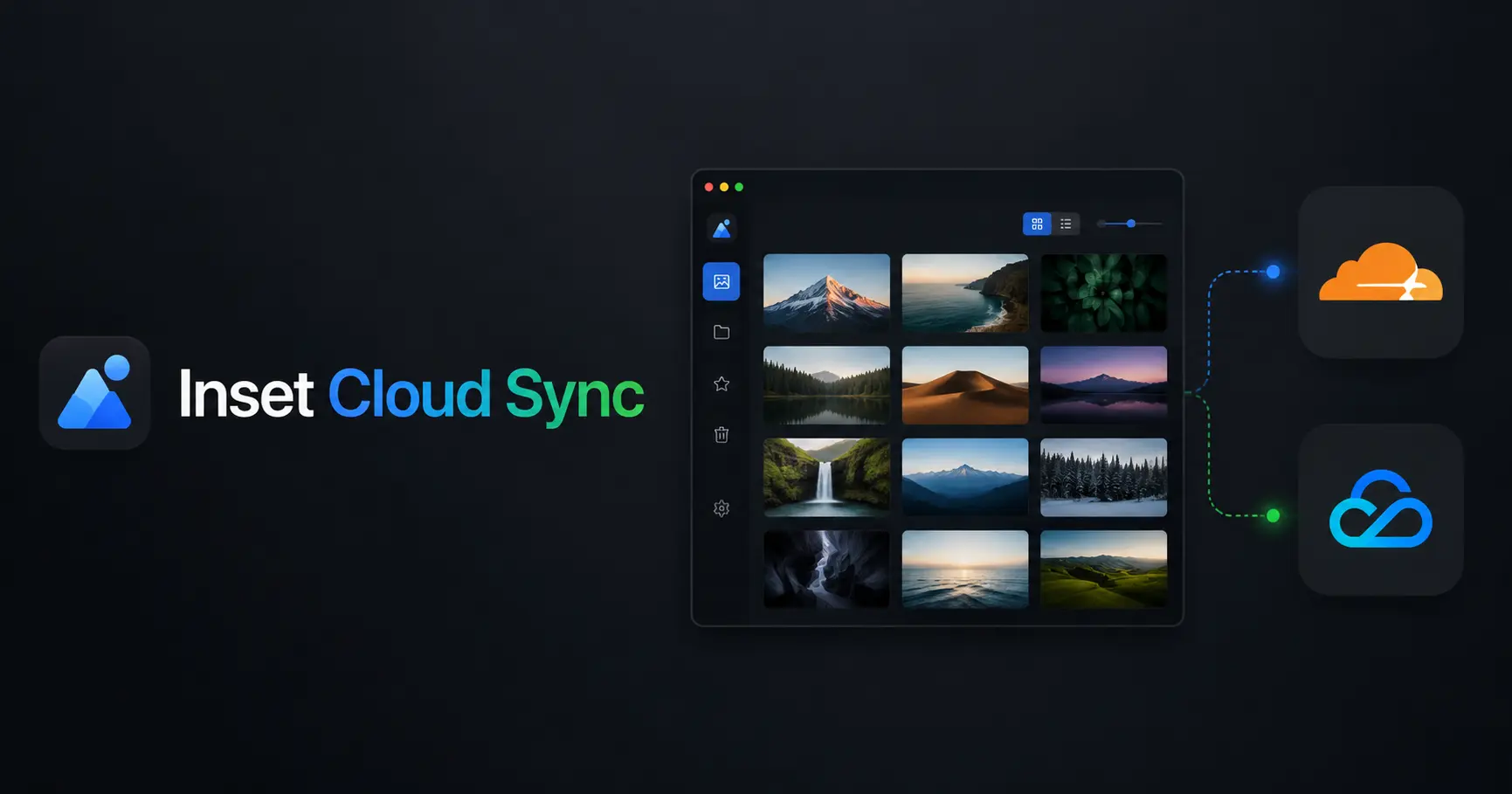
Inset Cloud Sync Is Now Available with Cloudflare R2 and Tencent Cloud COS
Inset now syncs local libraries with Cloudflare R2 and Tencent Cloud COS, with automatic sync, provider switching, and sync record recovery.
2026/08/05
What to Do When a Government Website Requires an Image Under 300KB
Use a browser-based tool to compress a JPG or PNG to under 100KB, then upload it to a government or public-service website with a 300KB file limit.
2026/08/05
Pixcall vs Inset — Which Asset Manager Fits Your Workflow?
Compare Pixcall and Inset across local file ownership, desktop and browser workflows, cloud sync, image organization, processing, and sharing.
2026/08/04
S3 Browser (Now CS Browser) vs Inset — Which Should You Choose?
Compare S3 Browser, now called CS Browser, with Inset across platforms, bucket administration, asset organization, image processing, and everyday workflows.
2026/08/03
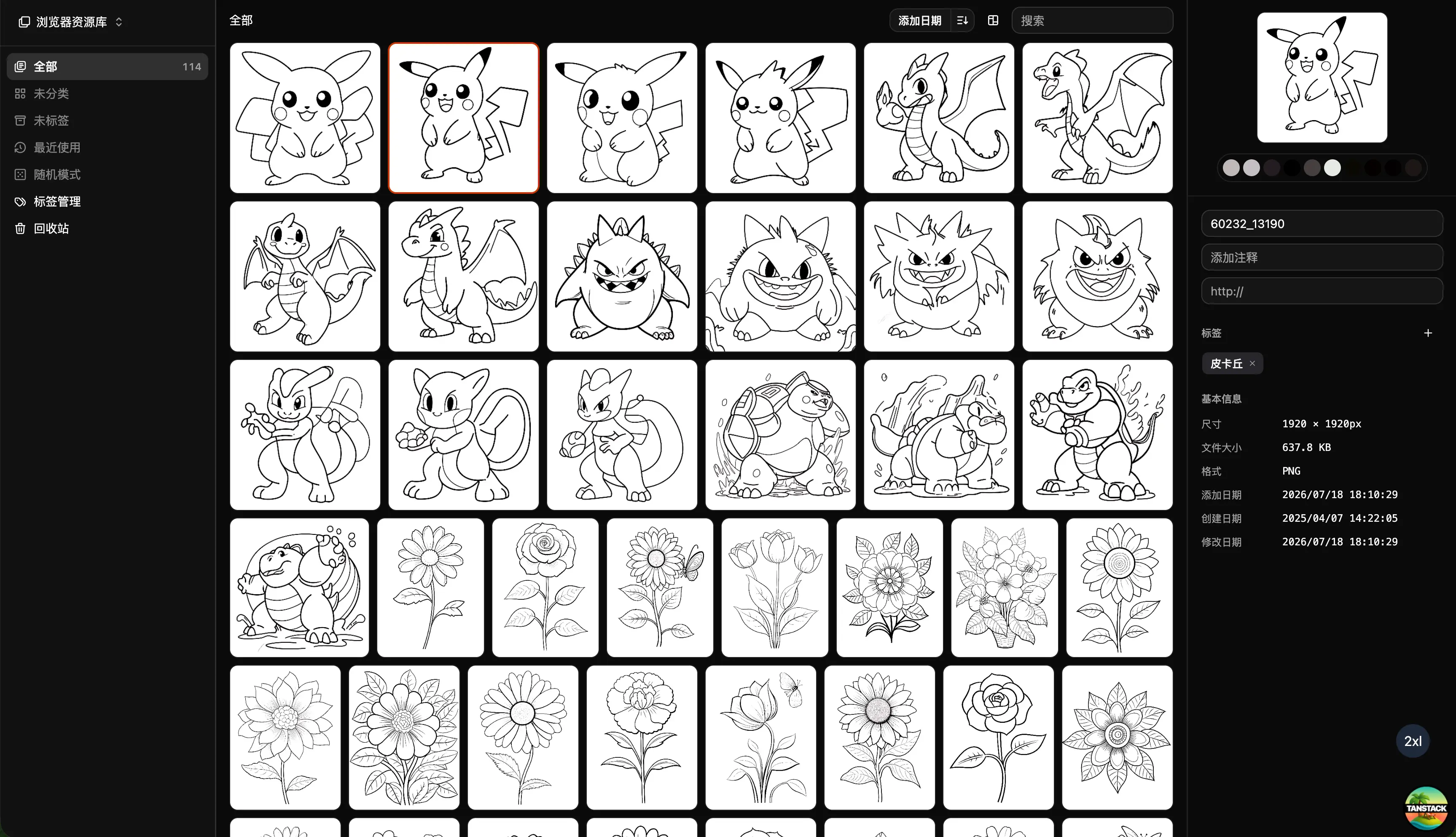
Can Inset Replace Eagle + Nutstore?
A practical comparison of Inset, Eagle, and Nutstore for image organization, file syncing, storage, browser access, image links, and object storage workflows.
2026/08/03
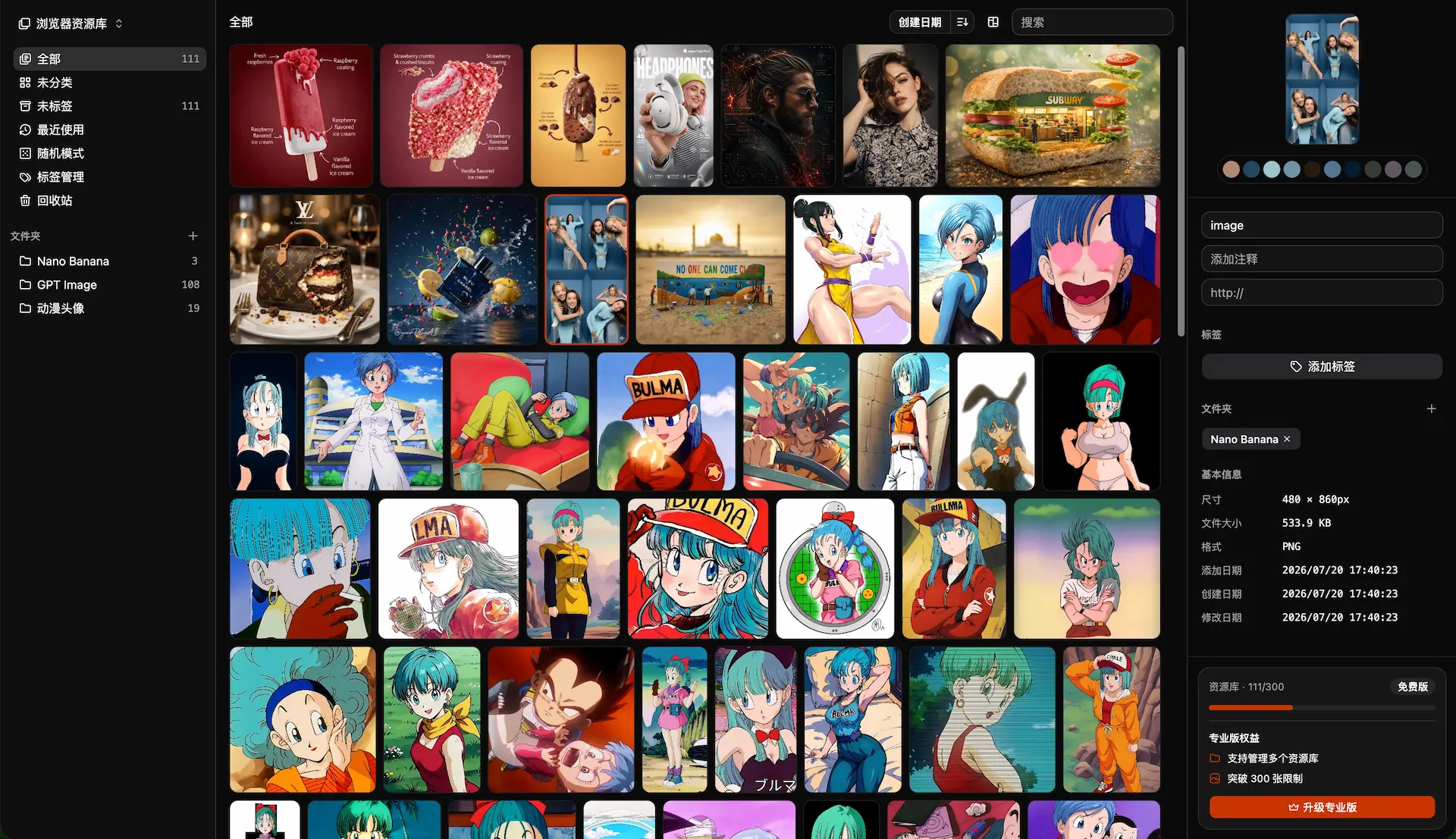
Lsky Pro vs Inset.im: Which Image Tool Should You Choose?
A practical comparison of Lsky Pro and Inset.im, covering image uploads, storage, sharing, link copying, self-hosting, asset organization, and everyday workflows.
2026/07/31
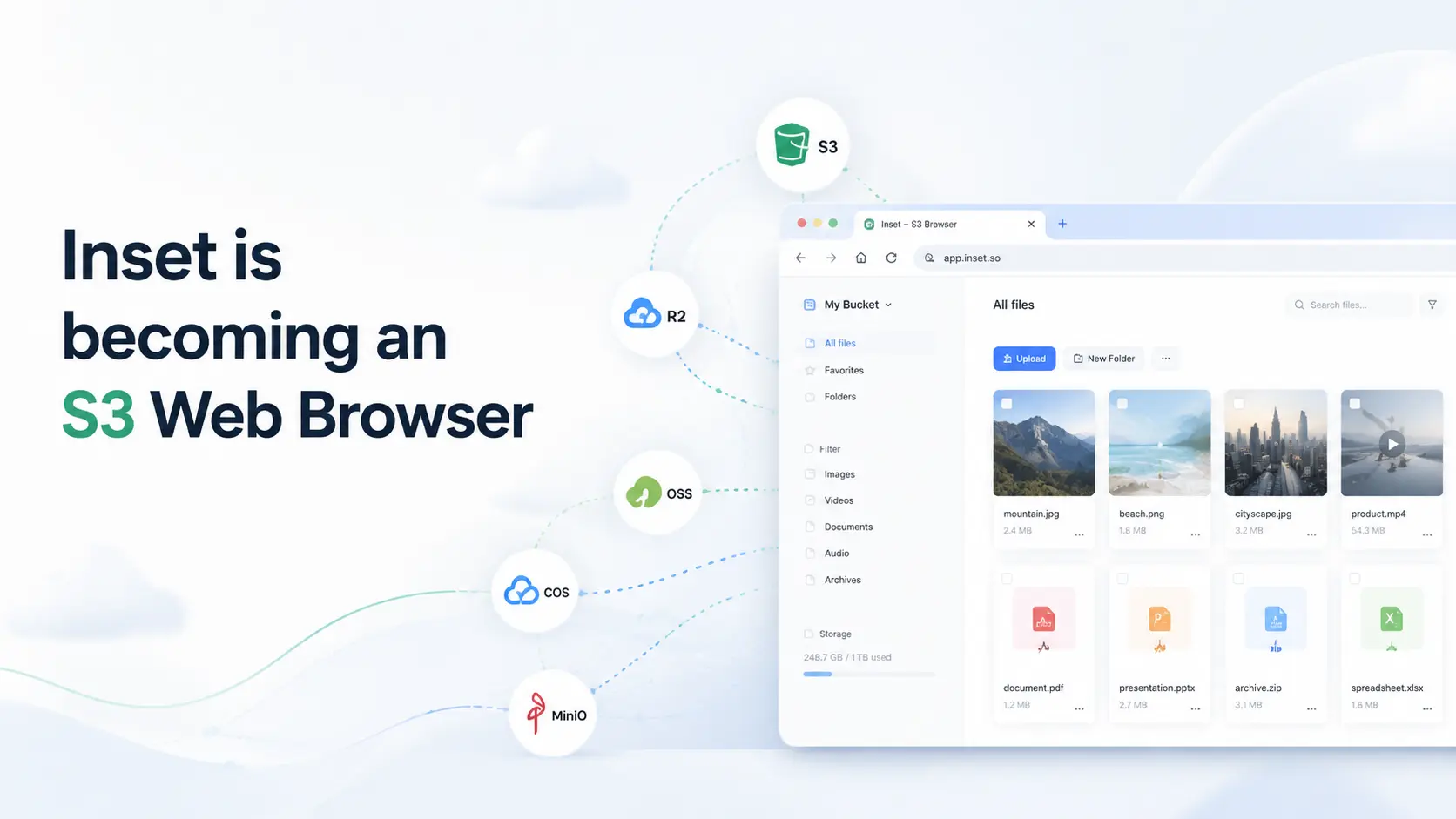
Inset is becoming an S3 Web Browser
Inset is moving from a browser-based image library toward a modern S3 Web Browser for managing cloud bucket files and visual assets online.
2026/07/26
Inset.im Batch Export Is Now Available
Export one or more images with Inset.im, convert formats, adjust quality, and resize by width, height, long edge, or short edge.
2026/07/22
How to Use a Redeem Code on Inset.im
Learn how to redeem Pro access on Inset.im, check when it becomes active, review your entitlement status, and resolve common redeem code errors.
2026/07/20
What Is the Difference Between Billfish and Inset.im
A practical comparison between Billfish and Inset.im, covering desktop asset management, browser-based image libraries, local-first storage, supported formats, organization workflows, and ideal users.
2026/07/18
Image Asset Management Tool Selection Guide
A practical guide to choosing between Eagle, Billfish, Pixcall, Adobe Bridge, and Inset.im based on library structure, local-first storage, Eagle compatibility, image processing, prompt management, and image organization scenarios.