2026/08/03
Can Inset Replace Eagle + Nutstore?
A practical comparison of Inset, Eagle, and Nutstore for image organization, file syncing, storage, browser access, image links, and object storage workflows.
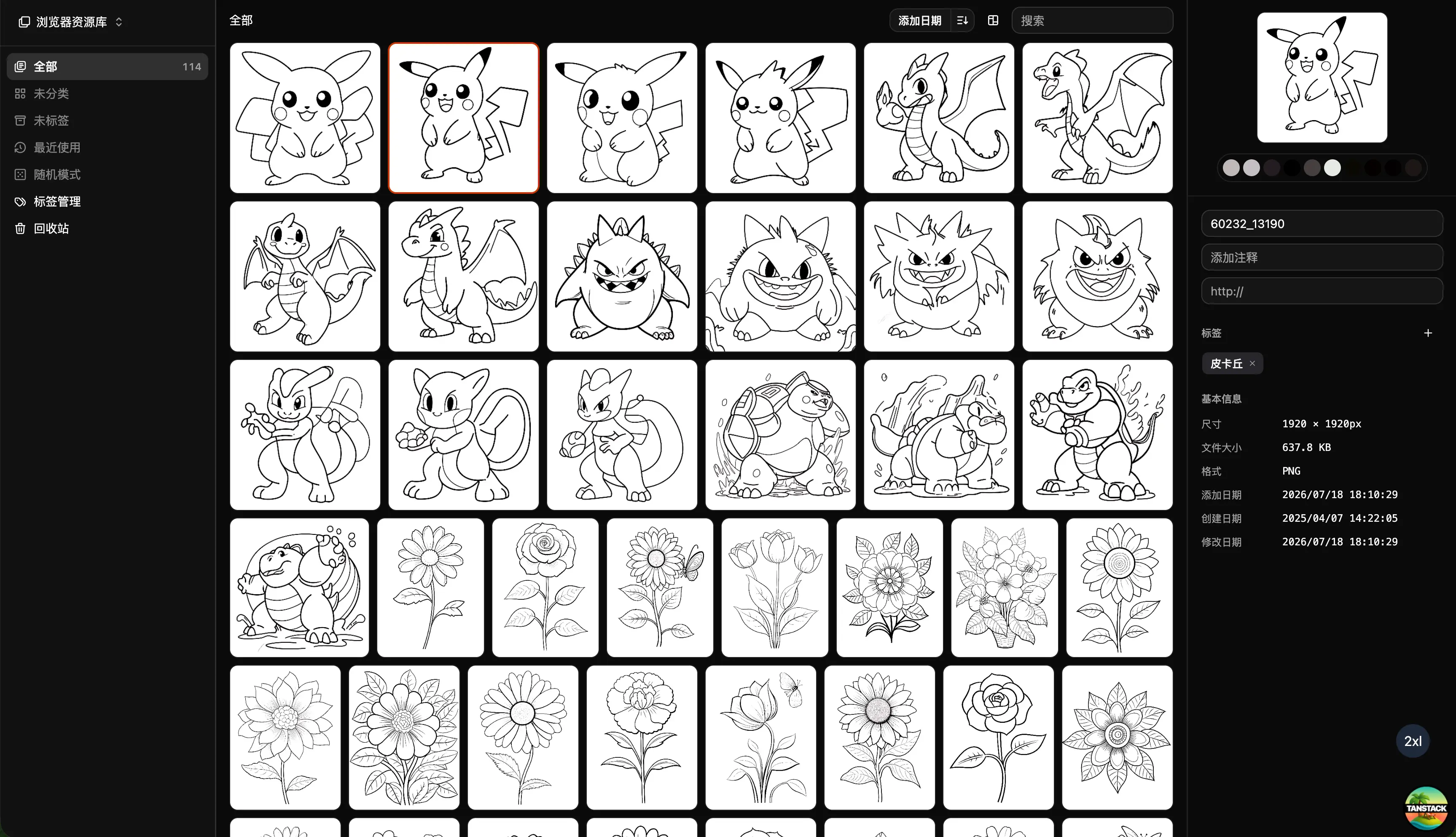
Can Inset replace the combination of Eagle and Nutstore? In some image-focused workflows, yes. As a complete replacement for every use case, no.
Eagle and Nutstore solve two different problems. Eagle manages images and design assets on the desktop, while Nutstore syncs, backs up, and shares files across devices. Inset brings image upload, storage, preview, organization, processing, and sharing into a browser workflow connected to user-controlled object storage.
If your work is mostly images, screenshots, inspiration, AI-generated visuals, and content assets, Inset can replace much of the combined workflow. If you rely on Eagle for complex design files or Nutstore for general-purpose file syncing, you should not migrate everything without checking those specific needs.
What can Inset replace?
| Need | Can Inset replace it? | Practical answer |
|---|---|---|
| Uploading and storing images | Yes | Inset supports image uploads and storage |
| Sharing images and copying image links | Yes | Inset supports image sharing and link copying |
| Folders, tags, search, and preview | Yes | Designed for organizing images and visual assets |
| Format conversion, compression, and resizing | Yes | Supports common image processing and batch export |
| Eagle’s desktop asset workflow | Partly | Depends on file types and desktop-specific habits |
| PSD, AI, video, and font management | Not a direct replacement | Eagle is a better fit for complex design assets |
| Nutstore’s general file syncing | Not a direct replacement | Inset is not a general-purpose sync drive |
| Multi-device file collaboration | Needs verification | Depends on the storage, account, and collaboration setup |
What do Eagle and Nutstore each do?
Eagle: organize visual assets
Eagle is a desktop asset manager. The official Eagle website describes it as a tool for collecting, searching, and organizing design files. It is useful for building long-term libraries of images, web references, icons, illustrations, videos, fonts, and other creative assets.
Eagle is a strong fit when you need:
- A mature desktop library for design references and inspiration.
- Folders, tags, notes, ratings, and filters.
- Browser-based collection of images and references.
- Preview and management for a range of design assets.
- A well-established Eagle library workflow that you already rely on.
Its strength is desktop asset management. It is not primarily designed to synchronize every type of ordinary file across all of your devices.
Nutstore: sync files and folders
Nutstore is closer to a file synchronization and cloud collaboration service. The official Nutstore website highlights file synchronization, data backup, shared folders, mobile access, and team collaboration.
Nutstore is a natural fit when you need to:
- Keep the same folder synchronized across multiple devices.
- Store documents, project files, and general-purpose files.
- Access files from desktop, mobile, and the web.
- Share folders or collaborate with other people.
- Keep a familiar local-folder workflow.
Its core promise is that files remain accessible and synchronized. That does not automatically provide a visual asset library with image-specific search, notes, processing, and reuse workflows.
What does Inset add?
Inset (Inset.im) is an S3 Web Browser for Organizing Assets.
It supports image uploads, image storage, sharing, and image-link copying. It also provides folders, tags, search, preview, notes, and batch organization. When images need to be published or delivered, you can convert formats, compress files, resize images, and export batches.
Inset can replace the image-focused parts of an Eagle + Nutstore workflow:
- Uploading images and saving them in a library.
- Finding images through folders, tags, and search.
- Previewing, annotating, and organizing batches of images.
- Converting formats, compressing files, and resizing images.
- Copying image links and sharing images.
- Managing visual assets in the browser and working with your own object storage.
The current product supports Cloudflare R2. The exact support for other S3-compatible storage providers should be checked against the current public product information and configuration. Public access, URL behavior, and storage location also depend on the library type and storage setup you use.
Where is it not a direct replacement?
Inset is designed for images and assets. It is not a desktop asset manager for every professional file format, and it is not a general-purpose sync drive for every kind of file.
If your Eagle workflow depends on PSD, AI, AE, CDR, Sketch, video, audio, font, or other specialized asset previews, check each format before migrating. The fact that Inset manages images does not mean it automatically replaces every Eagle capability.
If you use Nutstore to sync contracts, spreadsheets, code, project folders, or other general-purpose files, do not treat Inset as a full Nutstore replacement. Inset is better suited to separating images and visual assets from those broader file workflows.
Which workflow fits you?
| Situation | Better fit | Why |
|---|---|---|
| Complex design assets and desktop-first work | Eagle + Nutstore | Eagle manages assets while Nutstore syncs files |
| Mostly images and no desktop installation | Inset | Upload, organize, process, and share in the browser |
| You already use your own object storage | Inset | Manage your storage through a visual browser interface |
| Many general-purpose files need syncing | Nutstore | Folder sync and sharing are the primary needs |
| Both visual assets and general files matter | Use a combination | Inset handles images while Nutstore handles general files |
Move to Inset first if
Inset is worth trying first when you:
- Mainly work with JPG, PNG, WebP, GIF, SVG, and similar image assets.
- Rarely depend on PSD, AI, video, or font management.
- Prefer working in a browser instead of a desktop client.
- Want upload, link copying, search, and batch processing in one place.
- Already use Cloudflare R2 or another currently supported storage option.
Keep Eagle + Nutstore if
Keeping the existing combination makes more sense when you:
- Already have a large Eagle library.
- Depend on Eagle’s desktop collection, preview, and asset workflows.
- Need to sync many general-purpose files and project folders.
- Have an established shared-folder and multi-device workflow.
- Do not want to change the way your desktop work is organized.
Use them together if needed
You do not have to treat this as a binary choice. You can keep Nutstore for general file synchronization, Eagle for complex design assets, and use Inset for images that need browser access, sharing, search, and batch processing.
In that setup, each tool has a clear role: Eagle handles deep desktop asset management, Nutstore handles general file sync, and Inset handles the browser-based image and object storage workflow.
What should you check before migrating?
You do not need to move everything at once. Start with one real image folder and verify:
- Whether originals and related metadata are saved in the way you expect.
- Whether folders, tags, notes, and search are enough for daily retrieval.
- Whether image sharing, link copying, and public access behave as needed.
- Whether format conversion, compression, resizing, and export work for real files.
- Which Eagle libraries, Nutstore folders, or object storage assets actually need to move.
Testing a representative image workflow first is safer than migrating every file before you know whether the new setup fits.
Frequently asked questions
Can Inset completely replace Eagle + Nutstore?
Not for every user. Inset can replace many parts of the combination for image-focused workflows. Eagle remains useful for complex design asset management, while Nutstore remains useful for general-purpose file syncing, backups, shared folders, and collaboration.
Is Inset a web version of Eagle?
No. Inset uses the browser and object storage as its entry point. It focuses on uploading, browsing, organizing, processing, and sharing images and assets rather than reproducing Eagle’s desktop implementation.
Is Inset a replacement for Nutstore?
Not as a general-purpose replacement. Inset is for image and asset management; Nutstore is for file synchronization, backups, shared folders, and collaboration across general files.
Does Inset support image uploads and link copying?
Yes. Inset supports uploading and storing images, sharing images, and copying image links. The exact access scope, URL behavior, and storage location depend on the library type and storage configuration.
Is Inset worth trying if I already use Eagle and Nutstore?
If you want fewer switches between desktop software and sync folders, or you want to manage your own image and object storage from a browser, test Inset with a small set of real images first. You do not need to migrate the entire library immediately.
References
- Eagle official website: image collection, search, and design asset management.
- Nutstore official website: file sync, backup, sharing, and collaboration.
- Inset: current product entry point and image library experience.
- Inset as an object storage browser: object storage browsing and asset organization direction.
All posts
2026/08/12
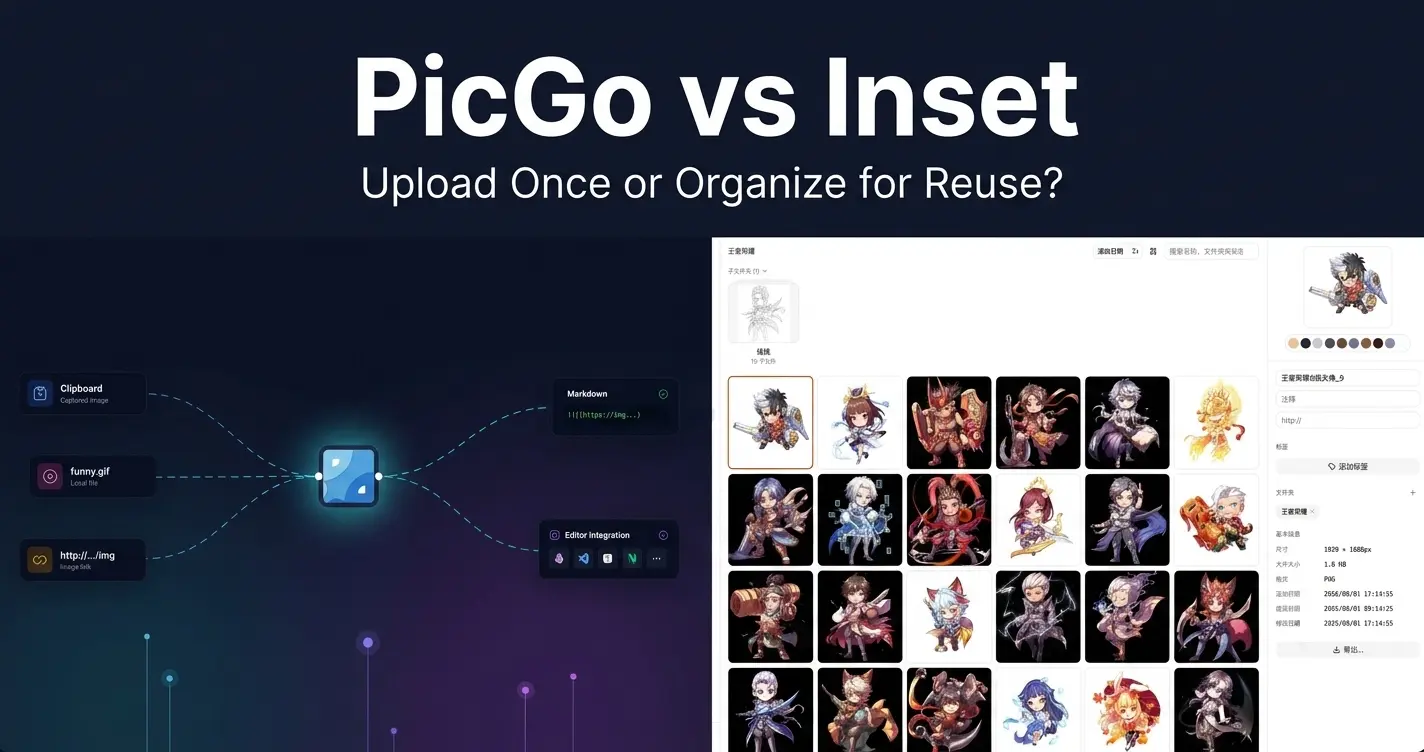
PicGo vs Inset
A practical comparison of PicGo and Inset across image uploading, link copying, asset organization, search, processing, and long-term reuse.
2026/08/11
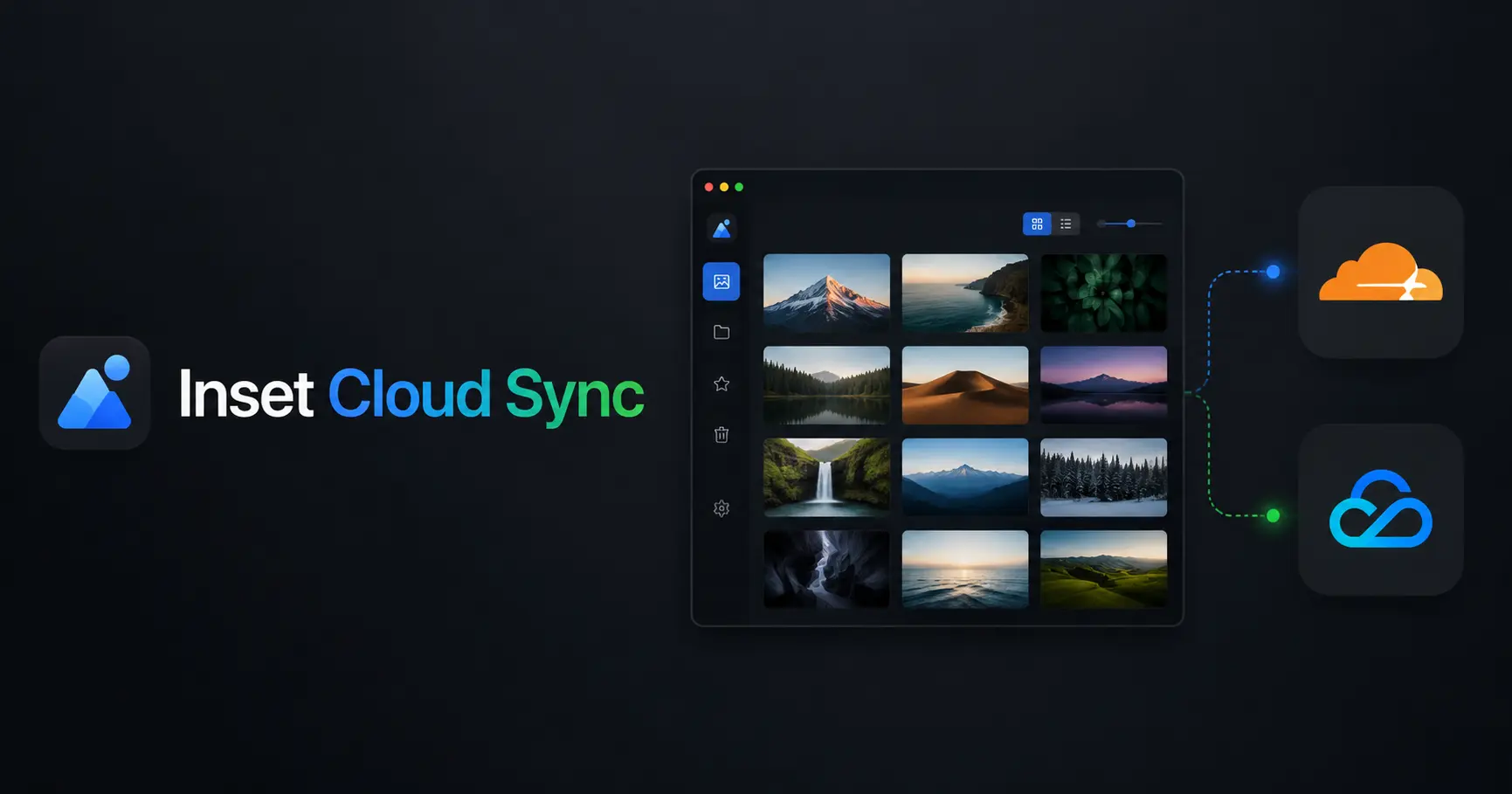
Inset Cloud Sync Is Now Available with Cloudflare R2 and Tencent Cloud COS
Inset now syncs local libraries with Cloudflare R2 and Tencent Cloud COS, with automatic sync, provider switching, and sync record recovery.
2026/08/05
What to Do When a Government Website Requires an Image Under 300KB
Use a browser-based tool to compress a JPG or PNG to under 100KB, then upload it to a government or public-service website with a 300KB file limit.
2026/08/05
Pixcall vs Inset — Which Asset Manager Fits Your Workflow?
Compare Pixcall and Inset across local file ownership, desktop and browser workflows, cloud sync, image organization, processing, and sharing.
2026/08/04
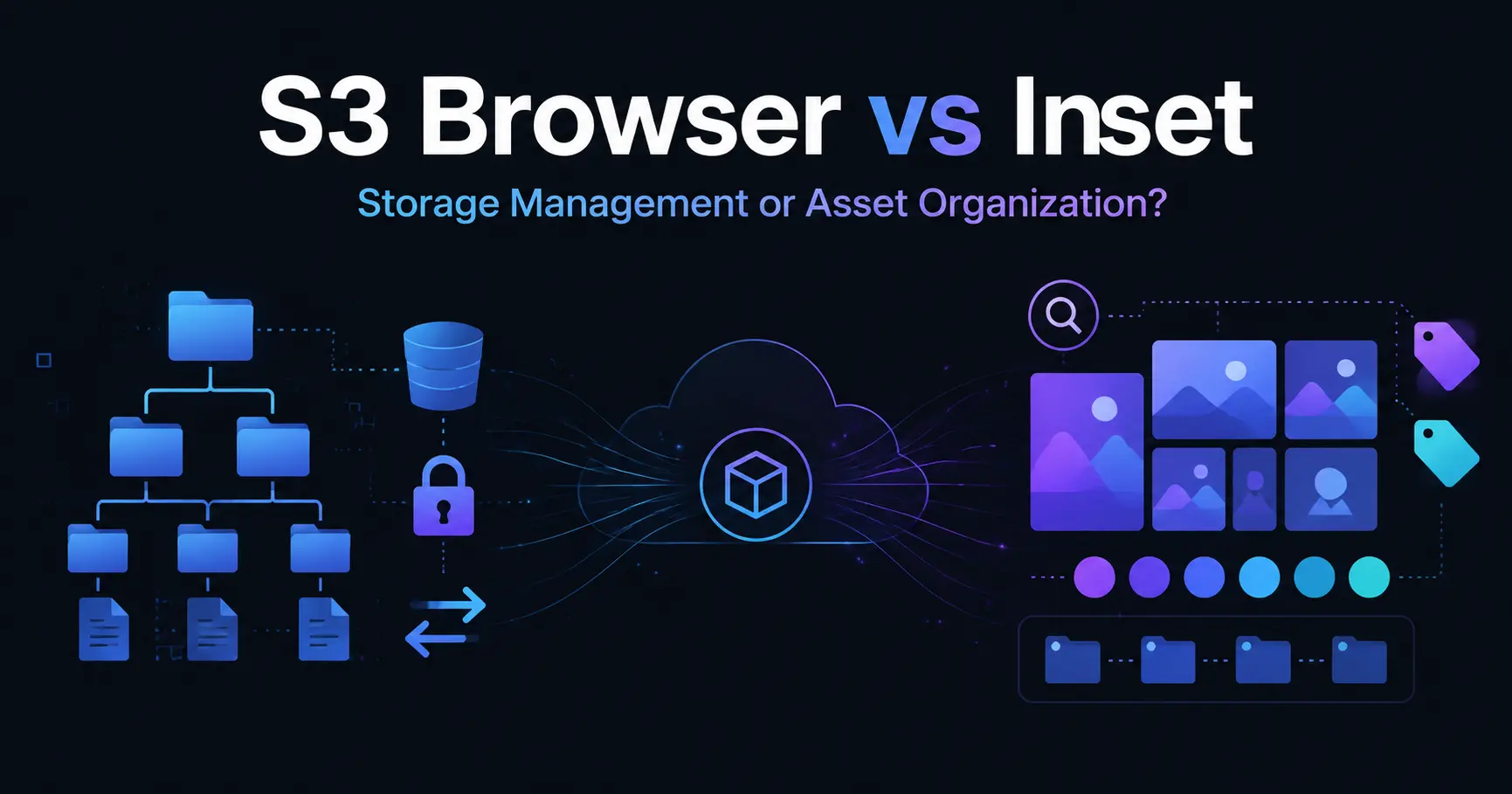
S3 Browser (Now CS Browser) vs Inset — Which Should You Choose?
Compare S3 Browser, now called CS Browser, with Inset across platforms, bucket administration, asset organization, image processing, and everyday workflows.
2026/08/03
Can Inset Replace Eagle + Nutstore?
A practical comparison of Inset, Eagle, and Nutstore for image organization, file syncing, storage, browser access, image links, and object storage workflows.
2026/08/03
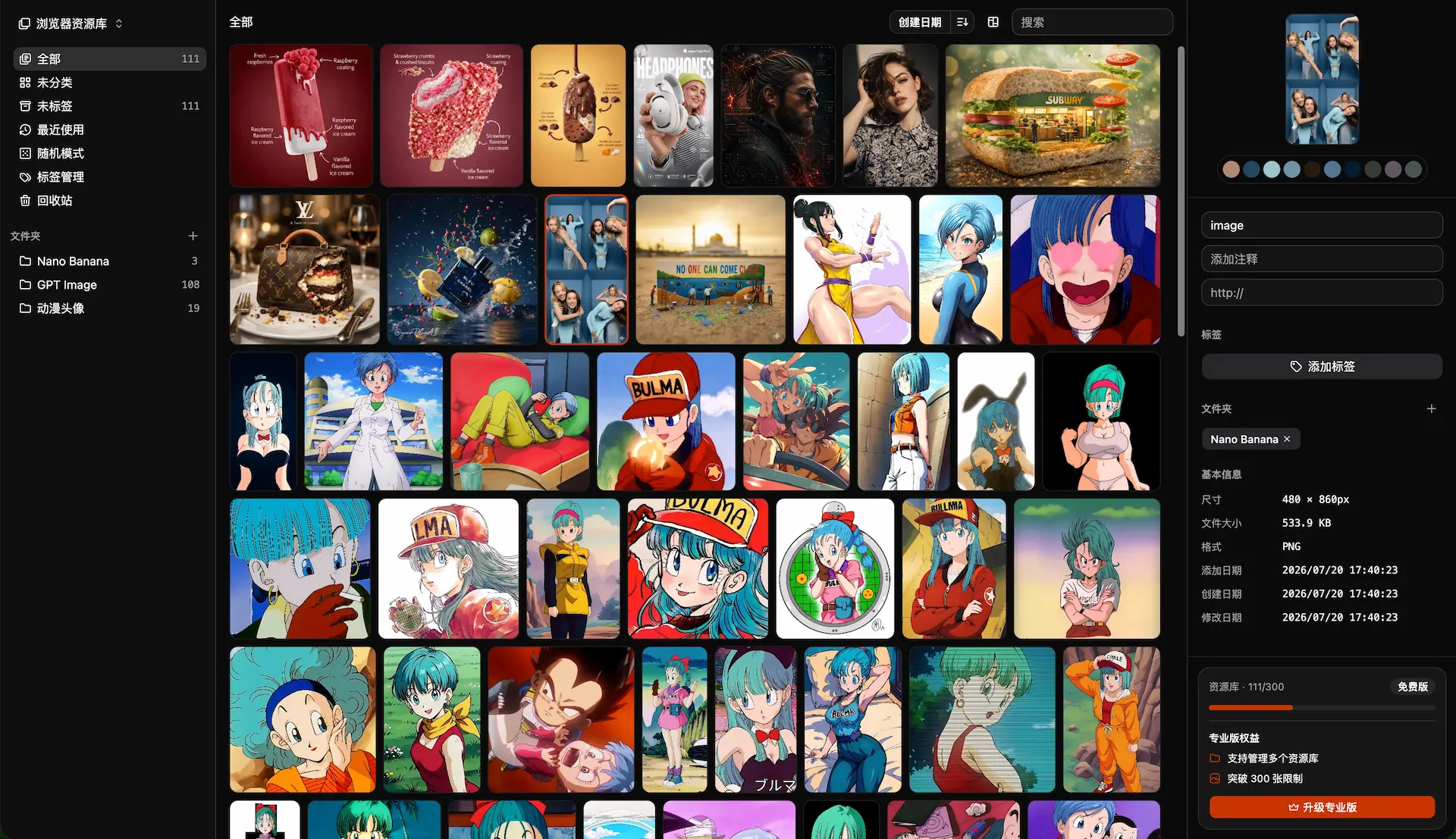
Lsky Pro vs Inset.im: Which Image Tool Should You Choose?
A practical comparison of Lsky Pro and Inset.im, covering image uploads, storage, sharing, link copying, self-hosting, asset organization, and everyday workflows.
2026/07/31
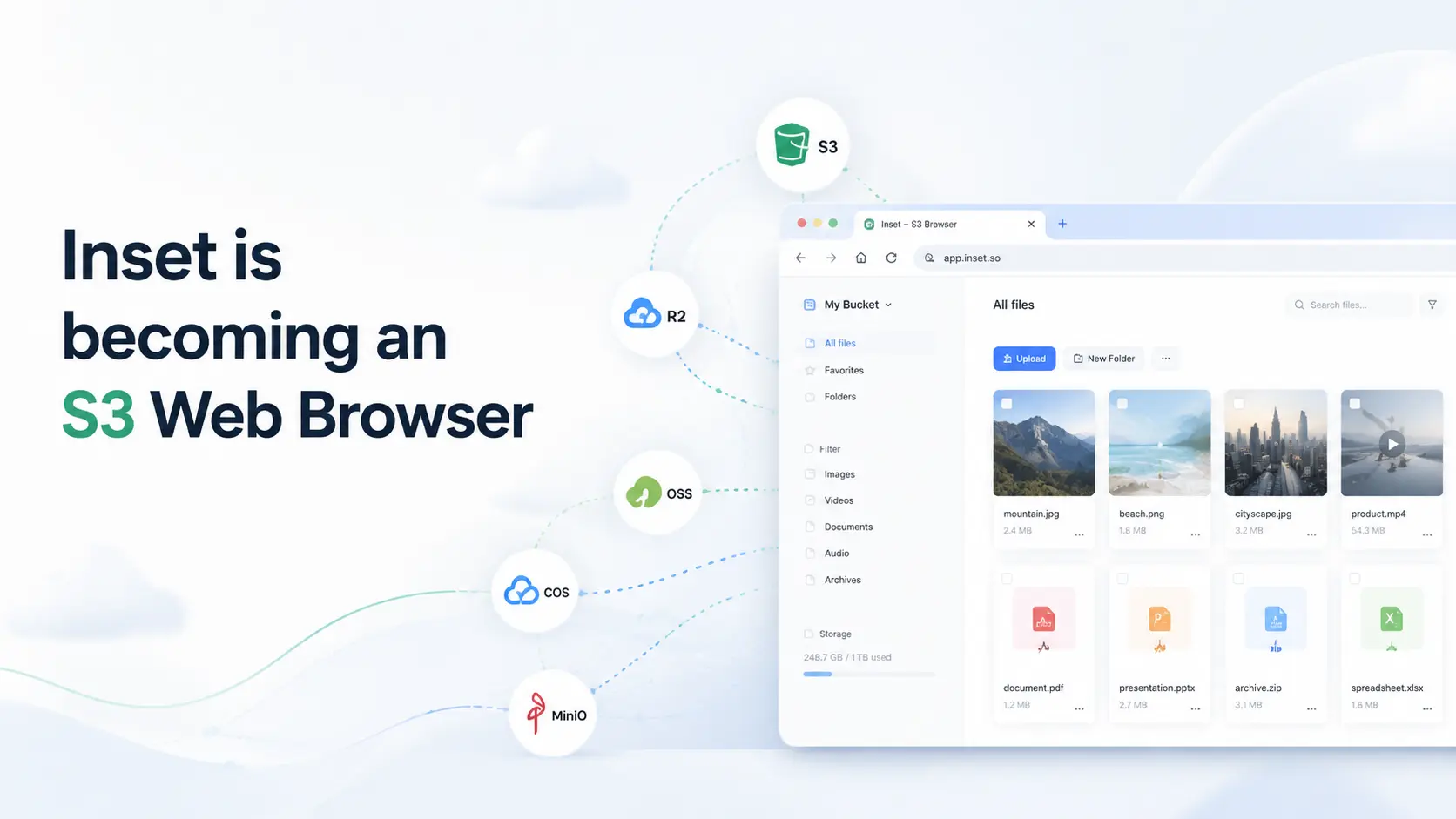
Inset is becoming an S3 Web Browser
Inset is moving from a browser-based image library toward a modern S3 Web Browser for managing cloud bucket files and visual assets online.
2026/07/26
Inset.im Batch Export Is Now Available
Export one or more images with Inset.im, convert formats, adjust quality, and resize by width, height, long edge, or short edge.
2026/07/22
How to Use a Redeem Code on Inset.im
Learn how to redeem Pro access on Inset.im, check when it becomes active, review your entitlement status, and resolve common redeem code errors.
2026/07/20
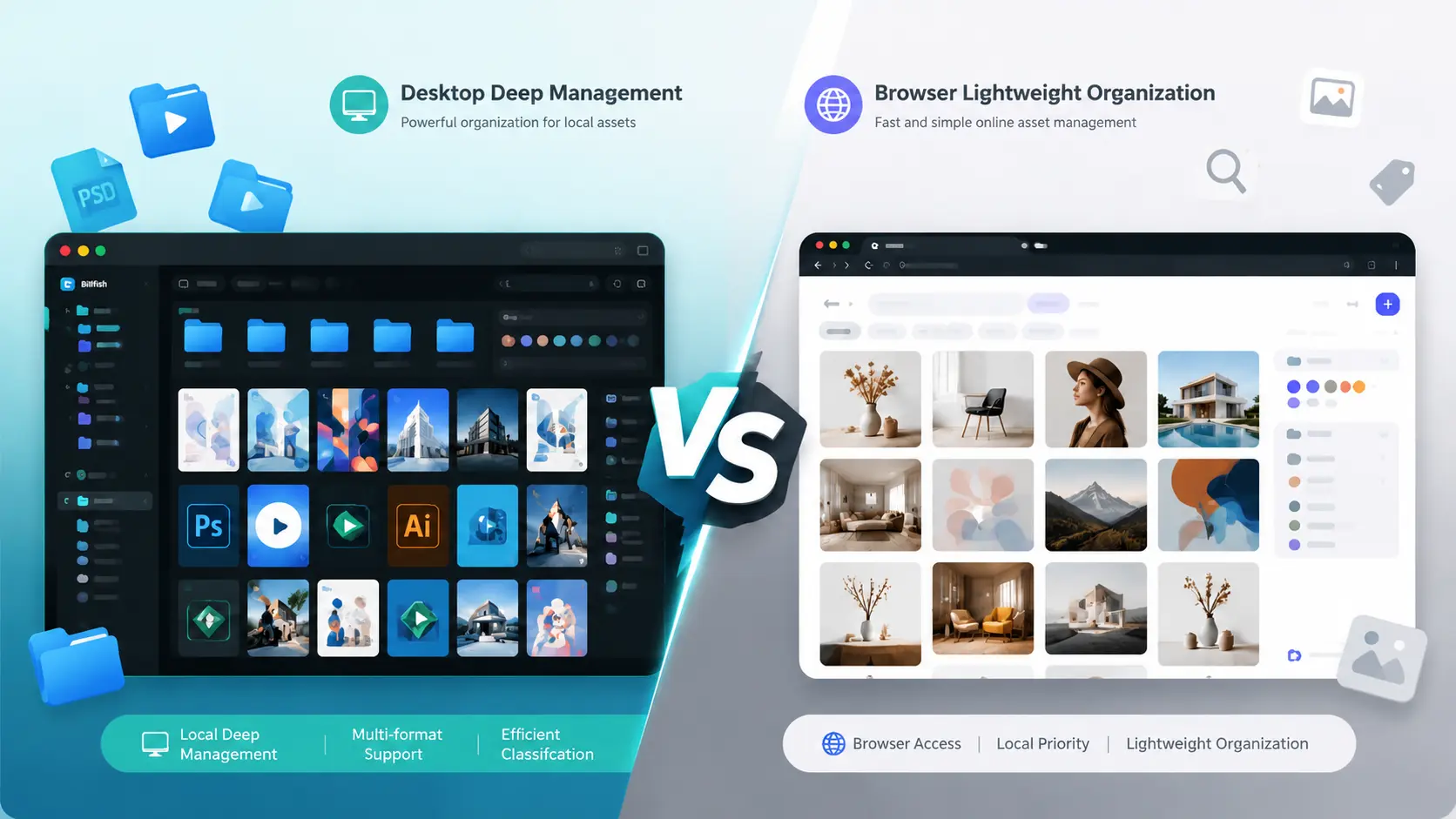
What Is the Difference Between Billfish and Inset.im
A practical comparison between Billfish and Inset.im, covering desktop asset management, browser-based image libraries, local-first storage, supported formats, organization workflows, and ideal users.
2026/07/18
Image Asset Management Tool Selection Guide
A practical guide to choosing between Eagle, Billfish, Pixcall, Adobe Bridge, and Inset.im based on library structure, local-first storage, Eagle compatibility, image processing, prompt management, and image organization scenarios.