2026/07/22
How to Use a Redeem Code on Inset.im
Learn how to redeem Pro access on Inset.im, check when it becomes active, review your entitlement status, and resolve common redeem code errors.
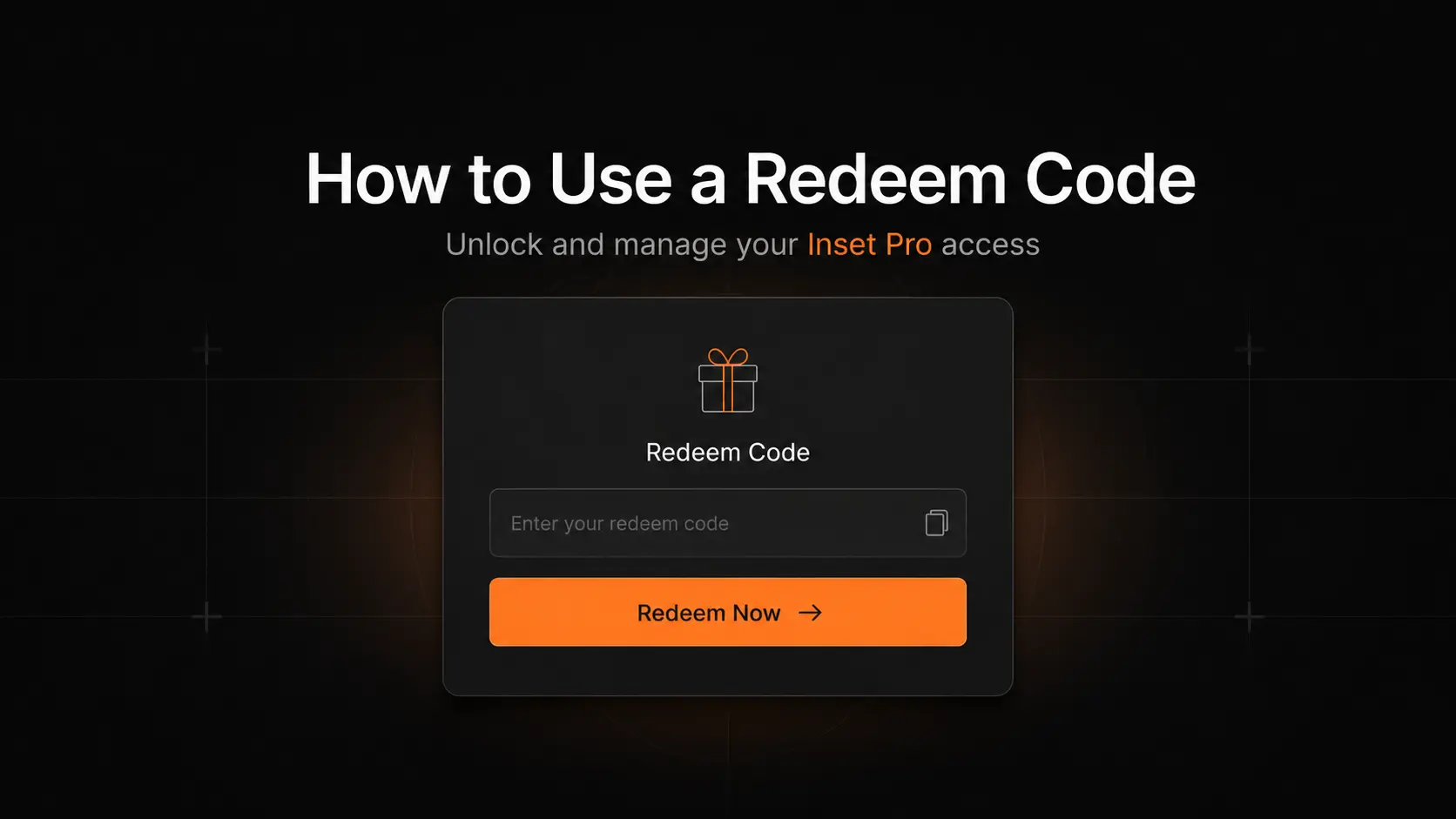
Before you begin
You need:
- An Inset.im account that is already signed in.
- A redeem code that has not been used and is still valid.
Redeemed access is linked to the account currently signed in. Before submitting the code, make sure you are using the account that should receive the Pro access.
Step 1: Open the redeem dialog
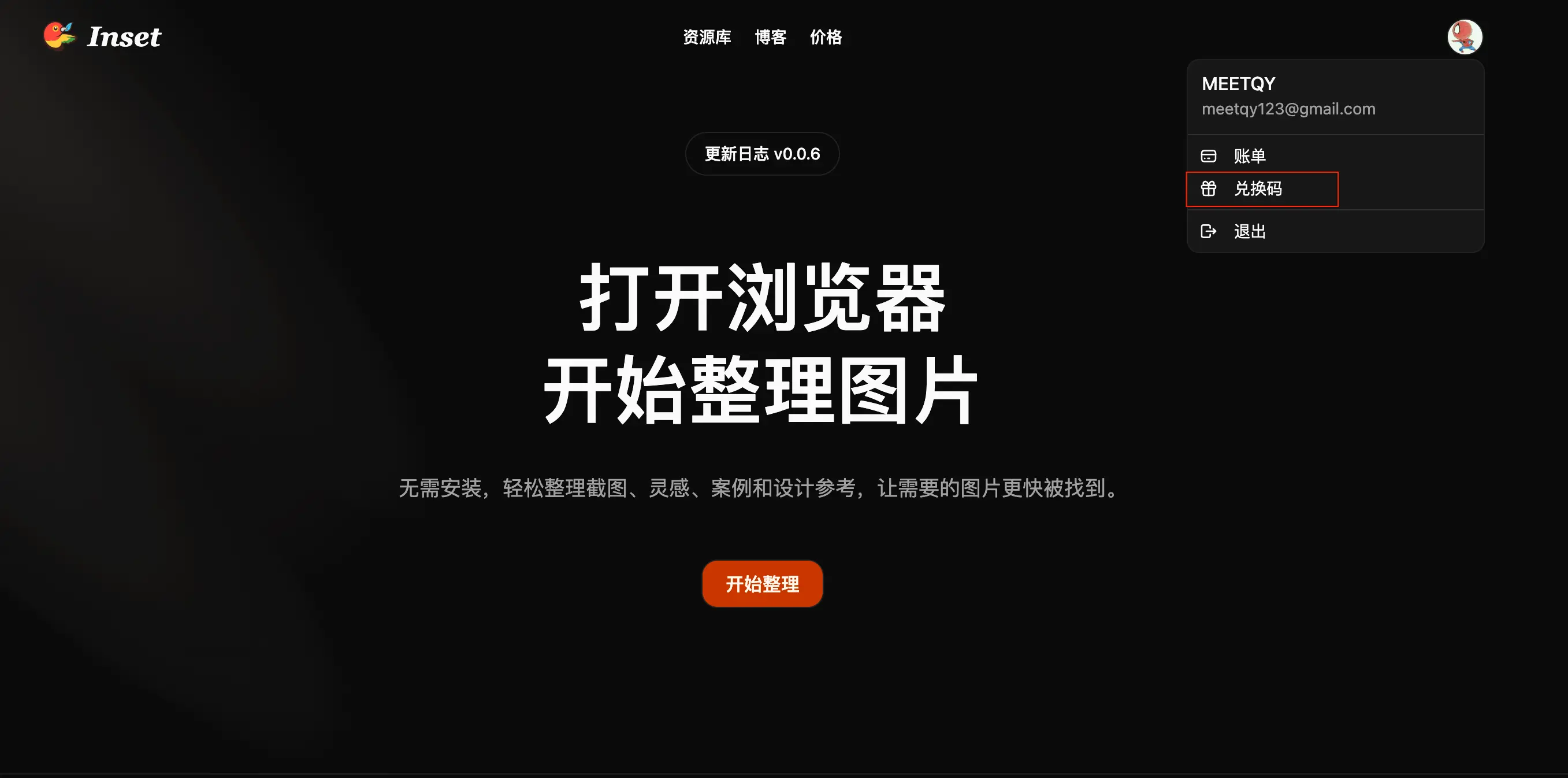
After signing in to Inset.im, select your avatar in the top-right corner. From the image library, you can also select your account at the bottom of the sidebar.
Choose Redeem code from the user menu.
Step 2: Enter your code
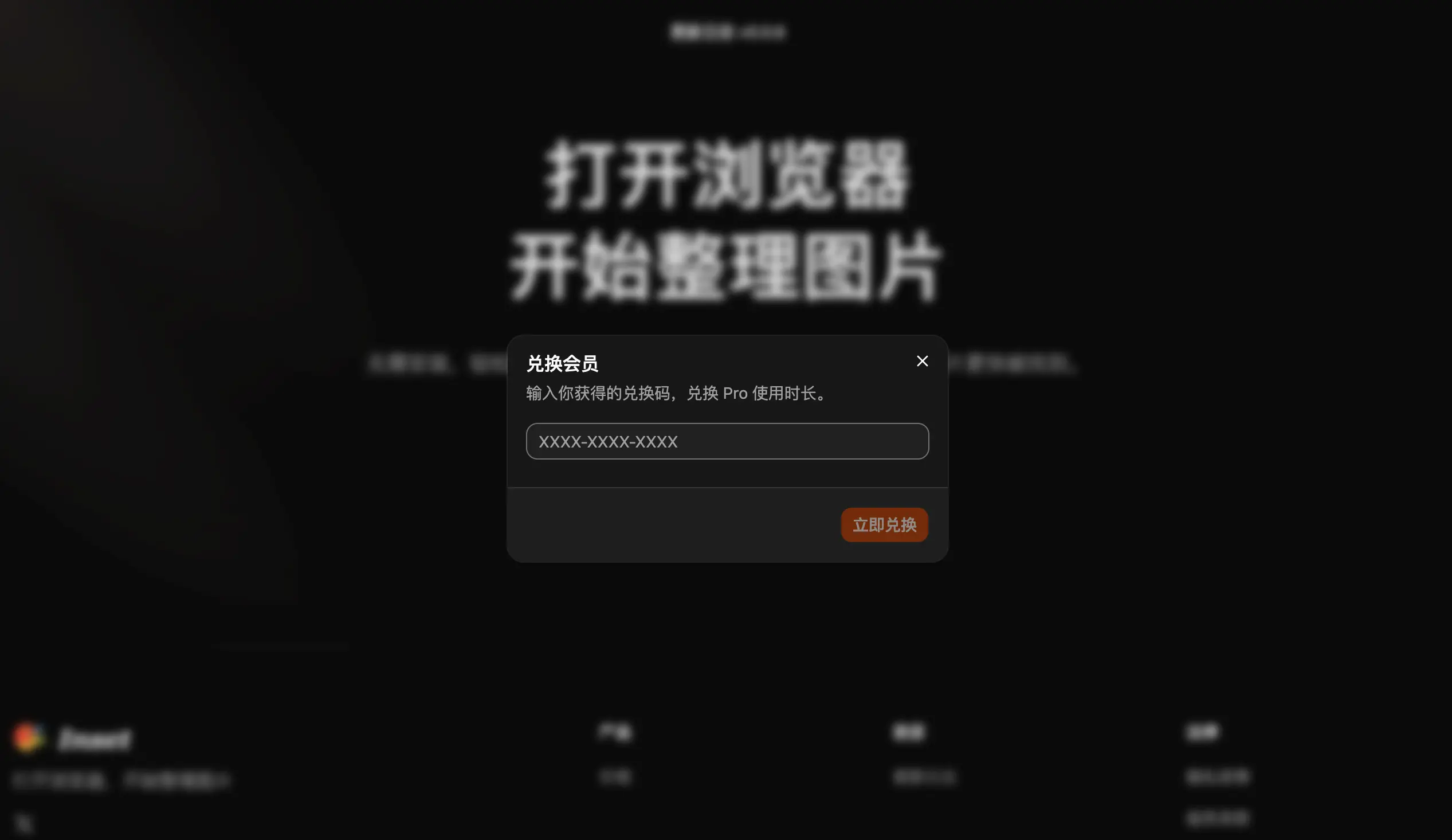
Paste the code into the Redeem membership dialog, then select Redeem now.
Letters are automatically converted to uppercase. When copying a code, check for extra spaces, missing characters, or similar-looking characters.
Step 3: Confirm the result
After a successful redemption, the dialog shows how much Pro time you received and when it will become active.
- If you have no other Pro access, the redeemed time starts immediately.
- If you already have Pro access with a fixed end date, the new time starts after it ends.
- While a renewable subscription is active, redeemed time is paused and saved. It starts automatically after the subscription ends.
- If you subscribe again later, any unused redeemed time is paused and preserved.
A redeem code provides a fixed amount of Pro time. It does not renew automatically and does not need to be canceled.
Check your Pro access
Open Settings → Billing to review your current plan, Pro end date, and whether redeemed access is active, scheduled, or paused.
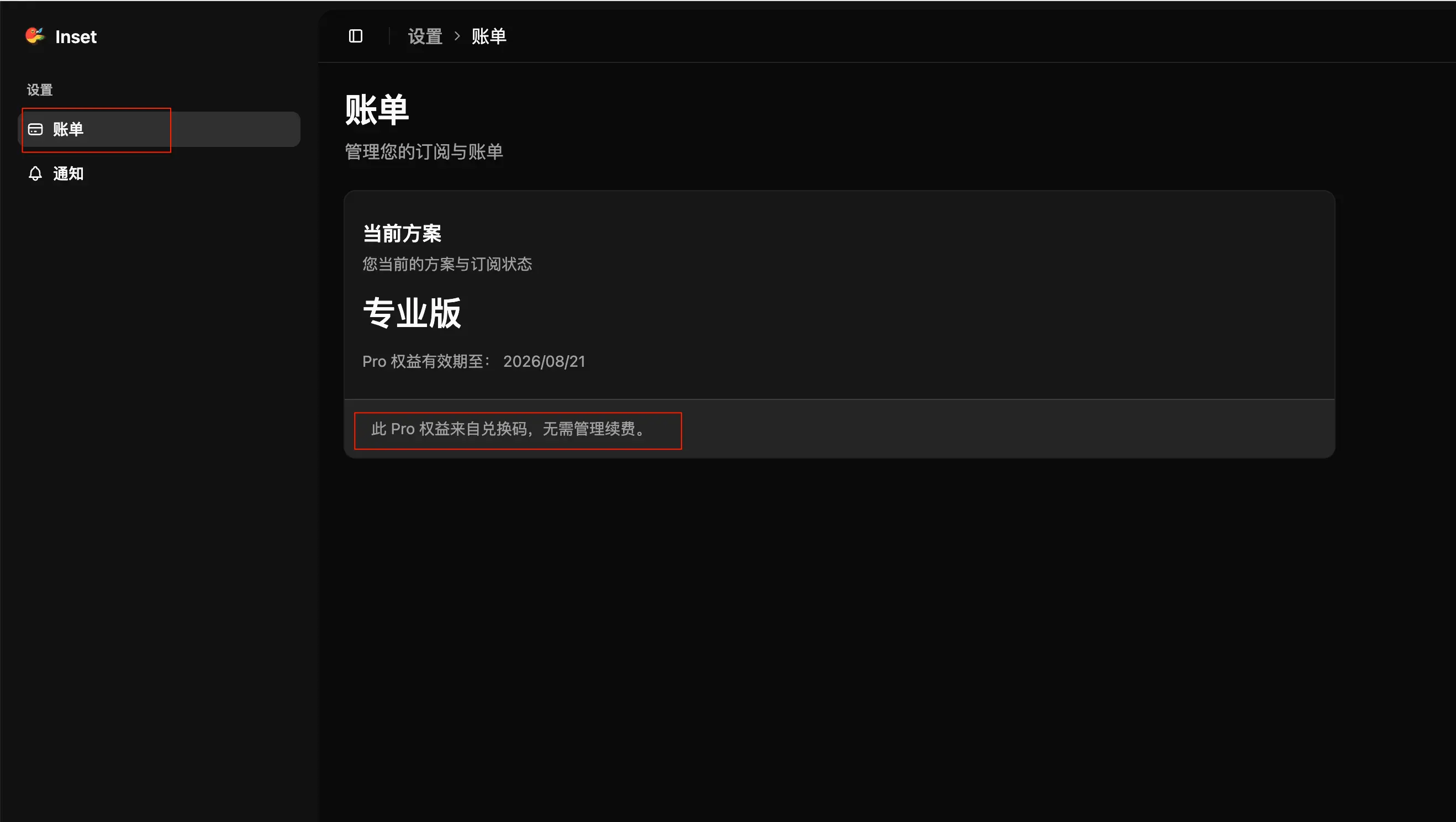
If your access does not update on the current page immediately, refresh the page and check again.
Common questions
Why does it say the code was not found?
Copy the complete code again, check for missing characters, and remove spaces at the beginning or end. If it still cannot be redeemed, contact the organization that issued it.
Why has the code already been used?
Each code can only be redeemed once. A code used by another account cannot be used again.
Why can I not use another code from the same campaign?
Some codes are issued in campaign batches. An account can only redeem one code from the same batch, so another code from that batch will not add more time.
Why is the code expired, disabled, or unavailable for my account?
Codes may have an expiration date, campaign status, or account eligibility requirement. Review the campaign terms or contact the issuer for confirmation.
Why did my end date not change immediately?
If your account already has a subscription or Pro access that has not ended, the redeemed time may be scheduled or paused. It is preserved and can be reviewed under Settings → Billing.
Still unable to redeem?
Keep the full error message and provide your account and the source of the code when contacting support. Do not post the complete redeem code publicly, as someone else may use it.
All posts
2026/08/12
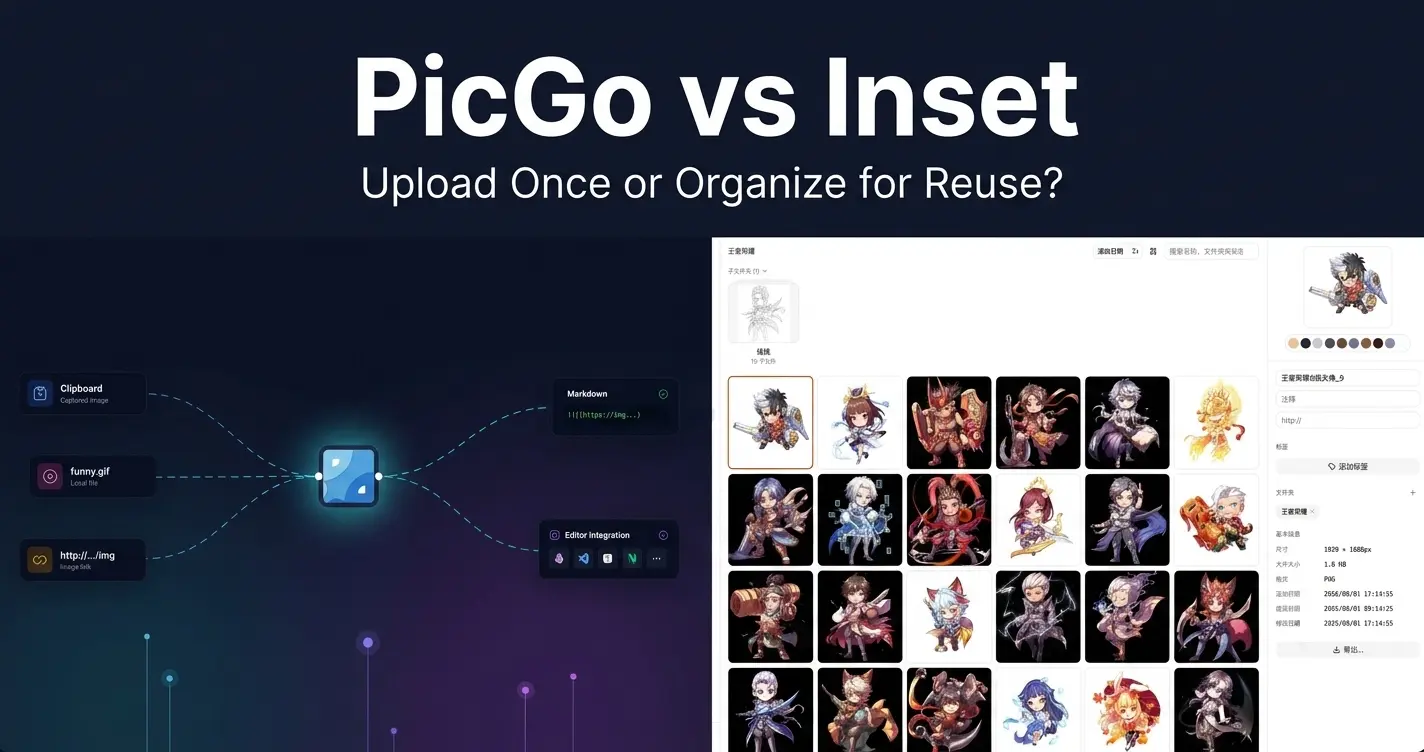
PicGo vs Inset
A practical comparison of PicGo and Inset across image uploading, link copying, asset organization, search, processing, and long-term reuse.
2026/08/11
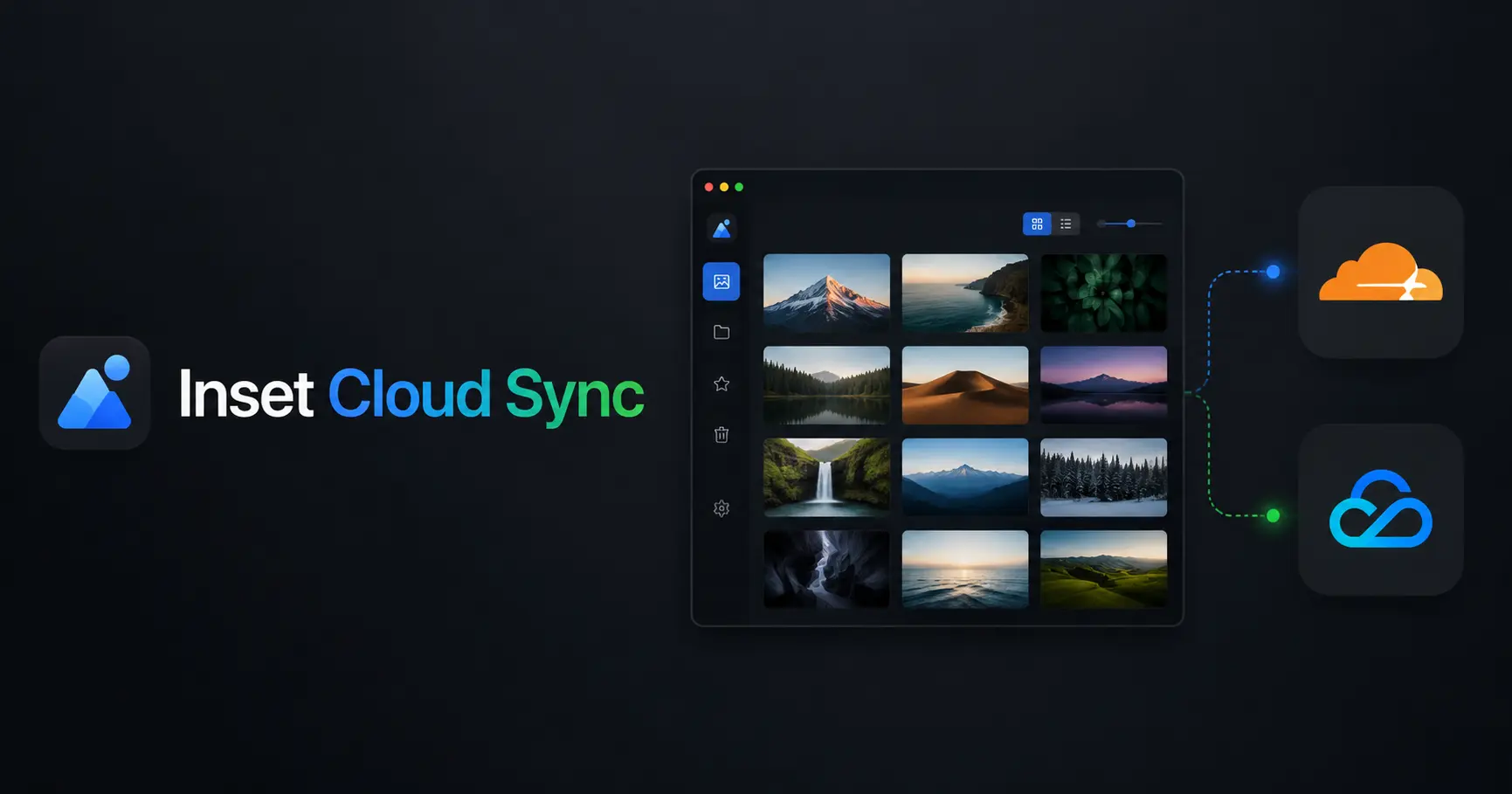
Inset Cloud Sync Is Now Available with Cloudflare R2 and Tencent Cloud COS
Inset now syncs local libraries with Cloudflare R2 and Tencent Cloud COS, with automatic sync, provider switching, and sync record recovery.
2026/08/05
What to Do When a Government Website Requires an Image Under 300KB
Use a browser-based tool to compress a JPG or PNG to under 100KB, then upload it to a government or public-service website with a 300KB file limit.
2026/08/05
Pixcall vs Inset — Which Asset Manager Fits Your Workflow?
Compare Pixcall and Inset across local file ownership, desktop and browser workflows, cloud sync, image organization, processing, and sharing.
2026/08/04
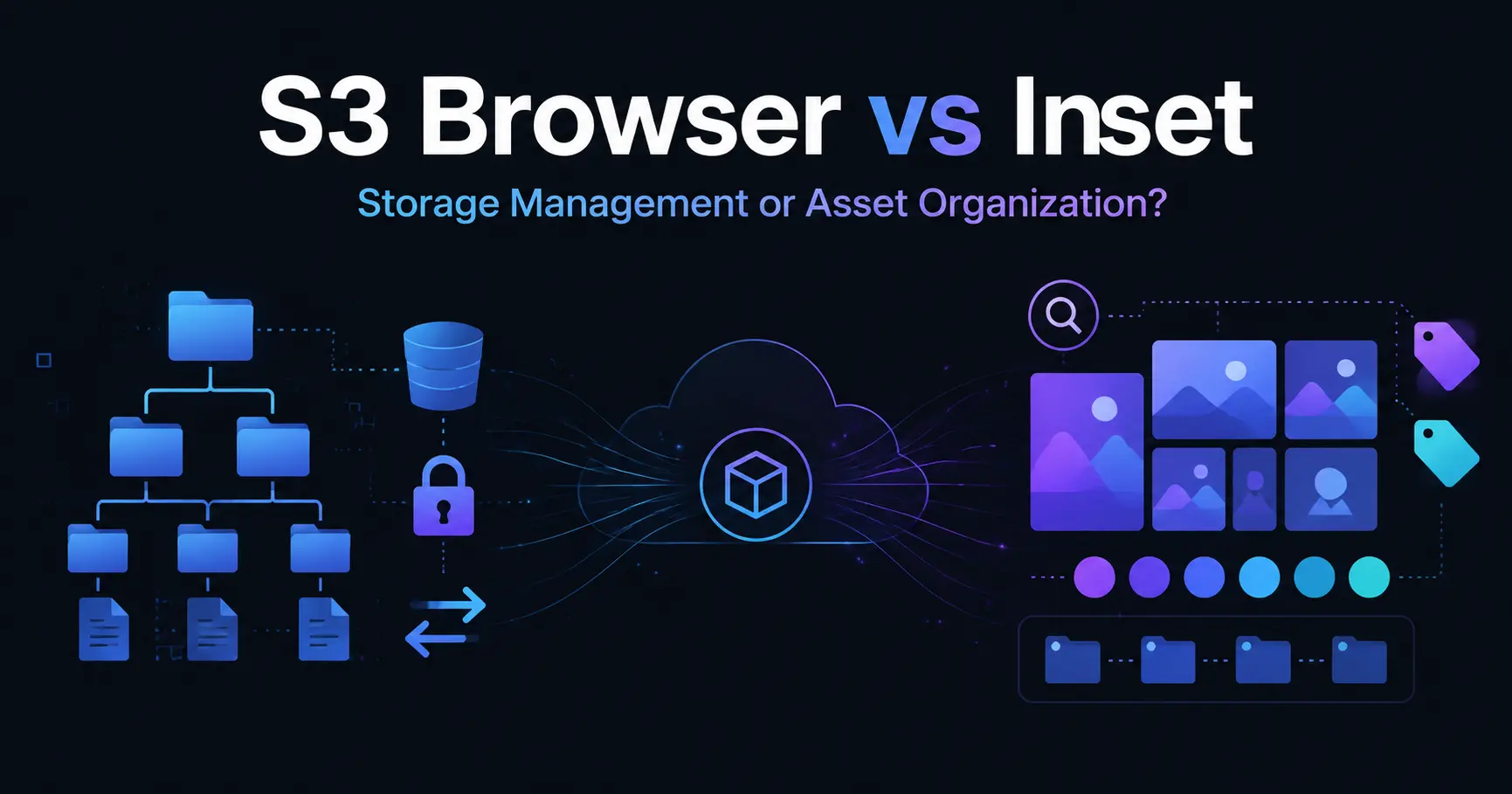
S3 Browser (Now CS Browser) vs Inset — Which Should You Choose?
Compare S3 Browser, now called CS Browser, with Inset across platforms, bucket administration, asset organization, image processing, and everyday workflows.
2026/08/03
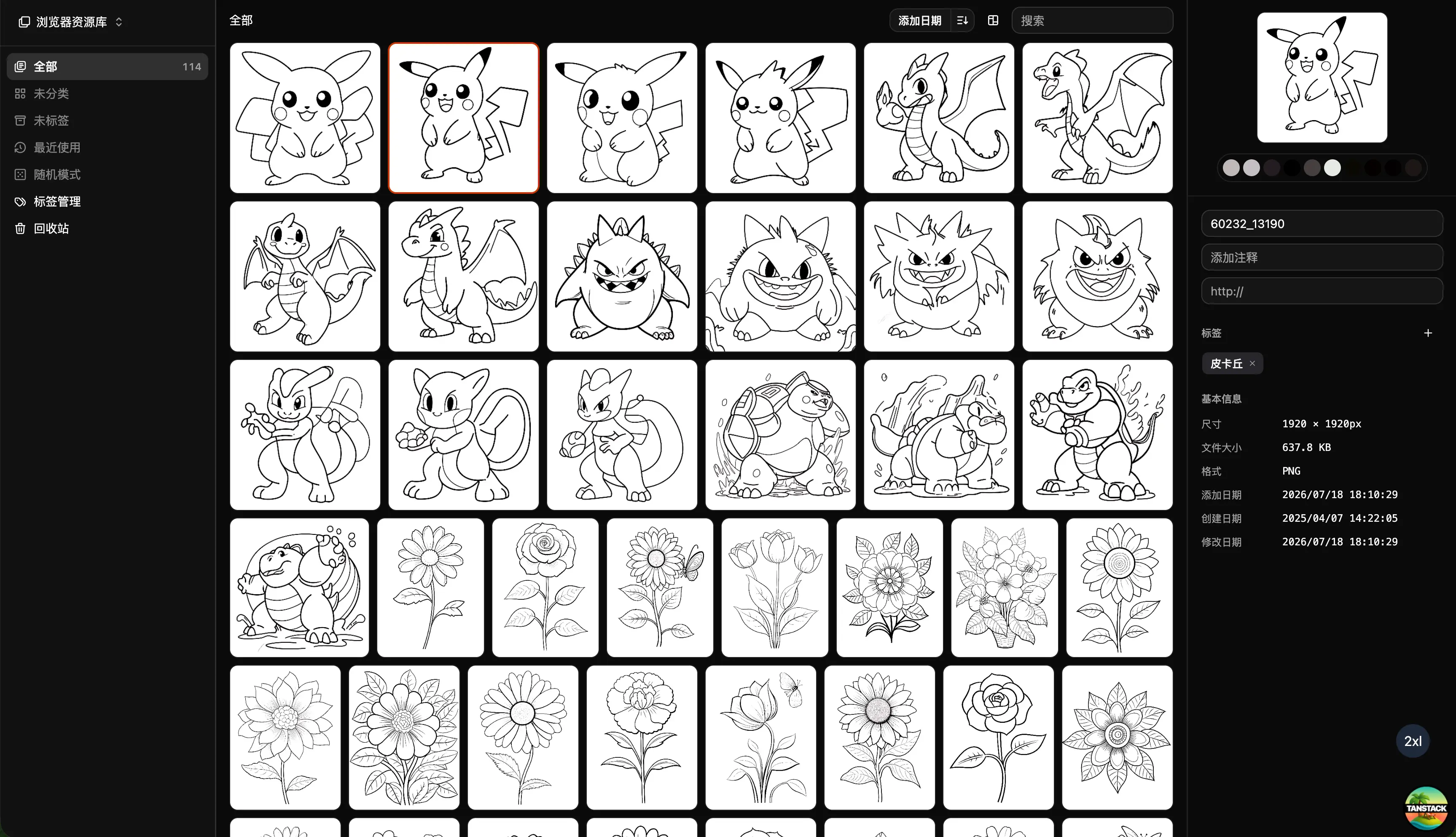
Can Inset Replace Eagle + Nutstore?
A practical comparison of Inset, Eagle, and Nutstore for image organization, file syncing, storage, browser access, image links, and object storage workflows.
2026/08/03
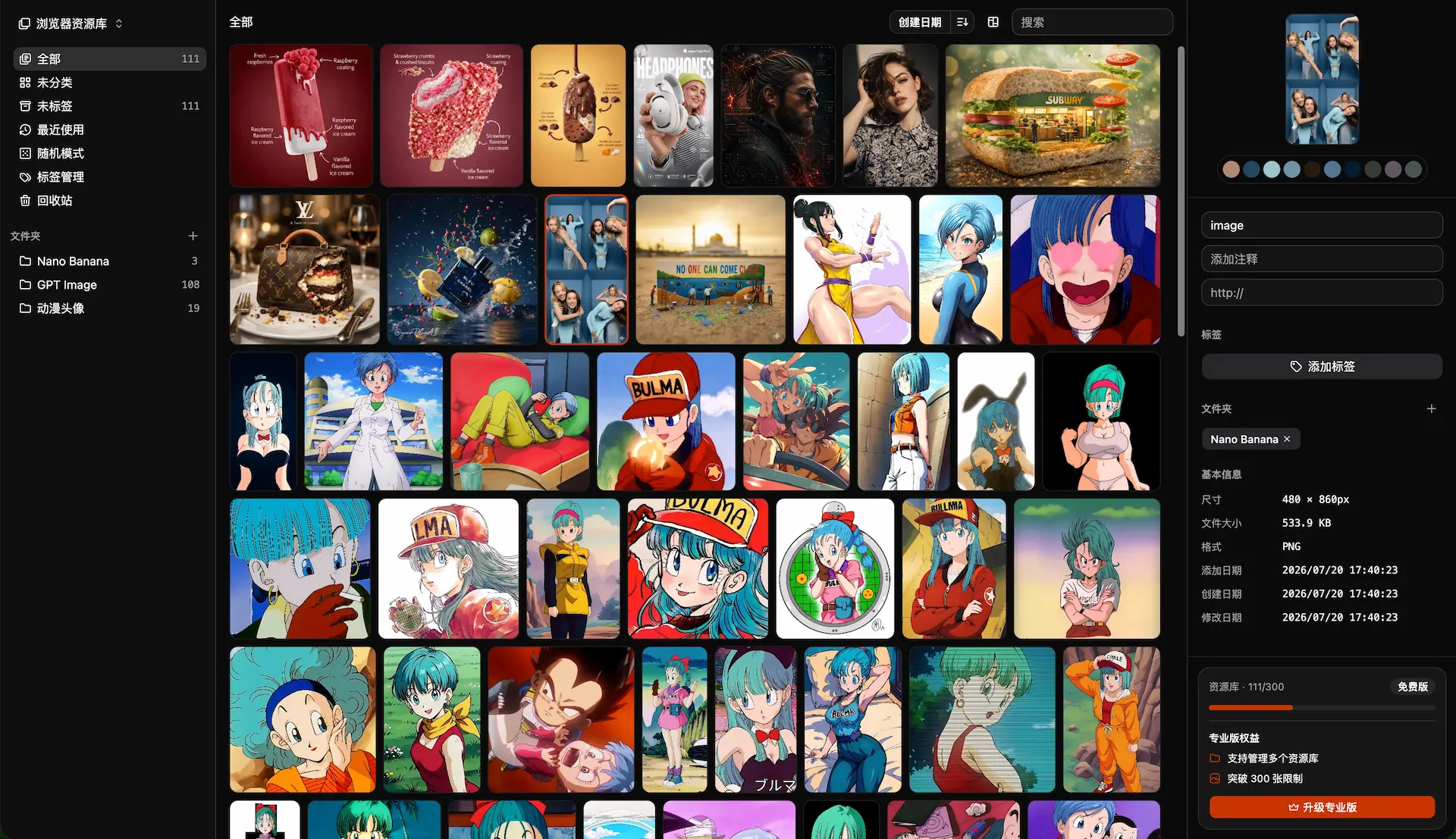
Lsky Pro vs Inset.im: Which Image Tool Should You Choose?
A practical comparison of Lsky Pro and Inset.im, covering image uploads, storage, sharing, link copying, self-hosting, asset organization, and everyday workflows.
2026/07/31
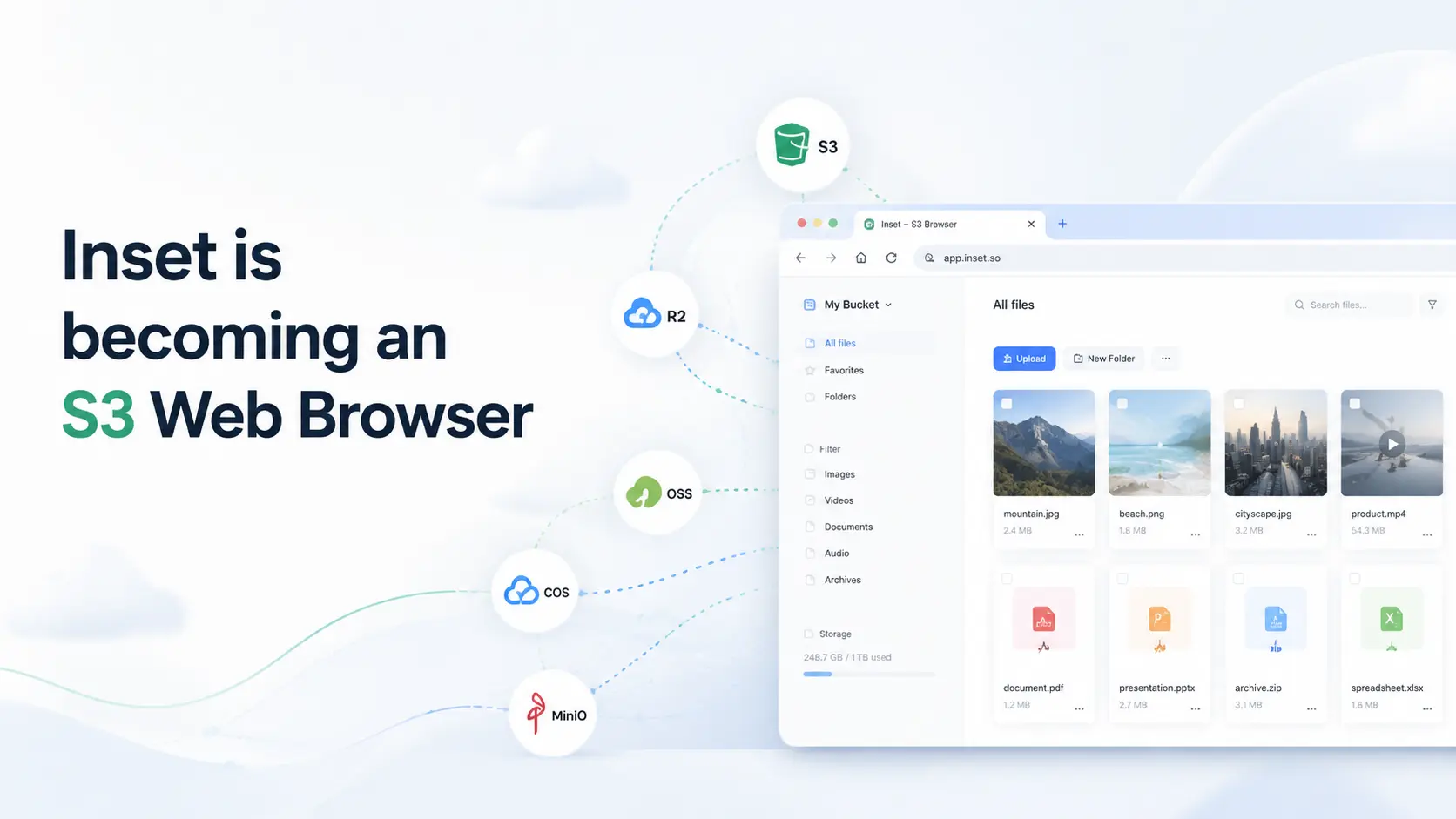
Inset is becoming an S3 Web Browser
Inset is moving from a browser-based image library toward a modern S3 Web Browser for managing cloud bucket files and visual assets online.
2026/07/26
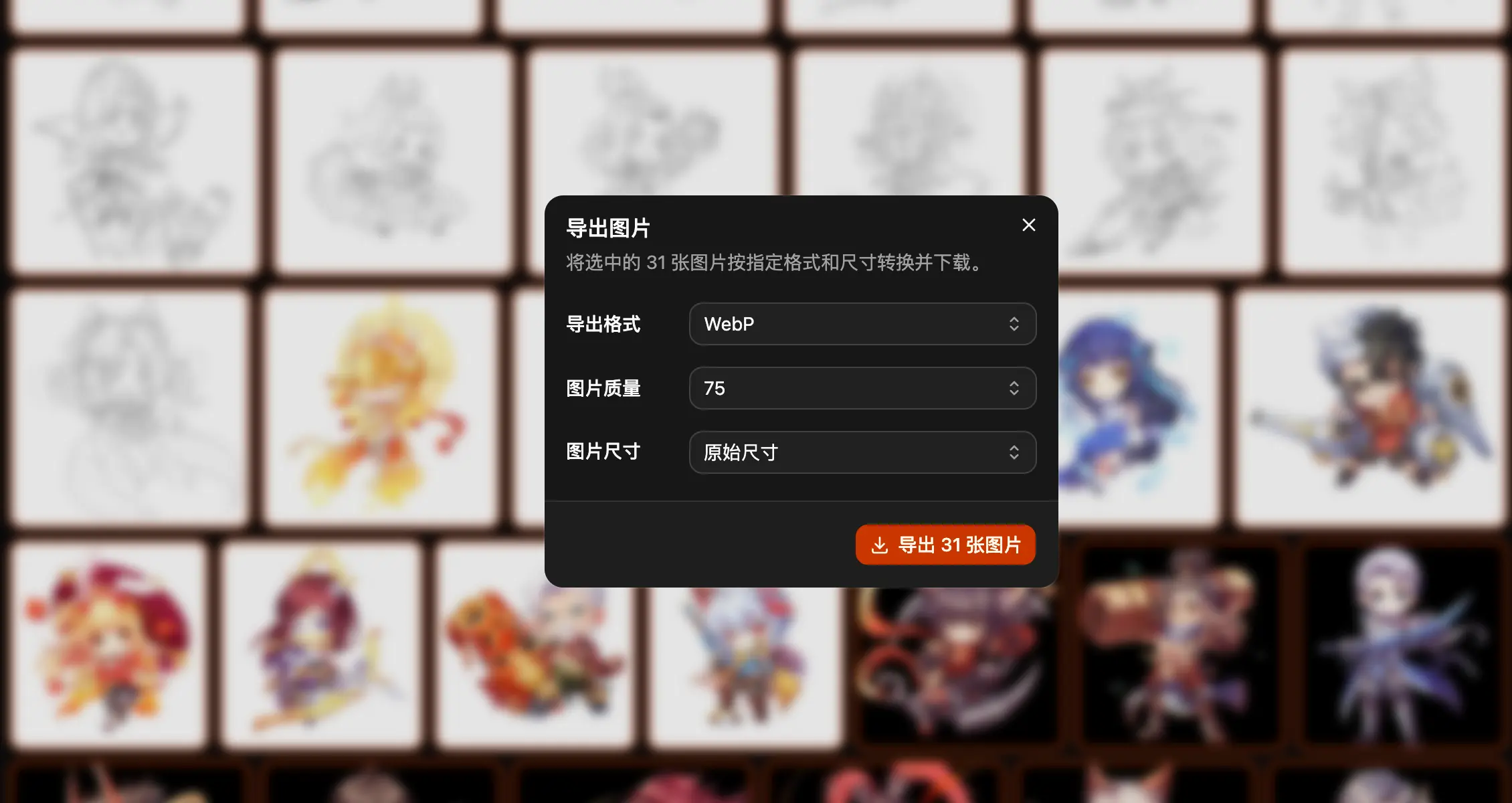
Inset.im Batch Export Is Now Available
Export one or more images with Inset.im, convert formats, adjust quality, and resize by width, height, long edge, or short edge.
2026/07/22
How to Use a Redeem Code on Inset.im
Learn how to redeem Pro access on Inset.im, check when it becomes active, review your entitlement status, and resolve common redeem code errors.
2026/07/20
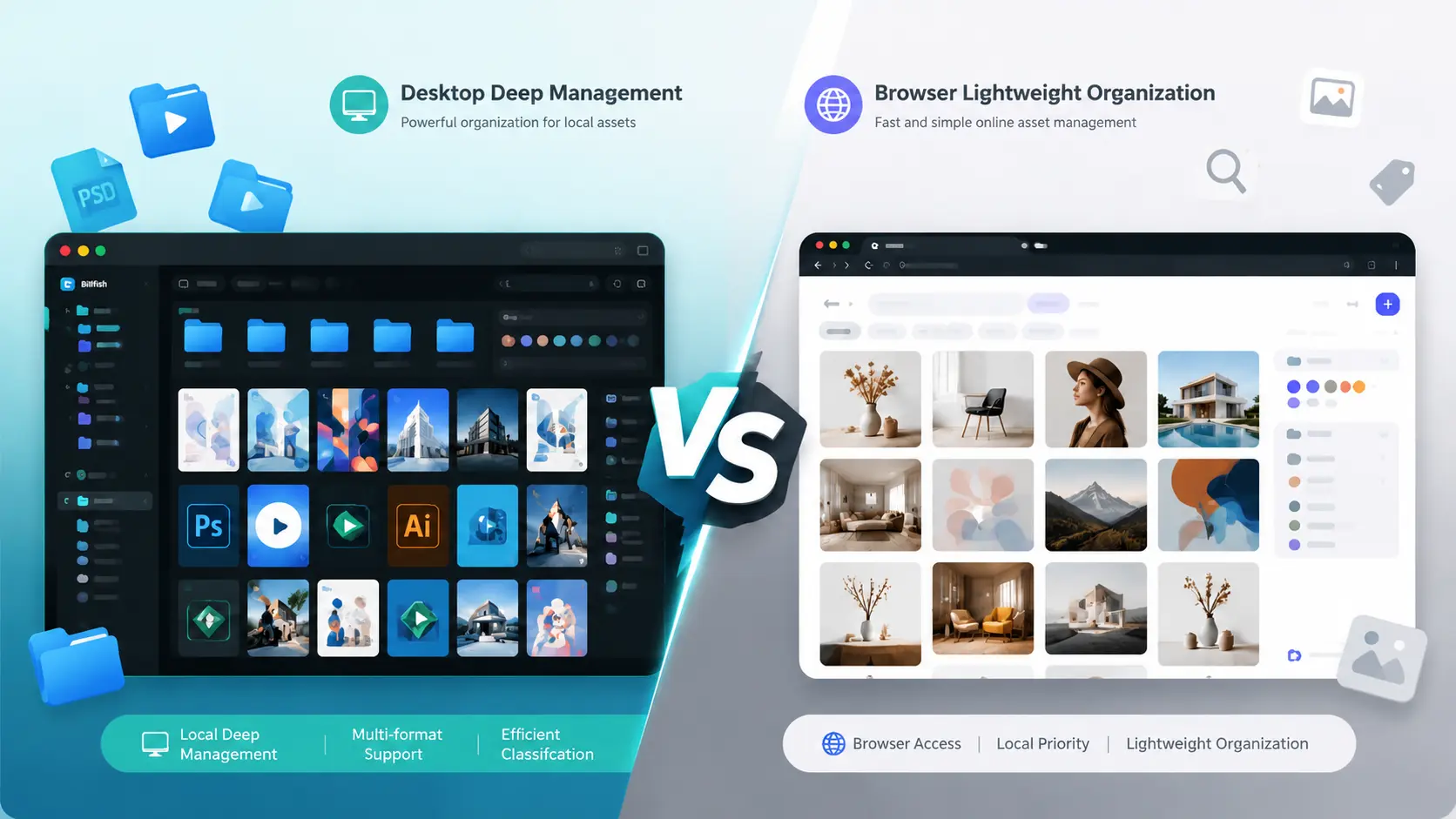
What Is the Difference Between Billfish and Inset.im
A practical comparison between Billfish and Inset.im, covering desktop asset management, browser-based image libraries, local-first storage, supported formats, organization workflows, and ideal users.
2026/07/18
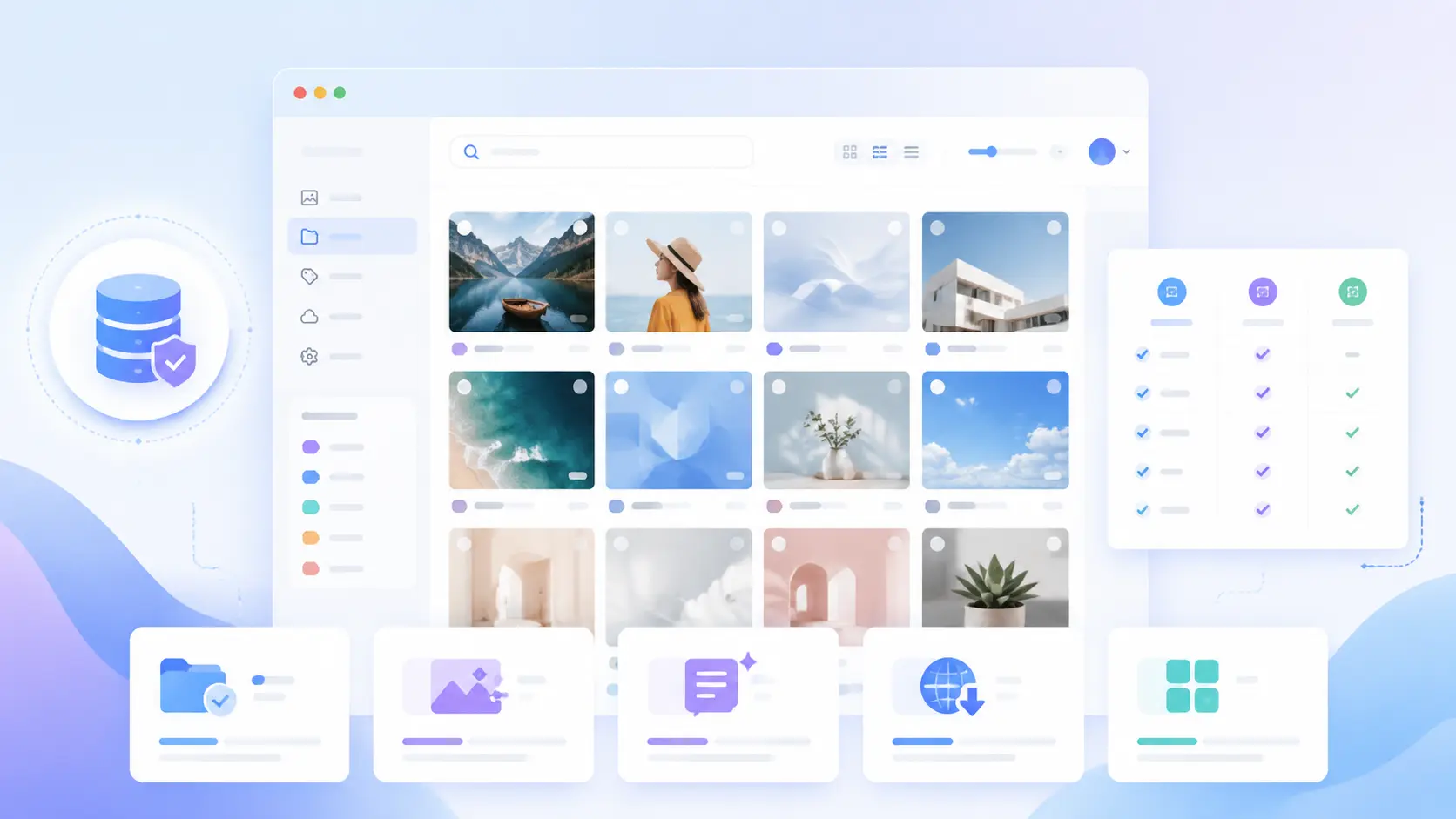
Image Asset Management Tool Selection Guide
A practical guide to choosing between Eagle, Billfish, Pixcall, Adobe Bridge, and Inset.im based on library structure, local-first storage, Eagle compatibility, image processing, prompt management, and image organization scenarios.