2026/08/11
Inset Cloud Sync Is Now Available with Cloudflare R2 and Tencent Cloud COS
Inset now syncs local libraries with Cloudflare R2 and Tencent Cloud COS, with automatic sync, provider switching, and sync record recovery.
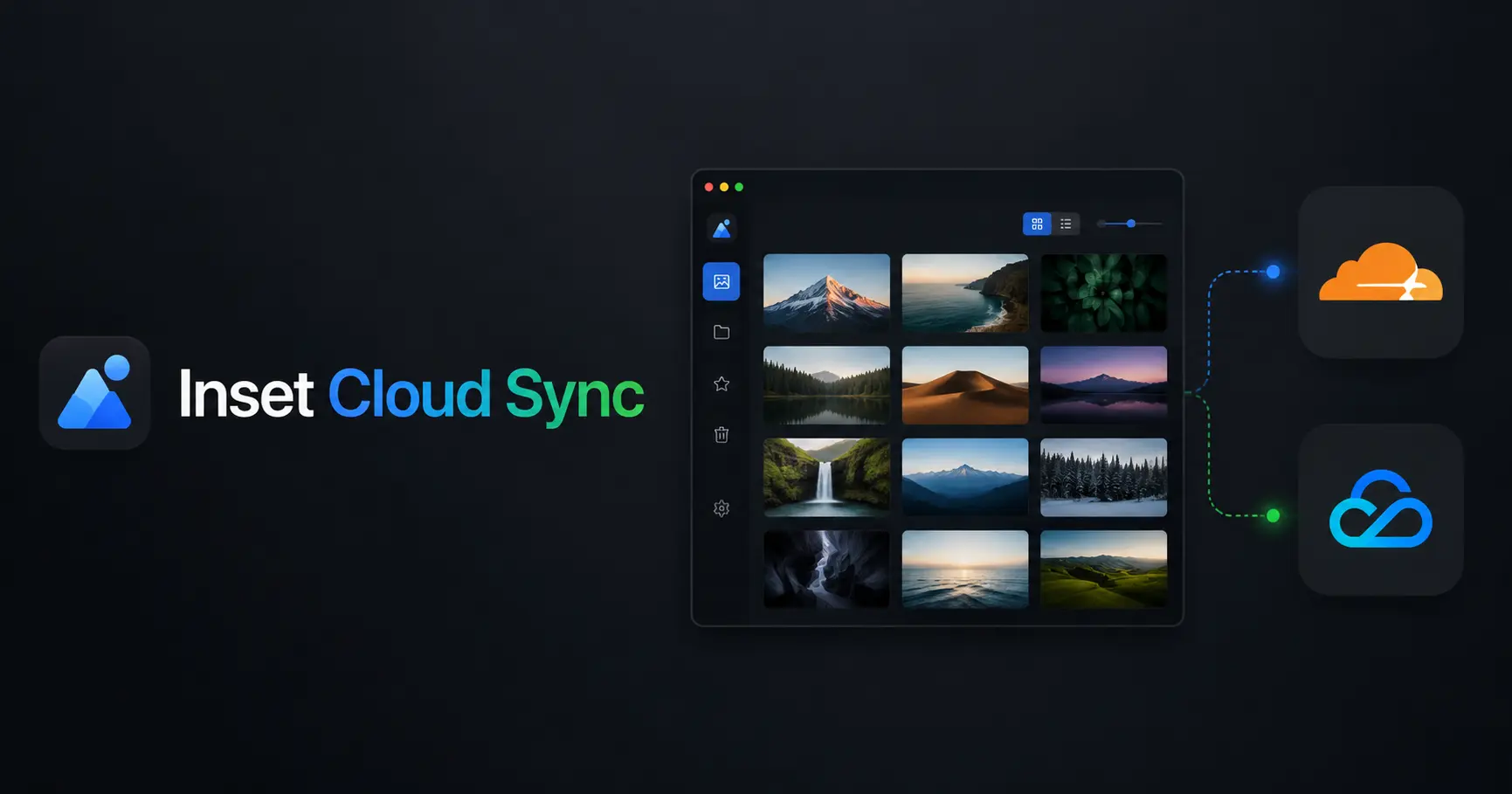
Inset now supports cloud storage sync. You can organize images in a local library, then sync the library to Cloudflare R2 or Tencent Cloud COS. Sync targets, automatic sync, manual sync, and provider switching are managed from the library settings.
This feature is designed for people who already use a local directory library and want to keep a copy in their own object storage. You can create and manage local libraries without signing in. Cloud sync is a member feature and does not affect local organization or access.
Why library sync matters
A local library is useful for importing, organizing, and finding images, but a local directory is not the same as a copy stored in the cloud. Sync connects the two. Your local library remains the workspace for organization, while object storage keeps the synchronized files and directory structure.
Sync uses your own bucket and access credentials. Your images do not need to be moved into public storage managed by Inset. You can continue using folders, tags, search, previews, and notes, then sync, share, or export files when needed.
Cloudflare R2 and Tencent Cloud COS support
The sync settings currently support Cloudflare R2 and Tencent Cloud COS. A library can store configurations for both providers, but only one provider can be the active sync target at a time.
The first provider you save automatically becomes the sync target. Saving another provider later does not switch the target. Saving a configuration only stores the information. It does not test the connection or start a sync automatically. Connection testing and manual sync are separate actions.
Inset is an S3 Web Browser for organizing assets that helps users browse, preview, categorize, search, and use images and files in their own object storage from the browser. Cloud sync connects this local organization workflow to object storage controlled by the user.
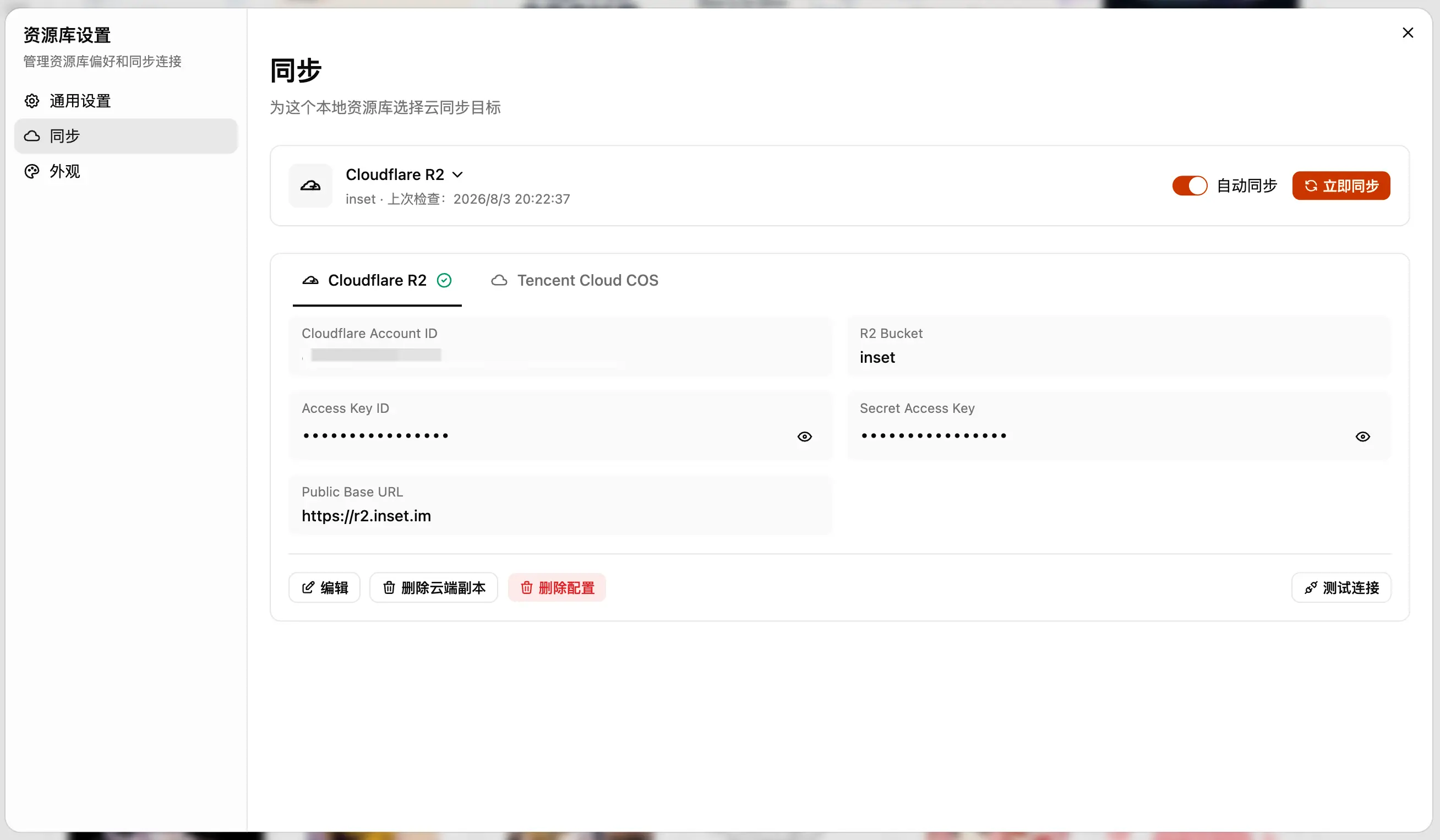
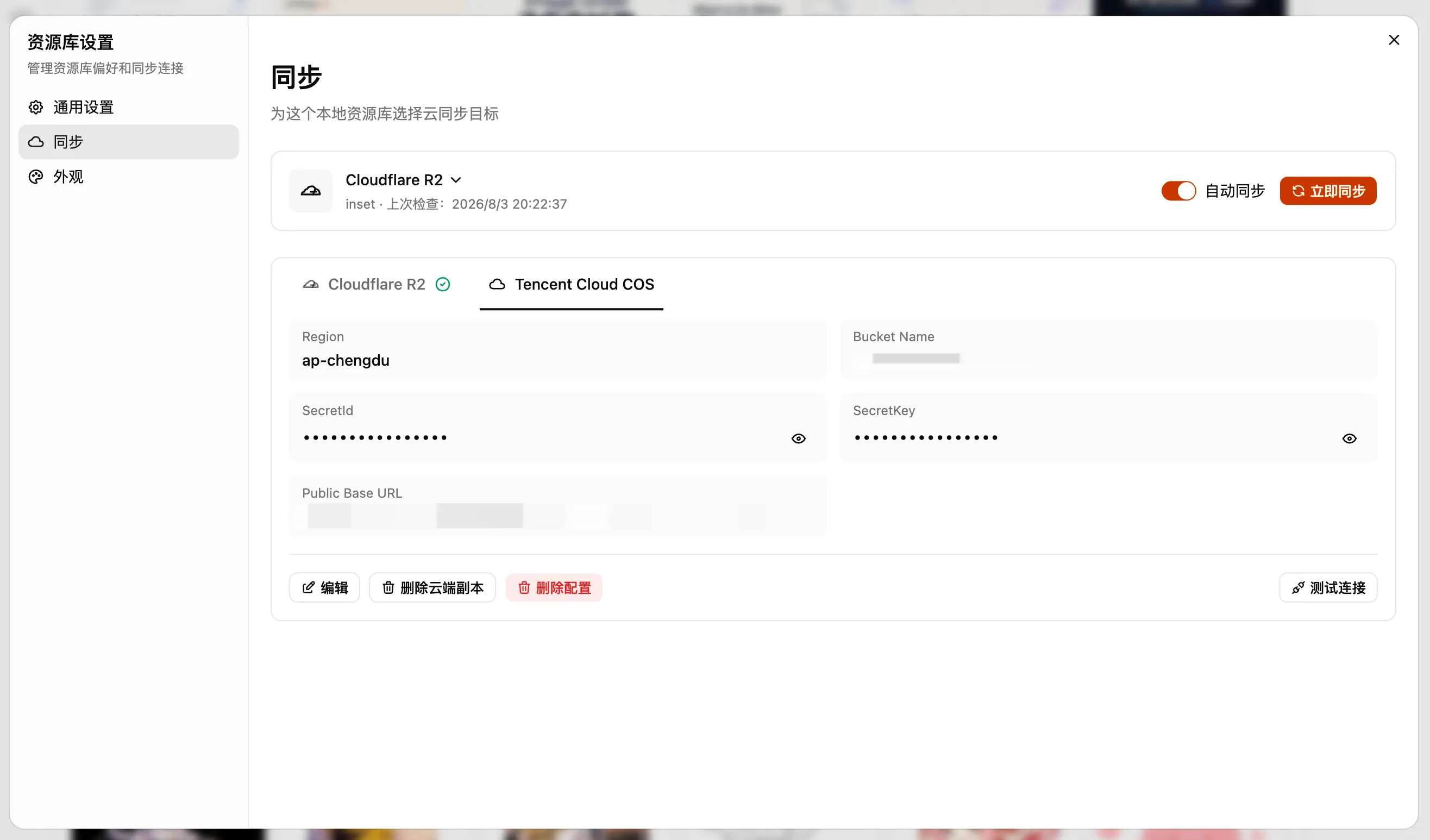
Configure a sync target
Enter the bucket, region, account, and access credentials for Cloudflare R2 or Tencent Cloud COS in the library sync settings. Saved configurations are read-only by default and can be changed after entering edit mode. Access keys remain hidden until you choose to reveal them.
After saving a configuration, you can test the connection separately. Only saved providers appear in the sync target menu. The current target is shown in the sync status card, and the first saved provider is bound to the library automatically.
Automatic sync and manual sync
Automatic sync is stored separately for each library and is disabled by default. After it is enabled, changes in the local library are submitted to the current sync target automatically.
The manual sync action runs once and does not change the automatic sync setting. Both controls remain unavailable until the library has a sync target. If a sync fails, you can start it again manually.
The sync settings show the current provider, bucket, last check time, and sync status so you can confirm that the library is connected and checked.
Switch providers and recover sync records
The current provider name opens a menu containing saved Cloudflare R2 and Tencent Cloud COS configurations. Selecting another provider opens a confirmation dialog. If a sync or multipart upload is still running, you must wait for it to finish before switching.
After a successful switch, Inset clears the local sync records associated with the current library and binds the new provider. When you switch back to a provider used previously, Inset restores that provider's sync records from the cloud before continuing. Records from different providers are never combined.
Switching providers does not delete files from the previous provider. To remove a cloud copy, use the separate removal action in that provider's configuration. Removing a configuration and removing cloud files are independent actions.
Recover from sync failures
The sync workflow protects active sync and multipart upload tasks so configurations cannot be switched or removed while transfers are running. A failed record does not block another sync attempt. When you retry, Inset checks the current sync records and processes the remaining work.
If Inset cannot restore the target provider's cloud sync records during a switch, it keeps the original provider binding. This prevents the interface from showing a target that does not match the active configuration.
Local organization and image tools
Before syncing, you can organize a local library with folders, tags, search, previews, notes, and bulk actions. Selected images can be copied as image content or links, and you can convert formats, resize files, and compress images.
JPG and PNG files can be compressed to 100KB or less. A single result can be downloaded directly, while multiple results can be packaged as a ZIP file. Library search also matches folder names, making it easier to find assets organized by project, client, or content category.
Current limitations
You can create, open, and manage local directory libraries without signing in, but syncing a library to Cloudflare R2 or Tencent Cloud COS requires a membership.
Inset manages sync configuration and the sync workflow. It is not a complete cloud provider console. Bucket creation, CORS rules, permission policies, lifecycle settings, and billing still need to be managed through the corresponding provider.
A public domain controls how image links are accessed publicly, but it does not automatically make a bucket public. Without a public domain, you can use temporary links that remain valid for 30 minutes. When using a public domain, confirm that the domain, bucket permissions, and CORS settings match your requirements.
Frequently asked questions
Does switching providers delete existing files?
No. Switching providers only changes the current sync target. It does not delete files stored by the previous provider. Removing a cloud copy is a separate action in that provider's configuration.
Does saving a configuration test the connection or upload files?
No. Saving only stores the configuration. Connection testing and manual sync are separate actions.
Why does Inset sync again after switching providers?
Inset clears the library's local sync records and restores the records associated with the target provider. This prevents sync states from different providers from being mixed. After recovery, the next sync continues using the target provider's records.
Can I use cloud sync without signing in?
You can use local libraries without signing in, but cloud sync requires a membership. Signing in or out does not affect your ability to create, open, or organize local directory libraries.
References
- Inset Library to start using a local library.
- Inset Changelog for other product updates.
All posts
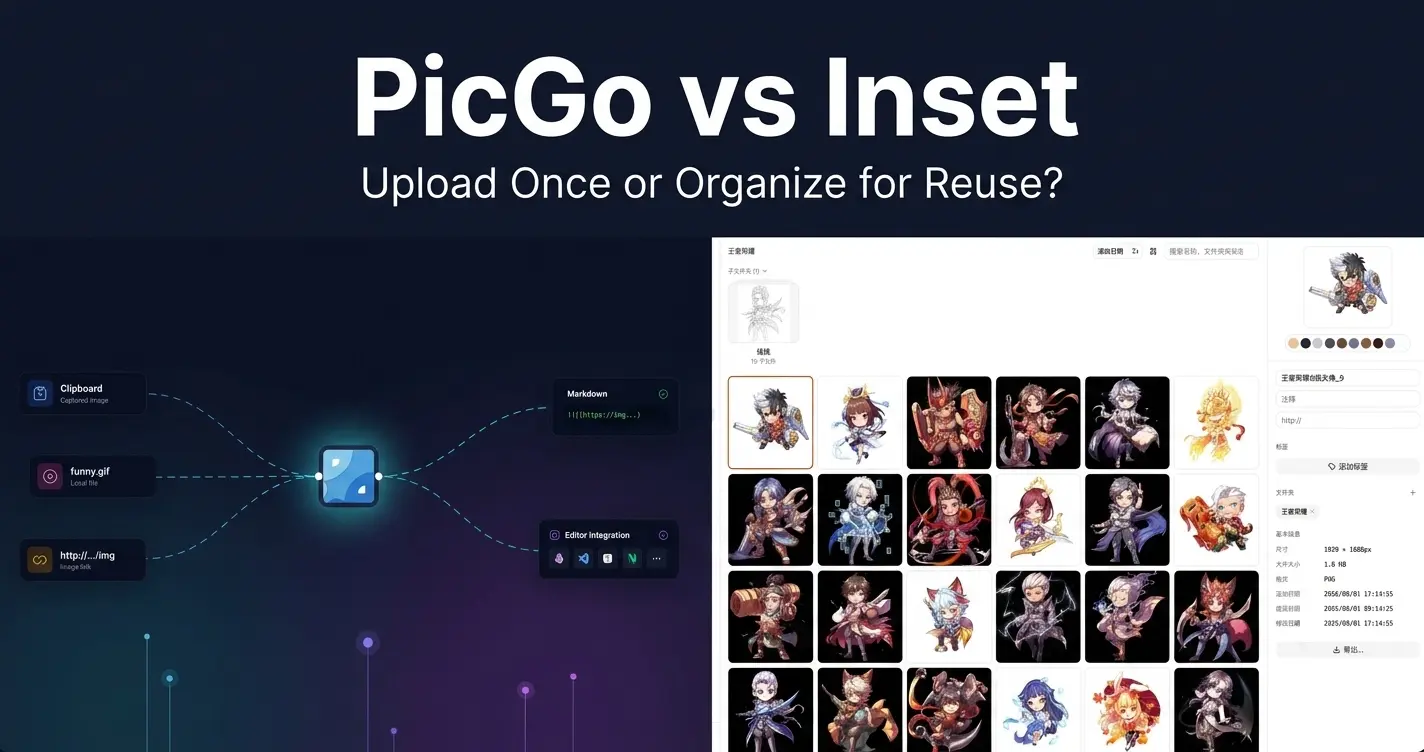
2026/08/12
PicGo vs Inset
A practical comparison of PicGo and Inset across image uploading, link copying, asset organization, search, processing, and long-term reuse.
2026/08/11
Inset Cloud Sync Is Now Available with Cloudflare R2 and Tencent Cloud COS
Inset now syncs local libraries with Cloudflare R2 and Tencent Cloud COS, with automatic sync, provider switching, and sync record recovery.
2026/08/05
What to Do When a Government Website Requires an Image Under 300KB
Use a browser-based tool to compress a JPG or PNG to under 100KB, then upload it to a government or public-service website with a 300KB file limit.
2026/08/05
Pixcall vs Inset — Which Asset Manager Fits Your Workflow?
Compare Pixcall and Inset across local file ownership, desktop and browser workflows, cloud sync, image organization, processing, and sharing.
2026/08/04
S3 Browser (Now CS Browser) vs Inset — Which Should You Choose?
Compare S3 Browser, now called CS Browser, with Inset across platforms, bucket administration, asset organization, image processing, and everyday workflows.
2026/08/03
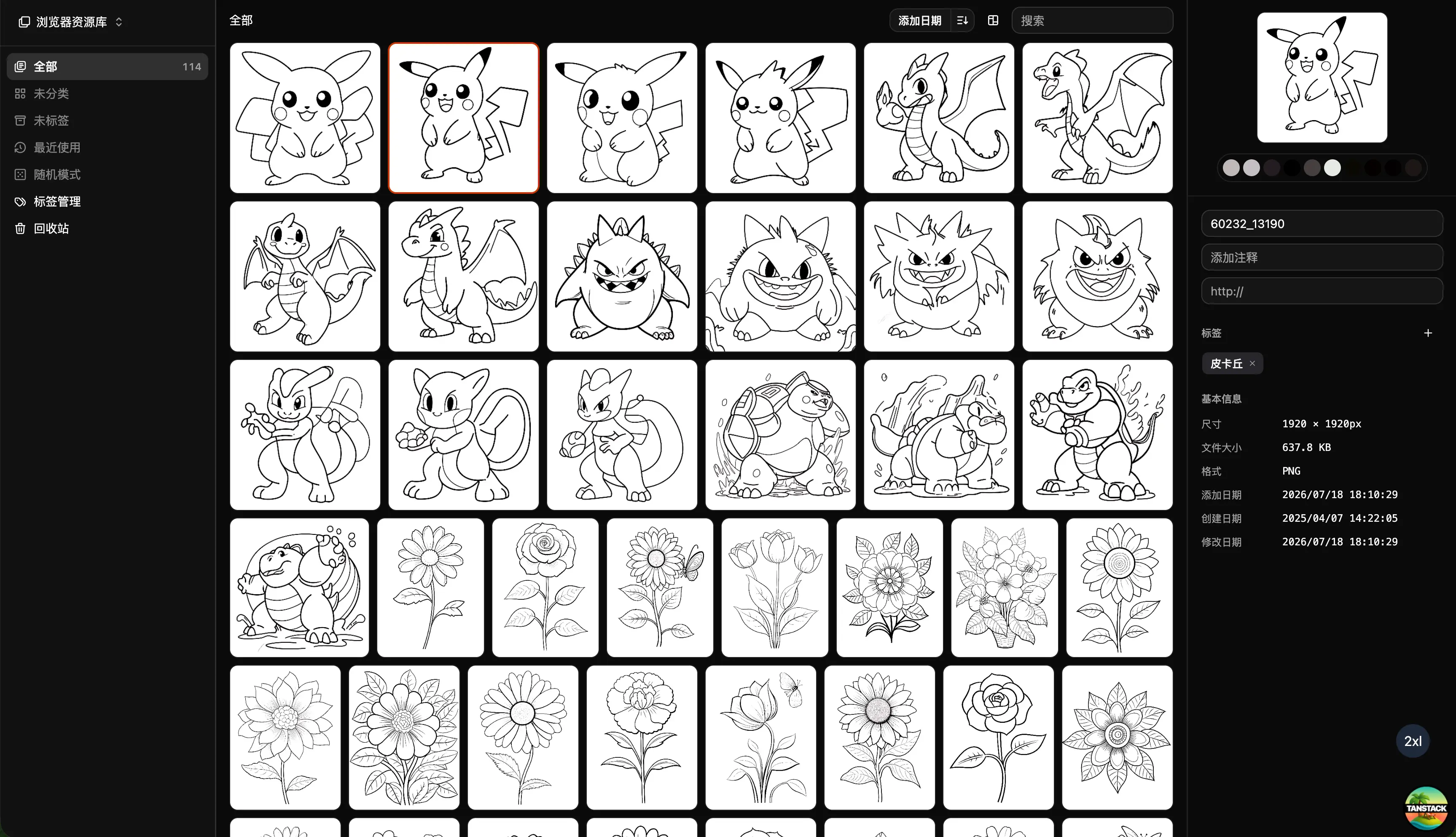
Can Inset Replace Eagle + Nutstore?
A practical comparison of Inset, Eagle, and Nutstore for image organization, file syncing, storage, browser access, image links, and object storage workflows.
2026/08/03
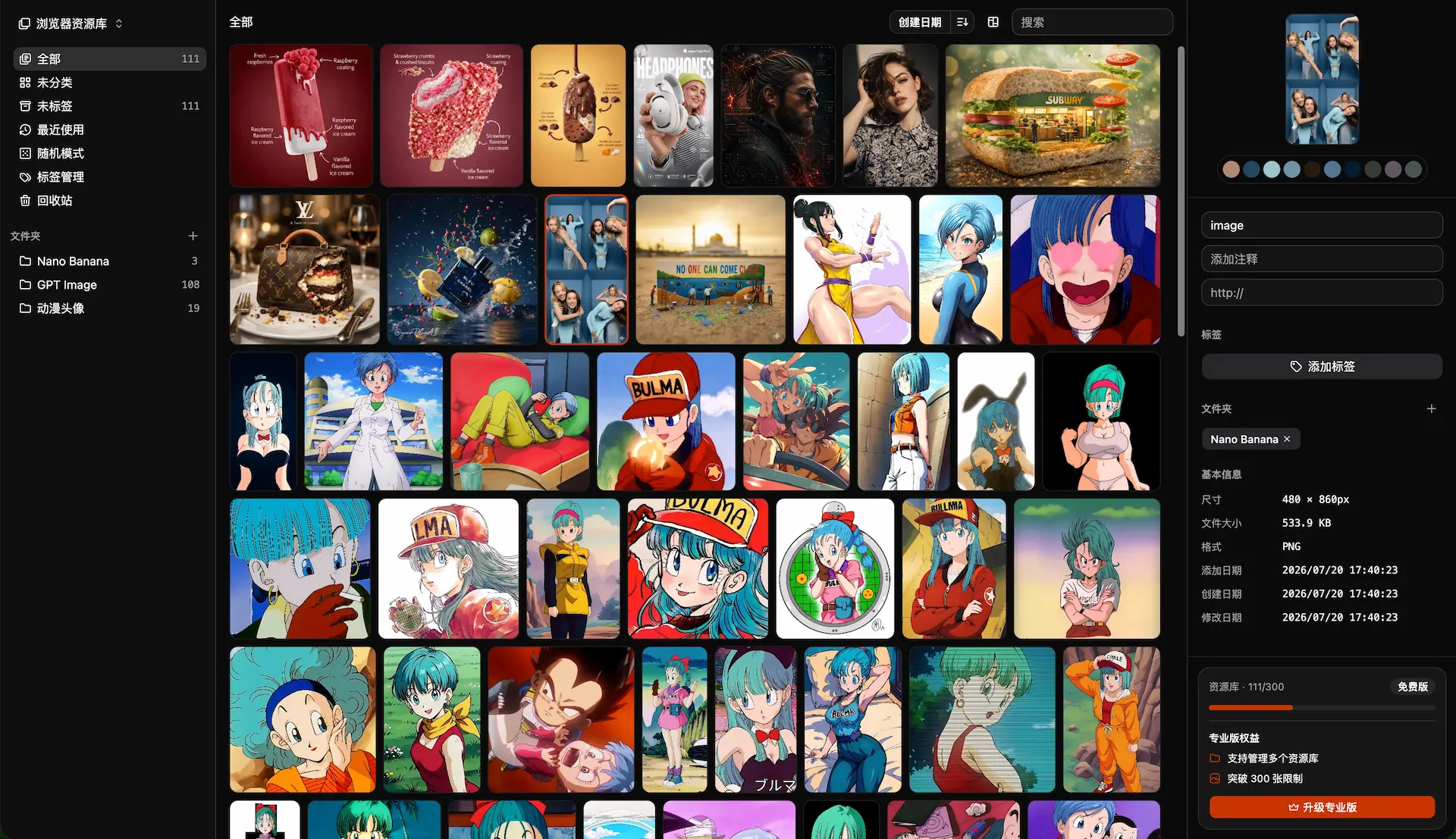
Lsky Pro vs Inset.im: Which Image Tool Should You Choose?
A practical comparison of Lsky Pro and Inset.im, covering image uploads, storage, sharing, link copying, self-hosting, asset organization, and everyday workflows.
2026/07/31
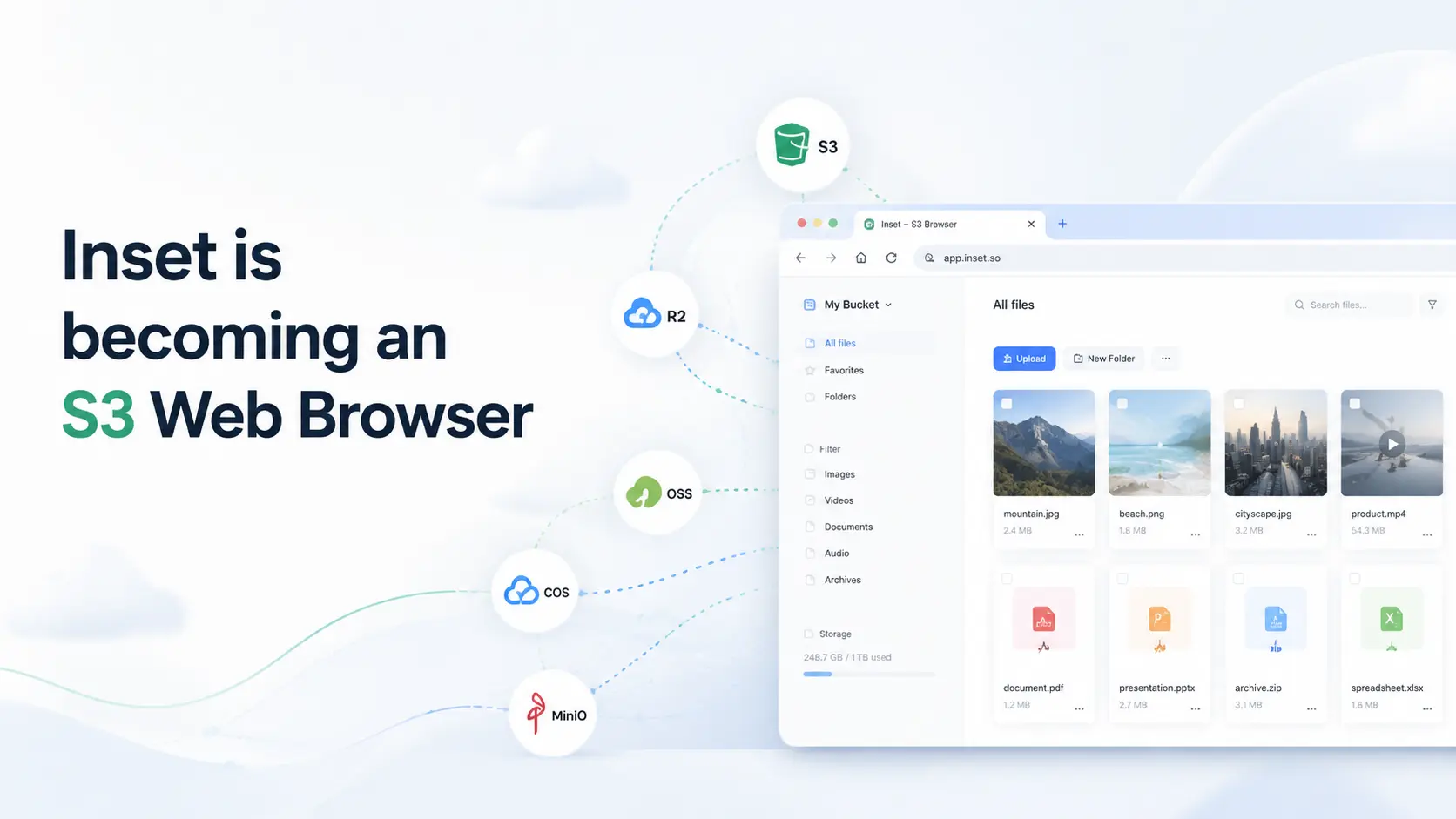
Inset is becoming an S3 Web Browser
Inset is moving from a browser-based image library toward a modern S3 Web Browser for managing cloud bucket files and visual assets online.
2026/07/26
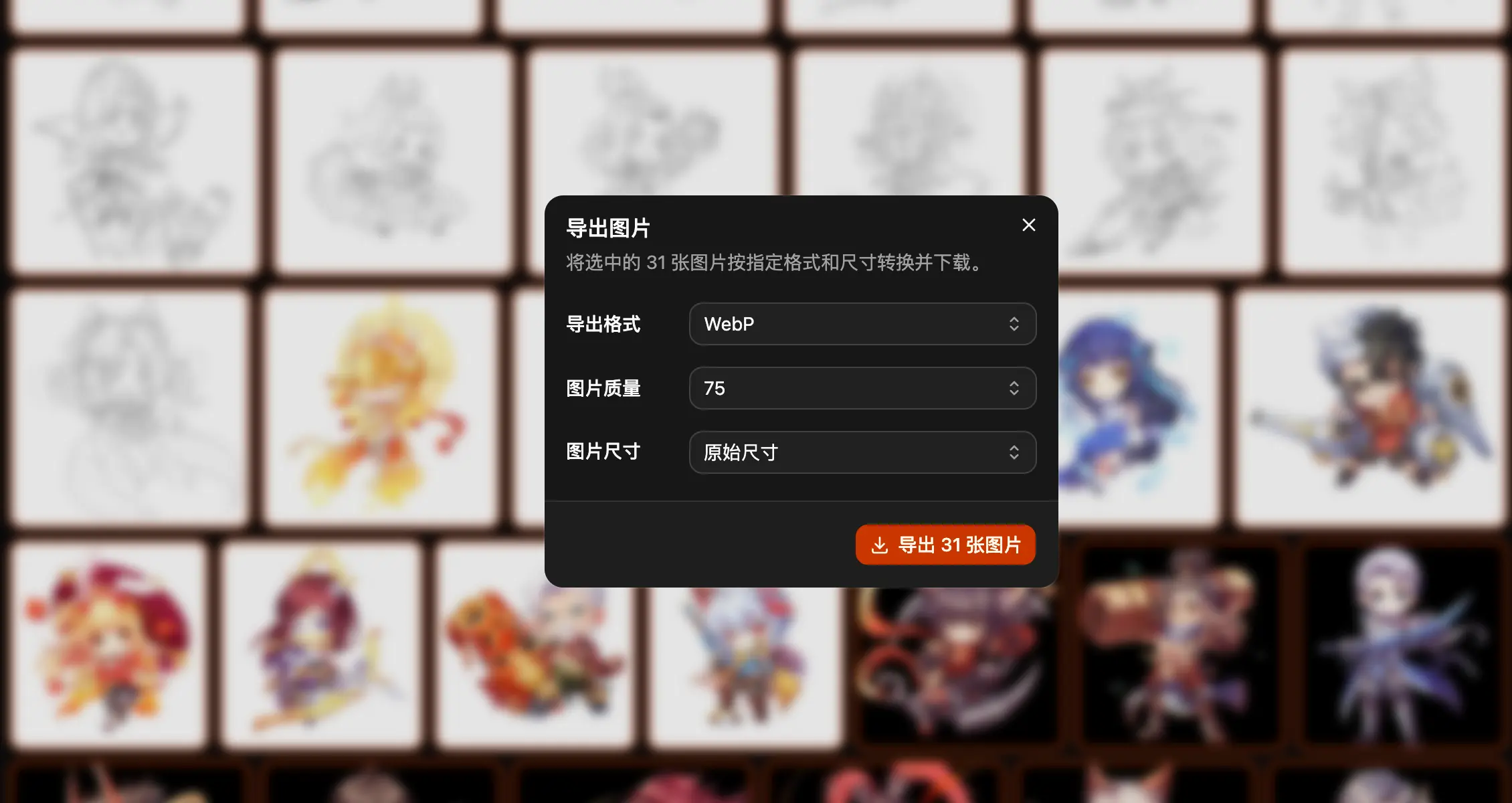
Inset.im Batch Export Is Now Available
Export one or more images with Inset.im, convert formats, adjust quality, and resize by width, height, long edge, or short edge.
2026/07/22
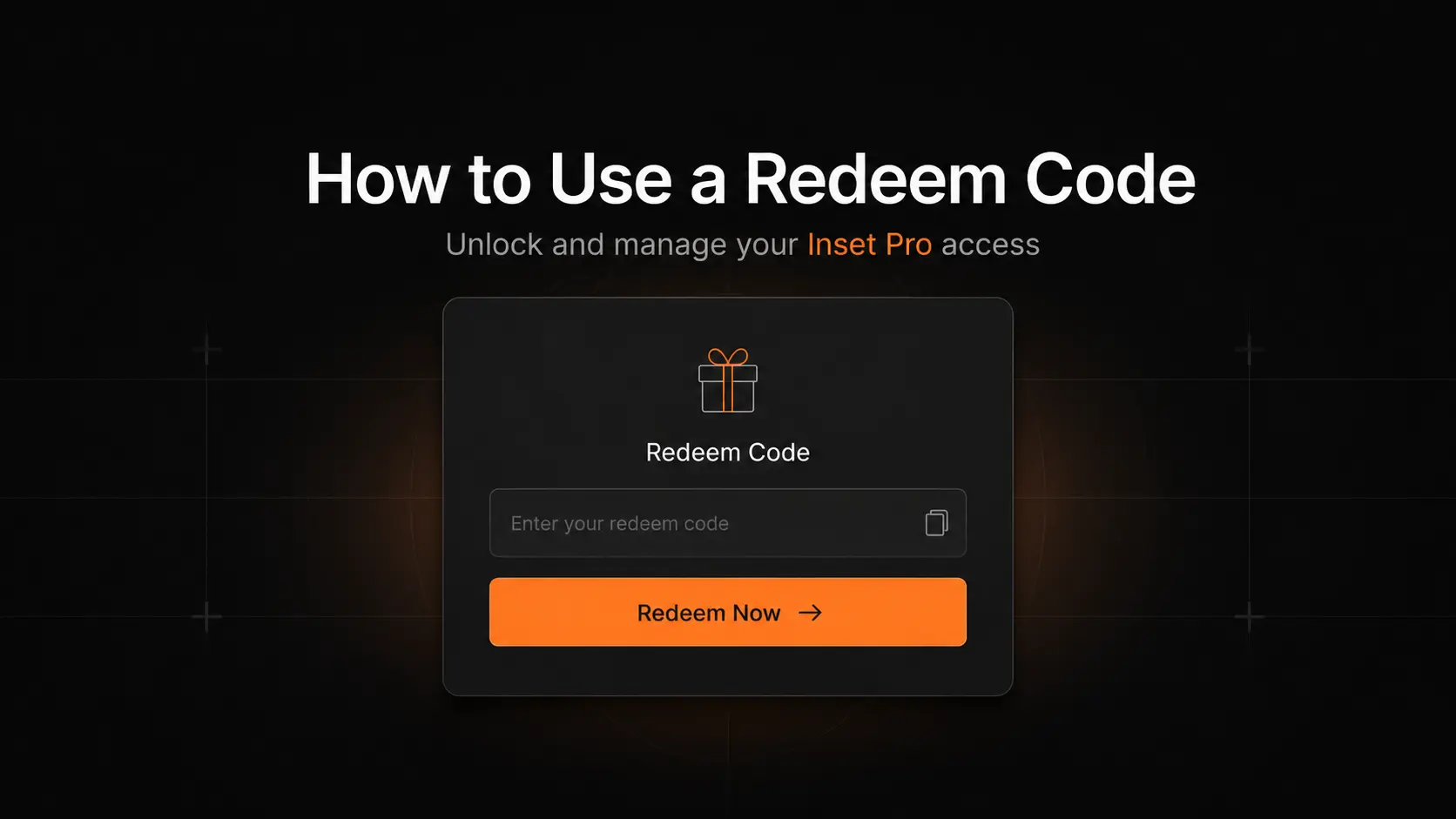
How to Use a Redeem Code on Inset.im
Learn how to redeem Pro access on Inset.im, check when it becomes active, review your entitlement status, and resolve common redeem code errors.
2026/07/20
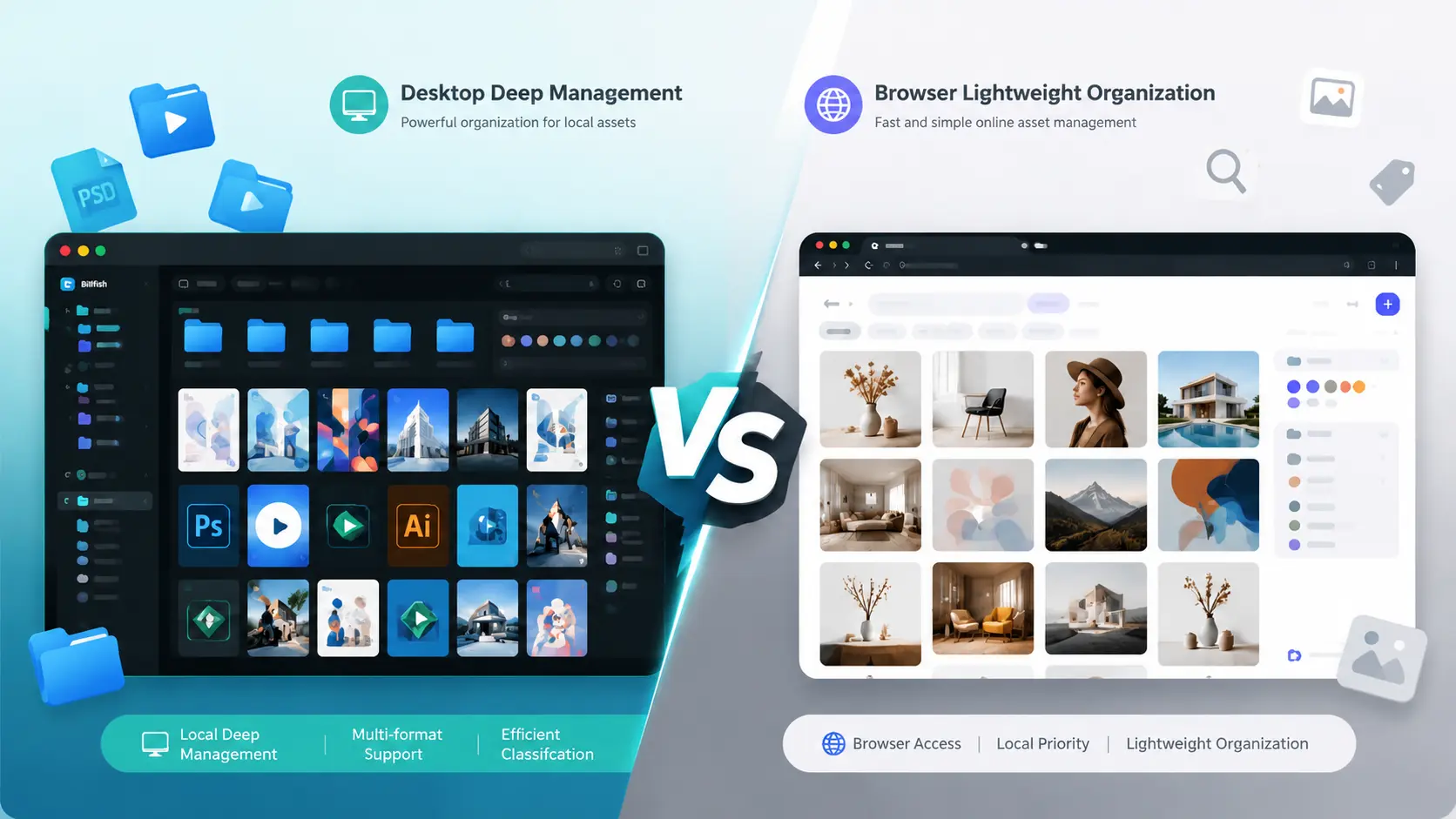
What Is the Difference Between Billfish and Inset.im
A practical comparison between Billfish and Inset.im, covering desktop asset management, browser-based image libraries, local-first storage, supported formats, organization workflows, and ideal users.
2026/07/18
Image Asset Management Tool Selection Guide
A practical guide to choosing between Eagle, Billfish, Pixcall, Adobe Bridge, and Inset.im based on library structure, local-first storage, Eagle compatibility, image processing, prompt management, and image organization scenarios.