2026/07/31
Inset is becoming an S3 Web Browser
Inset is moving from a browser-based image library toward a modern S3 Web Browser for managing cloud bucket files and visual assets online.
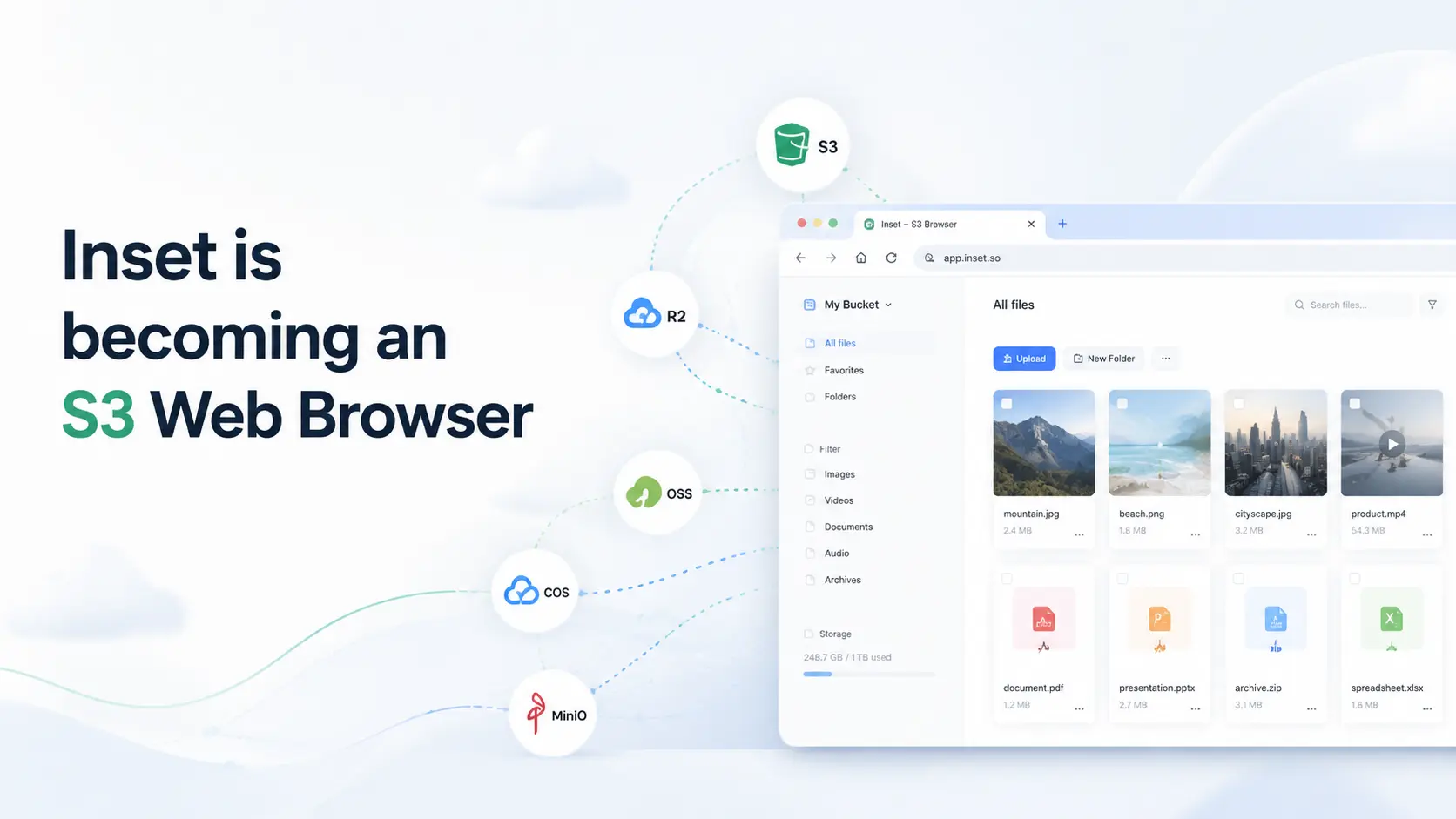
Inset started as an image library that runs in the browser. The goal was simple: organize images, screenshots, references, and assets without installing a desktop app.
As the product evolved, one larger problem became clearer: many assets no longer live only on a local computer.
They live in object storage.
That storage might be AWS S3, Cloudflare R2, Aliyun OSS, Tencent COS, or MinIO. Images, videos, product files, design assets, content materials, and project files increasingly live in buckets.
Those files are already in the cloud, but the management experience is still not good enough.
Cloud provider consoles are better for configuring services, permissions, and resources than for everyday asset organization. Traditional S3 Browser tools are closer to desktop file clients. They can upload, download, and delete files, but previewing, filtering, tagging, adding notes, saving favorites, and finding reusable assets are not their strongest workflows.
That is why Inset is moving in a new direction:
A modern web-based S3 Browser.
Why this is changing
We do not want to keep defining Inset only as an image library.
Image asset management is only one part of the problem. The broader problem is:
Files and assets keep growing, but they lack a good interface for browsing, organizing, and finding them again.
This problem exists in local folders, and it also exists in object storage.
Until now, Inset has focused more on browser libraries and local folder libraries. Next, Inset will bring the same organization experience to object storage, so users can manage files and assets in cloud buckets directly from the browser.
What Inset is becoming
The new direction for Inset is an object storage browser:
S3 Web Browser — Manage Your Cloud Buckets Storage Online
Inset will focus on workflows around files and visual assets stored in AWS S3, Cloudflare R2, Aliyun OSS, Tencent COS, MinIO, and similar object storage services.
Inset is not an FTP tool, a server management panel, or a traditional operations console.
It is built for everyday content management:
- Preview files
- Upload files
- Move and rename files
- Delete files
- Tag assets
- Add notes
- Save favorites
- Organize by folders
- Find files faster
We want Inset to feel like a web-based object storage browser built for content and assets, not just a list of object keys.
How it differs from S3 Browser
Tools like S3 Browser answer the question: “How do I manage files in object storage?”
Inset goes one step further:
How do I manage assets in object storage more comfortably?
Traditional tools lean toward desktop clients and file operations. Inset will put more attention on browser-based use, visual previews, tags and folders, notes and favorites, batch organization, and faster search.
It should not only show what is inside a bucket. It should make those files easier to find, understand, and reuse.
What stays
Existing browser libraries and local folder libraries will remain available.
They are not being removed or moved elsewhere. They remain part of Inset’s foundation:
- Browser libraries are useful for starting quickly
- Local folder libraries are useful for long-term storage
- Existing tags, folders, notes, favorites, and previews will continue
Object storage libraries will use the same organization experience.
In other words, Inset is not abandoning its existing organization workflow. It is extending that workflow to cloud buckets.
What happens next
Next, Inset will gradually update the homepage, product copy, pricing, and documentation so the product direction is clearer: S3 Web Browser.
The new homepage will combine product explanation and an interactive object storage browser on the same page. The main content will render with SSR, so both search engines and users can understand Inset’s new direction immediately. The browser operation area will load on the client side and keep the current library interaction model.
Future product work will focus on:
- Object storage connections
- Bucket file browsing
- File upload, download, move, rename, and delete
- Image and asset previews
- Tags, folders, notes, and favorites
- Batch organization
- Clearer operation feedback
Inset will not become an FTP, SFTP, WebDAV, or server management tool.
Inset will focus on object storage.
Closing
Inset’s direction is becoming more focused:
A more modern S3 Web Browser built for asset management.
If you already use object storage for images, videos, design assets, product files, content materials, or project files, Inset will continue moving toward that workflow.
All posts
2026/08/12
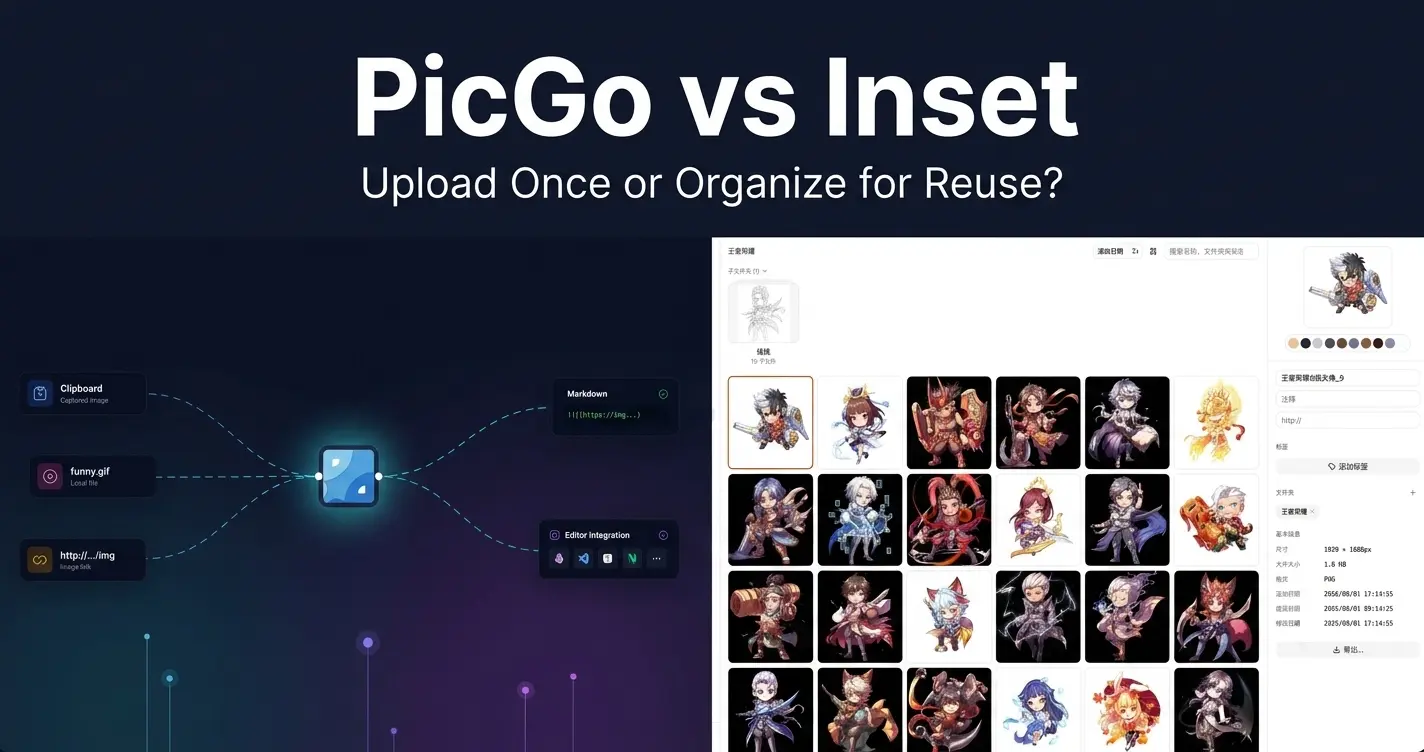
PicGo vs Inset
A practical comparison of PicGo and Inset across image uploading, link copying, asset organization, search, processing, and long-term reuse.
2026/08/11
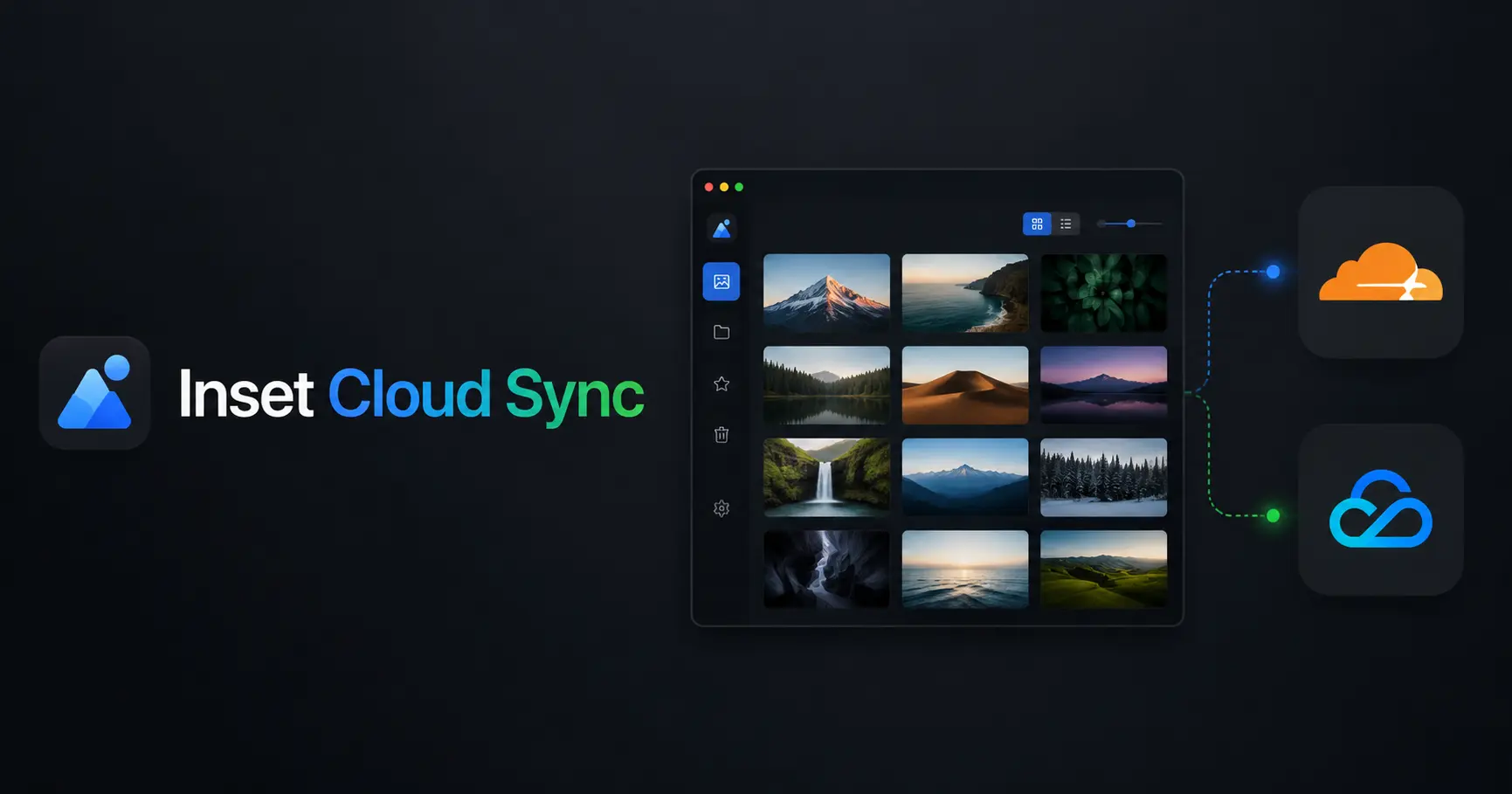
Inset Cloud Sync Is Now Available with Cloudflare R2 and Tencent Cloud COS
Inset now syncs local libraries with Cloudflare R2 and Tencent Cloud COS, with automatic sync, provider switching, and sync record recovery.
2026/08/05
What to Do When a Government Website Requires an Image Under 300KB
Use a browser-based tool to compress a JPG or PNG to under 100KB, then upload it to a government or public-service website with a 300KB file limit.
2026/08/05
Pixcall vs Inset — Which Asset Manager Fits Your Workflow?
Compare Pixcall and Inset across local file ownership, desktop and browser workflows, cloud sync, image organization, processing, and sharing.
2026/08/04
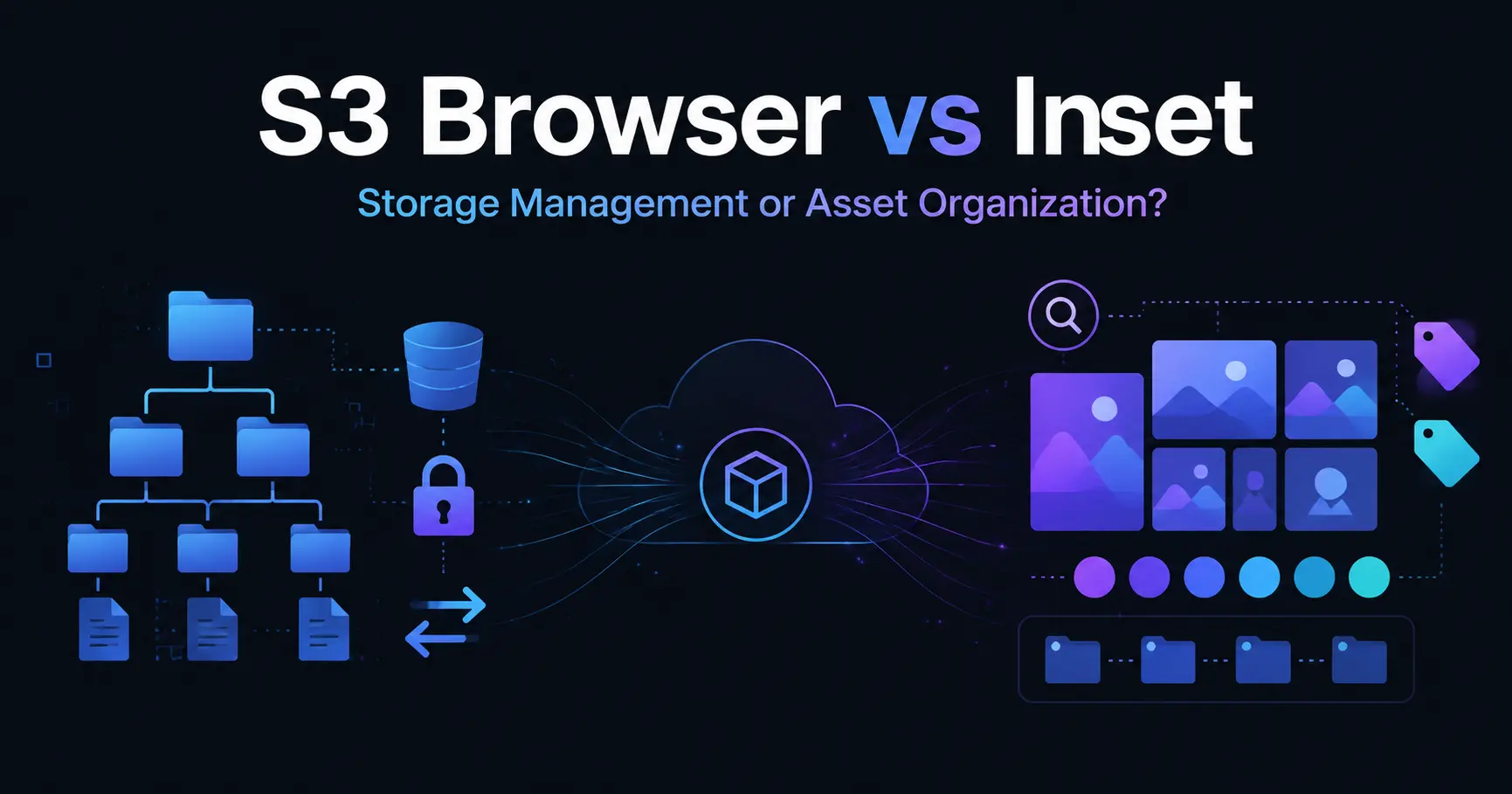
S3 Browser (Now CS Browser) vs Inset — Which Should You Choose?
Compare S3 Browser, now called CS Browser, with Inset across platforms, bucket administration, asset organization, image processing, and everyday workflows.
2026/08/03
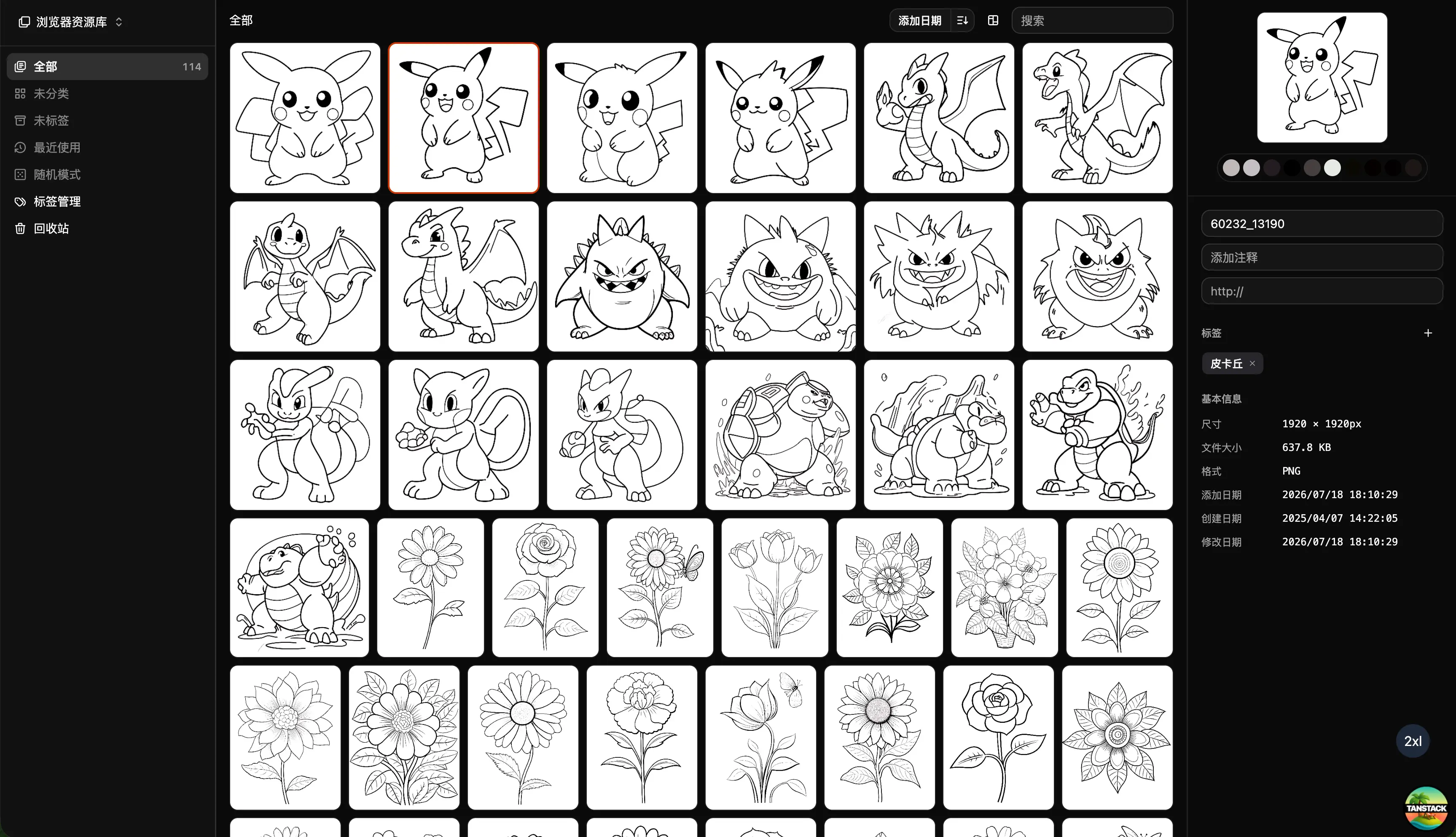
Can Inset Replace Eagle + Nutstore?
A practical comparison of Inset, Eagle, and Nutstore for image organization, file syncing, storage, browser access, image links, and object storage workflows.
2026/08/03
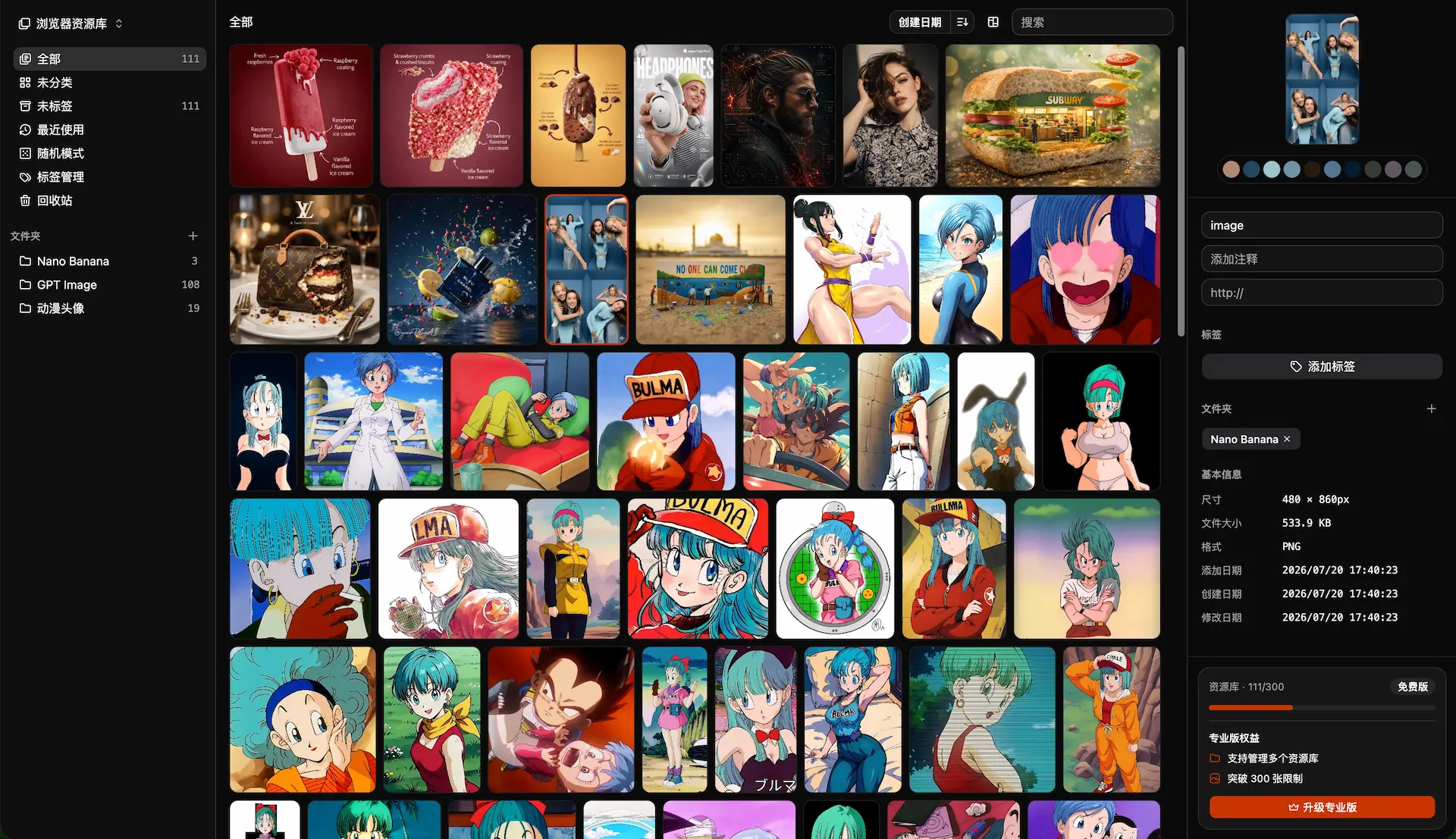
Lsky Pro vs Inset.im: Which Image Tool Should You Choose?
A practical comparison of Lsky Pro and Inset.im, covering image uploads, storage, sharing, link copying, self-hosting, asset organization, and everyday workflows.
2026/07/31
Inset is becoming an S3 Web Browser
Inset is moving from a browser-based image library toward a modern S3 Web Browser for managing cloud bucket files and visual assets online.
2026/07/26
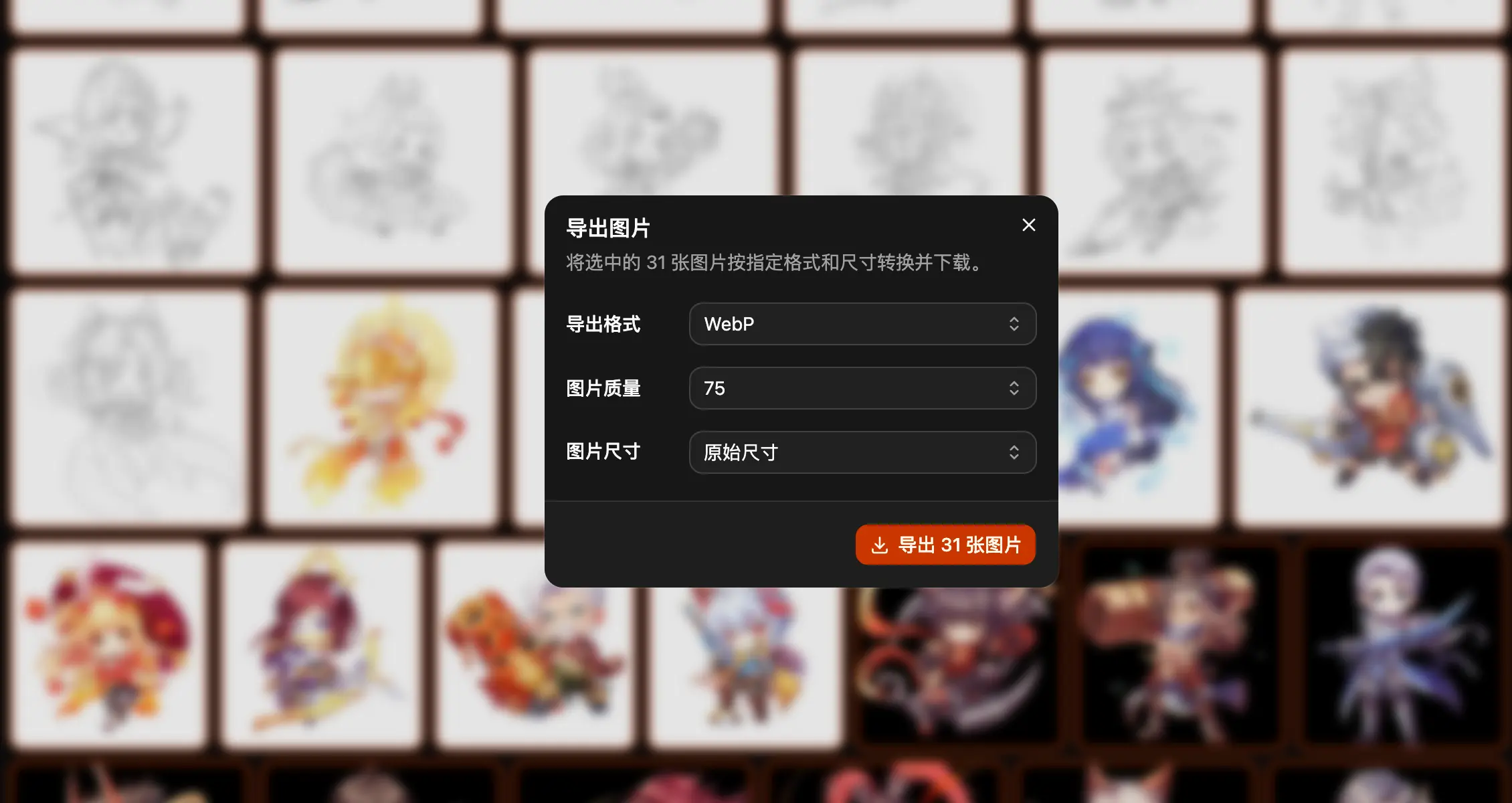
Inset.im Batch Export Is Now Available
Export one or more images with Inset.im, convert formats, adjust quality, and resize by width, height, long edge, or short edge.
2026/07/22
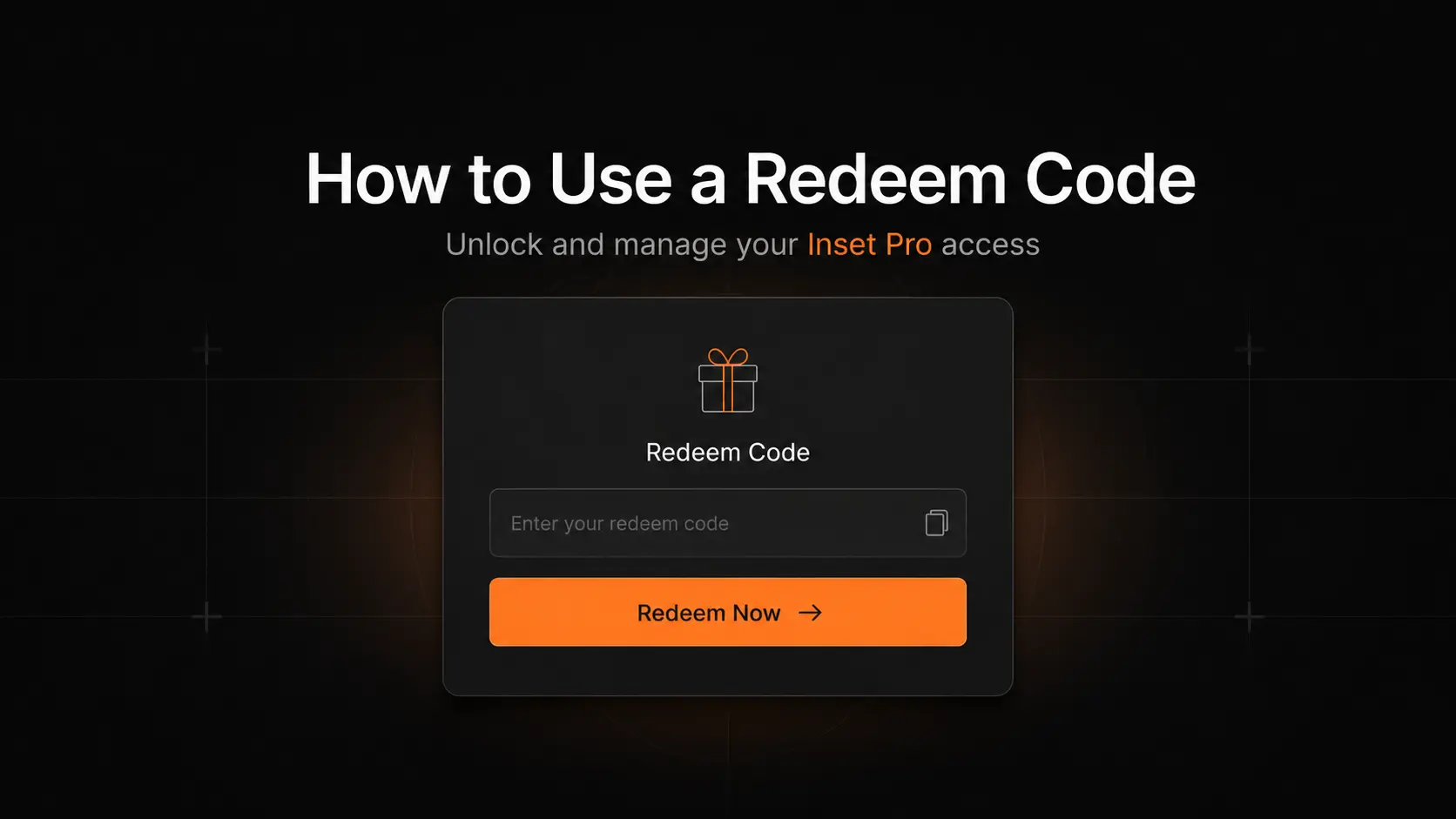
How to Use a Redeem Code on Inset.im
Learn how to redeem Pro access on Inset.im, check when it becomes active, review your entitlement status, and resolve common redeem code errors.
2026/07/20
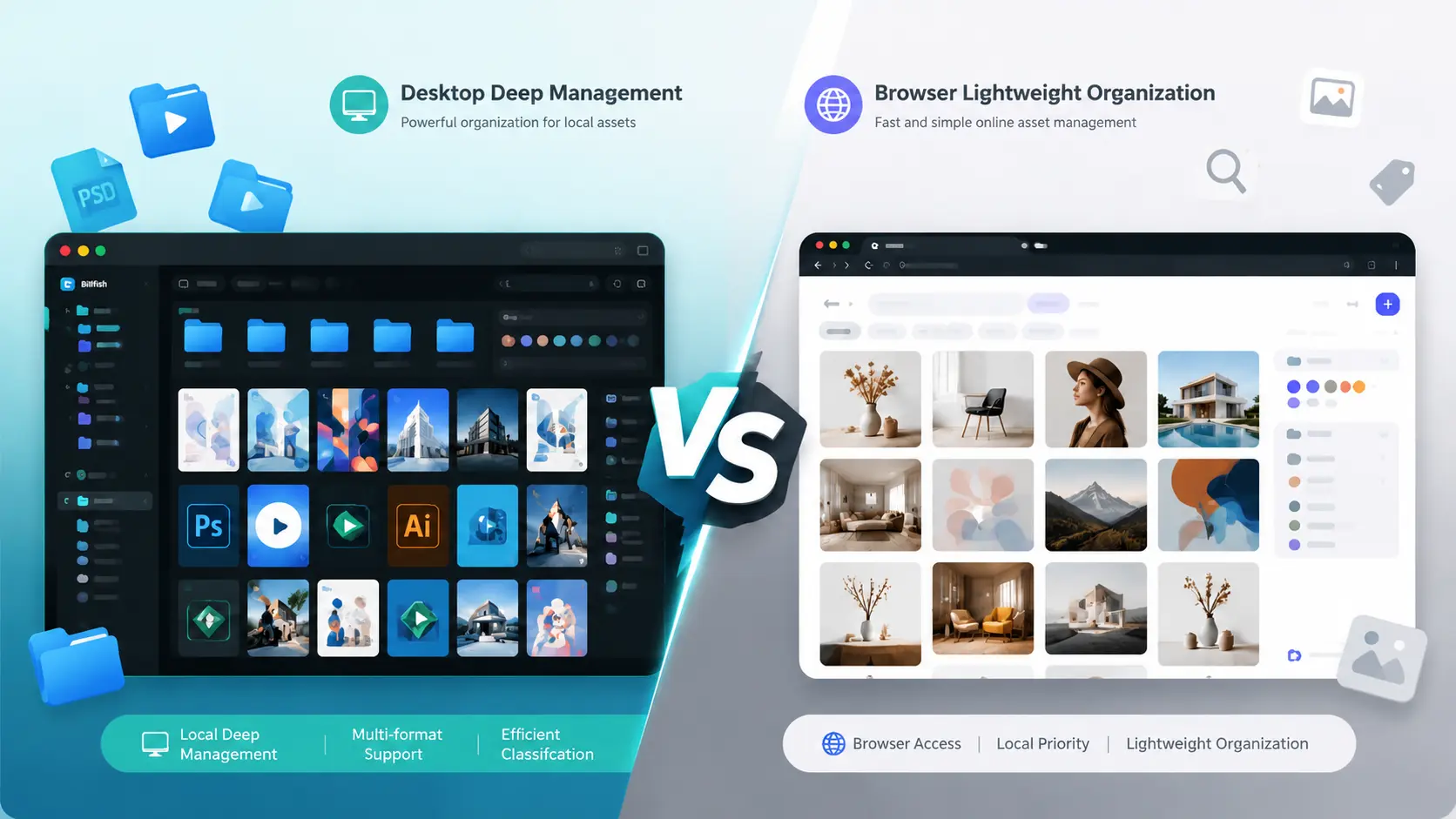
What Is the Difference Between Billfish and Inset.im
A practical comparison between Billfish and Inset.im, covering desktop asset management, browser-based image libraries, local-first storage, supported formats, organization workflows, and ideal users.
2026/07/18
Image Asset Management Tool Selection Guide
A practical guide to choosing between Eagle, Billfish, Pixcall, Adobe Bridge, and Inset.im based on library structure, local-first storage, Eagle compatibility, image processing, prompt management, and image organization scenarios.