2026/07/20
What Is the Difference Between Billfish and Inset.im
A practical comparison between Billfish and Inset.im, covering desktop asset management, browser-based image libraries, local-first storage, supported formats, organization workflows, and ideal users.
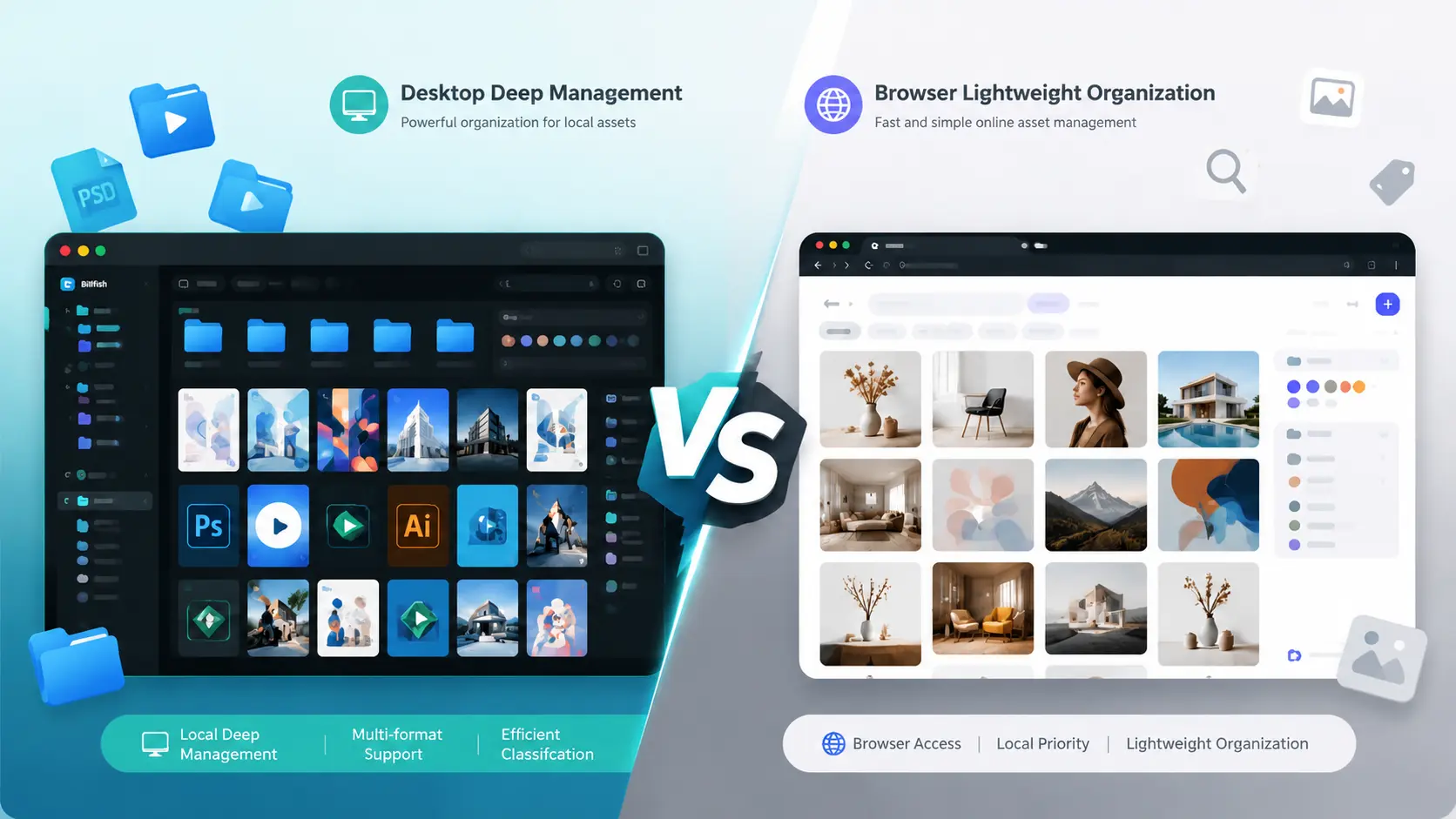
If you are choosing an image asset management tool, you will usually meet two different directions: a mature desktop asset manager such as Billfish, or a browser-based local-first image library such as Inset.im.
Both tools help with the same basic problem: too many images, too many folders, and too much time wasted finding the right file. But they fit different workflows.
Quick answer
Billfish is closer to a professional desktop asset manager for designers. It is better for managing large local collections that include design source files, videos, audio files, PDFs, fonts, and many other asset types.
Inset.im is closer to a lightweight image library in the browser. It is better for people who do not want to install desktop software and mainly need to organize images, screenshots, inspiration, AI images, product images, content visuals, and reference pictures.
Core differences
| Area | Billfish | Inset.im |
|---|---|---|
| Product form | Windows and macOS desktop app | Browser-based web app |
| Core positioning | Designer-focused asset manager | Local-first image library in the browser |
| Installation | Requires desktop installation | Open in a browser |
| Main users | Designers, editors, illustrators, creators | Creators, designers, operators, AI image users, image collectors |
| Storage model | Index, copy, or cut import modes | Browser library or authorized local directory library |
| File types | Images, design files, videos, audio, PDFs, fonts, and more | Currently focused on image assets |
| Organization | Folders, tags, ratings, color labels, smart folders | Folders, tags, search, preview, multi-select organization |
| Search | Tags, notes, colors, size, format, and combined filters | Image search, tag filtering, and basic library search |
| Maturity | More mature | Early product, still evolving |
| Main advantage | Free, broad format support, complete designer workflow | No installation, browser access, local-first, lightweight |
Where Billfish is stronger
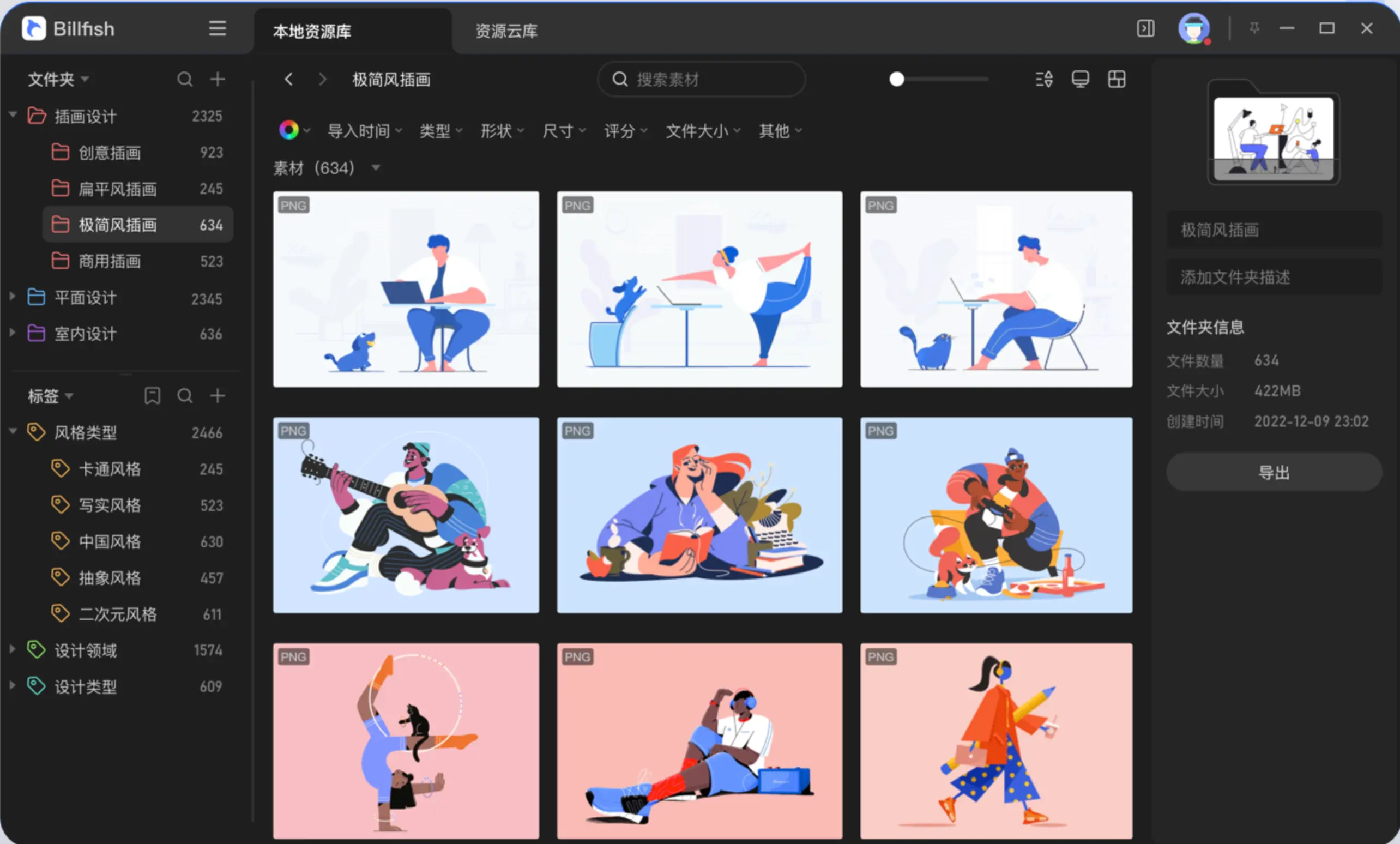
Billfish's biggest advantage is maturity.
It already covers many asset-management workflows designers expect: multi-level folders, tags, ratings, color labels, color search, duplicate detection, browser collection, broad format preview, and Eagle library migration.
Its three import modes are especially useful:
- Index: records the file path without copying the original file.
- Copy: copies files into the Billfish library folder.
- Cut: moves files into the Billfish library folder.
If your assets are already scattered across local folders and you do not want to duplicate files, Billfish's index mode is practical.
Billfish also supports previews for many formats, including PSD, AI, AE, CDR, Sketch, PDFs, videos, audio files, and fonts. This is where Inset.im is not trying to compete today.
Where Inset.im is stronger
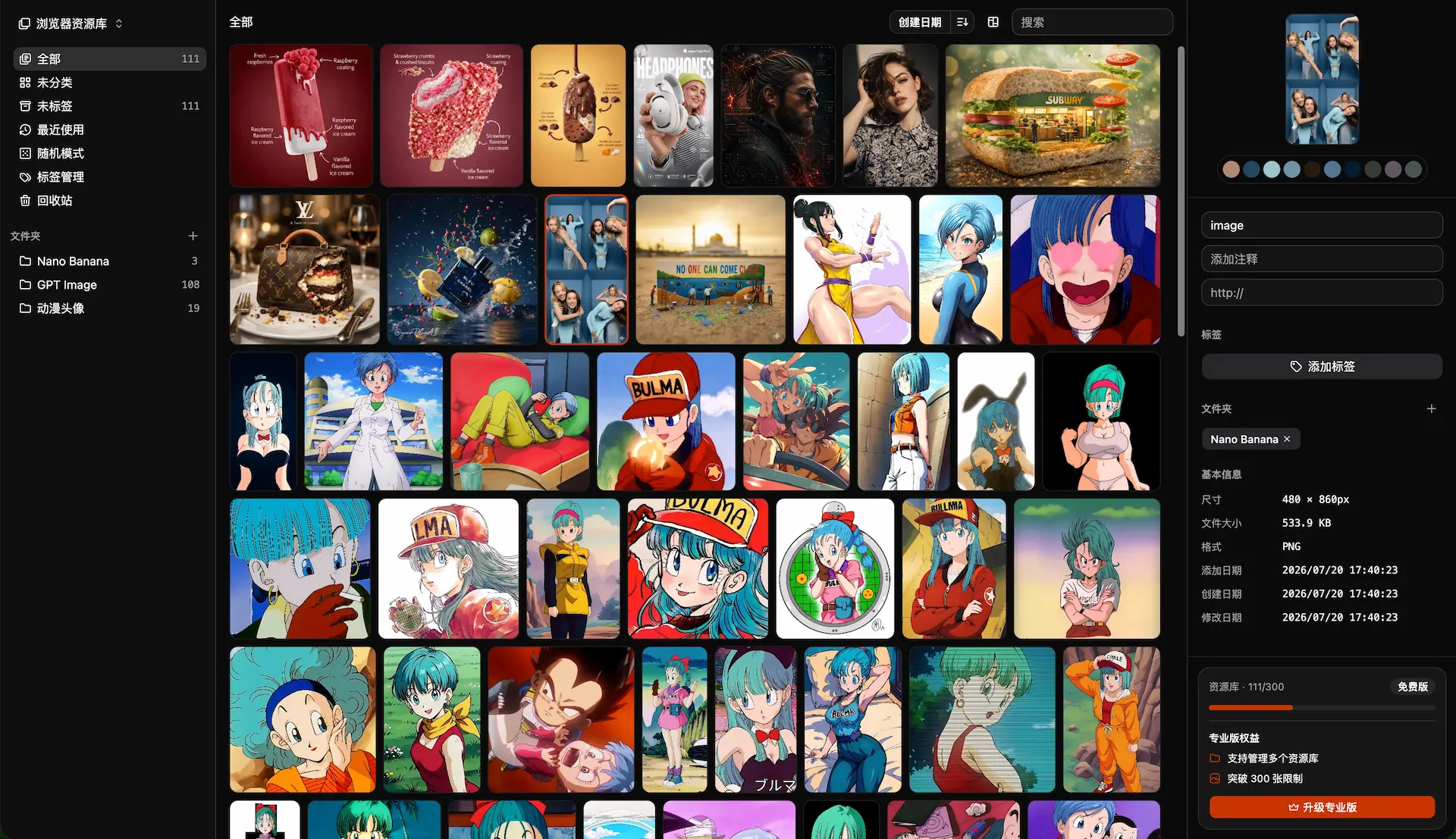
Inset.im's advantage is not that it has more desktop asset-management features. Its advantage is that the workflow is lighter.
The product idea is simple: open your browser and start organizing images.
Users do not need to install a desktop app or learn a complex asset-management system. With a browser, they can create an image library, drag in images, organize them with folders and tags, search, preview, and manage selections.
Inset.im is especially suitable for:
- Organizing screenshots, inspiration, and reference images.
- Managing AI-generated images and prompt references.
- Collecting images for social posts, articles, and video covers.
- Managing product images, case images, and ecommerce visuals.
- Collecting avatars, wallpapers, stickers, interior references, and costume references.
- Organizing images on computers where software installation is inconvenient.
In short, Billfish feels more like a professional asset manager. Inset.im feels more like a browser-based image workspace.
Different storage ideas
Billfish is built around a desktop app and library management. It lets users choose whether files are indexed in place, copied into the library, or moved into the library. This is friendly to users who already have large local asset folders.
Inset.im emphasizes local-first browser usage. The current product supports a browser library and an authorized local directory library. It is not a cloud photo album, and it does not assume that your images should be uploaded by default. The workflow starts from the user's own local images.
If you care most about keeping existing folders unchanged, Billfish's index mode is more mature.
If you care most about avoiding installation and organizing images directly in the browser, Inset.im is more direct.
Billfish is more mature today
From a feature-completeness perspective, Billfish is clearly more mature today.
Billfish already provides:
- Broad file preview support.
- Browser collection.
- Color search.
- Ratings and color labels.
- Smart folders.
- Duplicate detection.
- Eagle library migration.
- Video, audio, and design source file previews.
Inset.im is currently more focused on the image library itself:
- Image import.
- Folder organization.
- Tag management.
- Search.
- Image preview.
- Multi-select organization.
- Local-first storage.
If you need a full desktop asset manager that can replace a mature Eagle-like workflow, Billfish is a better fit today.
If you mainly manage images rather than PSD, AI, video, font, and other complex assets, Inset.im's lighter workflow may be more comfortable.
Inset.im has a lower entry barrier
Billfish is free for basic personal use, but it is still desktop software. Users need to install it and understand concepts such as libraries, import modes, index mode, and asset packages.
Inset.im has a lower entry barrier: open the website and start.
This matters when:
- You are using a temporary computer.
- Your work computer restricts software installation.
- You only want to organize images instead of maintaining a complex asset library.
- You do not want to learn designer-focused software.
- You want to quickly drag images in, categorize them, and tag them.
If your goal is simply to make image collections easier to organize and find, Inset.im is lighter than a traditional asset manager.
Who should choose Billfish?
Billfish is better for:
- Professional designers.
- Illustrators.
- Video editors.
- Users with many PSD, AI, CDR, Sketch, video, PDF, or font files.
- Users migrating from Eagle.
- Users with many existing local asset folders.
- Users who need color search, ratings, labels, and duplicate cleanup.
In one sentence: choose Billfish if you manage design assets.
Who should choose Inset.im?
Inset.im is better for:
- Content creators.
- AI image users.
- Social media, article, and video operators.
- Ecommerce operators.
- General image collectors.
- Users who do not want to install software.
- Users mainly managing PNG, JPG, WebP, GIF, SVG, and similar image formats.
- Users who want to organize images directly in the browser.
In one sentence: choose Inset.im if you manage image references.
Final recommendation
If you are a heavy design user and often work with PSD, AI, video, fonts, PDFs, and other asset types, Billfish is the stronger choice. It is mature, free for personal local use, and especially useful when you already have many local files and do not want to duplicate them.
If you mainly organize images, screenshots, reference pictures, AI images, product images, and content visuals, and you do not want to install desktop software, Inset.im is the more lightweight choice.
Billfish answers: "How do I manage too many design assets?"
Inset.im answers: "How do I organize and find image references more easily?"
The simple choice:
Choose Billfish for a professional desktop asset library.
Choose Inset.im for a browser-based image library.
All posts
2026/08/12
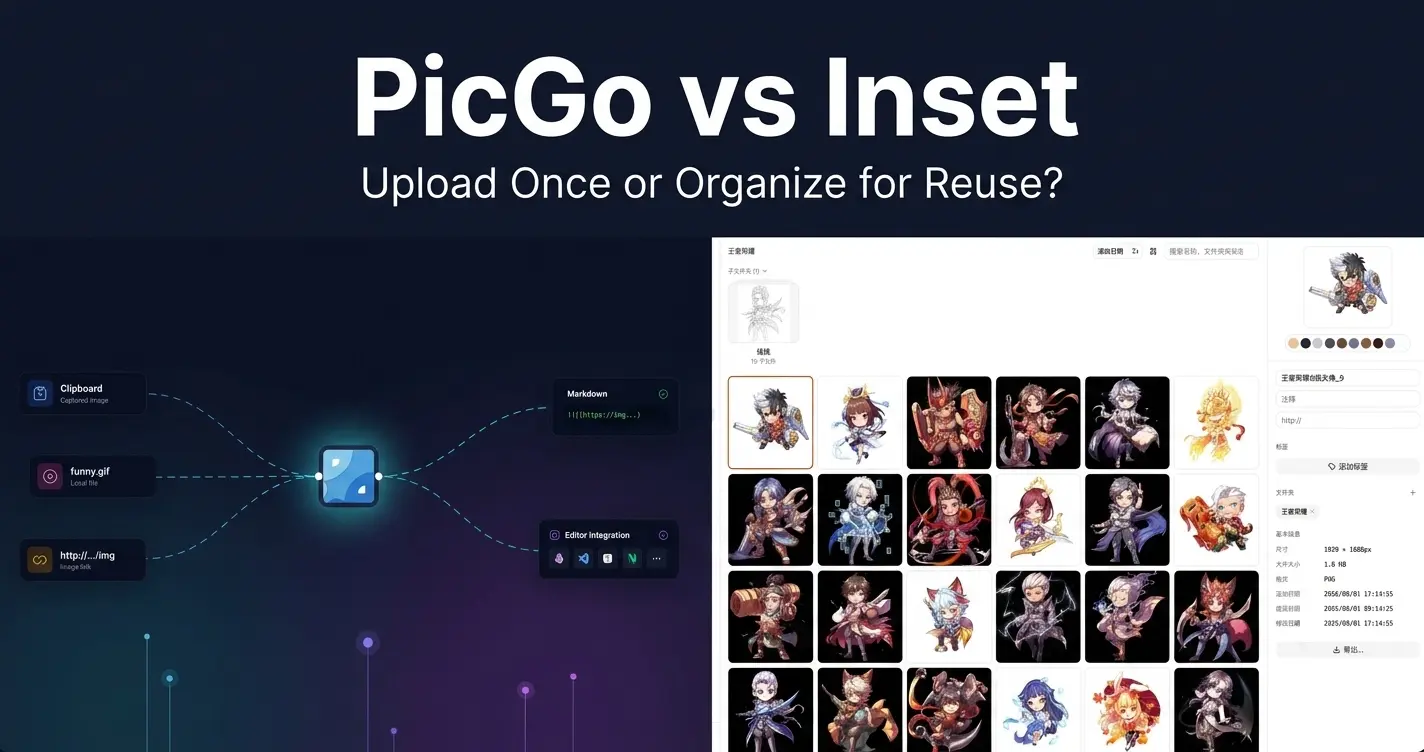
PicGo vs Inset
A practical comparison of PicGo and Inset across image uploading, link copying, asset organization, search, processing, and long-term reuse.
2026/08/11
Inset Cloud Sync Is Now Available with Cloudflare R2 and Tencent Cloud COS
Inset now syncs local libraries with Cloudflare R2 and Tencent Cloud COS, with automatic sync, provider switching, and sync record recovery.
2026/08/05
What to Do When a Government Website Requires an Image Under 300KB
Use a browser-based tool to compress a JPG or PNG to under 100KB, then upload it to a government or public-service website with a 300KB file limit.
2026/08/05
Pixcall vs Inset — Which Asset Manager Fits Your Workflow?
Compare Pixcall and Inset across local file ownership, desktop and browser workflows, cloud sync, image organization, processing, and sharing.
2026/08/04
S3 Browser (Now CS Browser) vs Inset — Which Should You Choose?
Compare S3 Browser, now called CS Browser, with Inset across platforms, bucket administration, asset organization, image processing, and everyday workflows.
2026/08/03
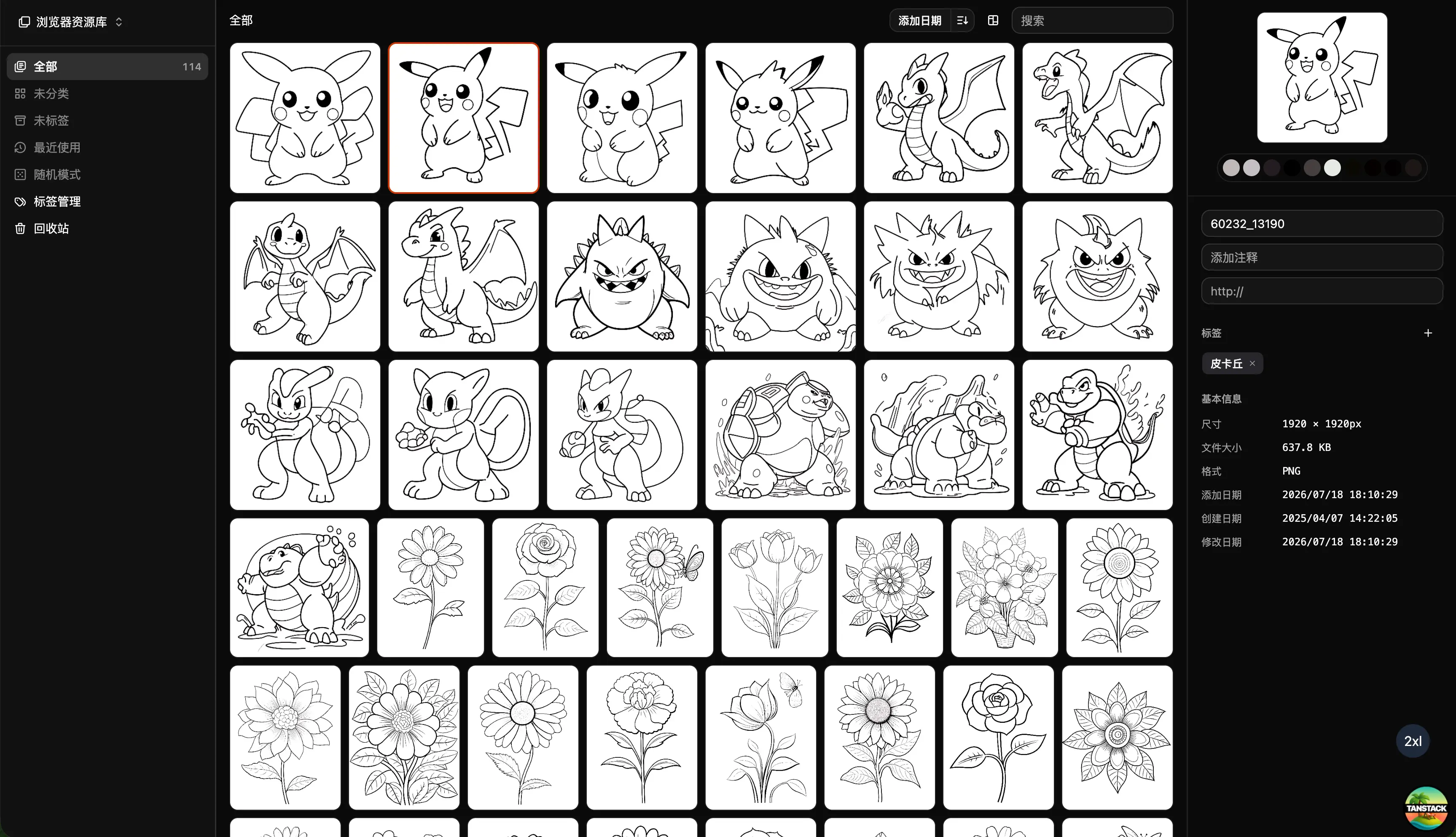
Can Inset Replace Eagle + Nutstore?
A practical comparison of Inset, Eagle, and Nutstore for image organization, file syncing, storage, browser access, image links, and object storage workflows.
2026/08/03
Lsky Pro vs Inset.im: Which Image Tool Should You Choose?
A practical comparison of Lsky Pro and Inset.im, covering image uploads, storage, sharing, link copying, self-hosting, asset organization, and everyday workflows.
2026/07/31
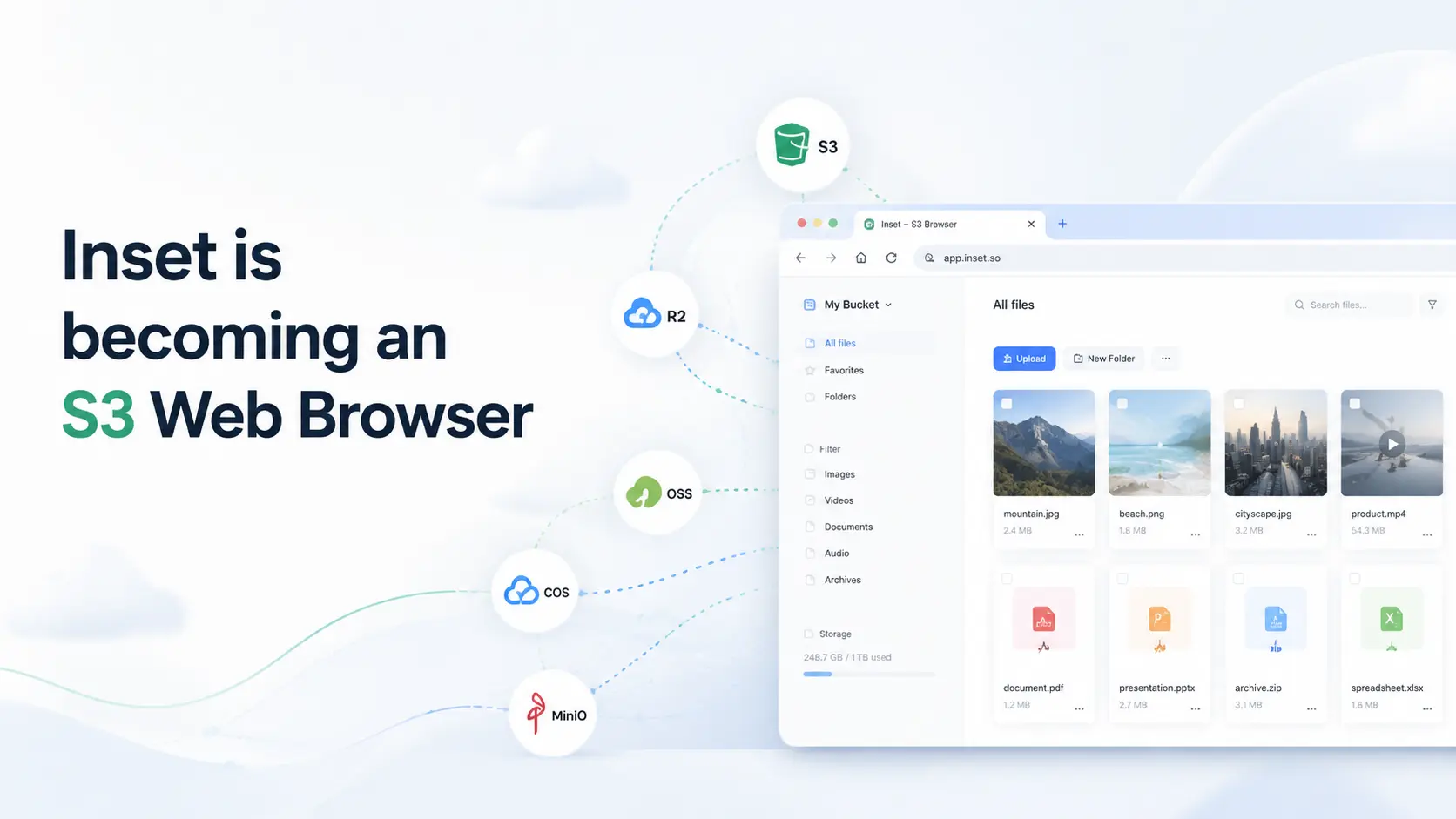
Inset is becoming an S3 Web Browser
Inset is moving from a browser-based image library toward a modern S3 Web Browser for managing cloud bucket files and visual assets online.
2026/07/26
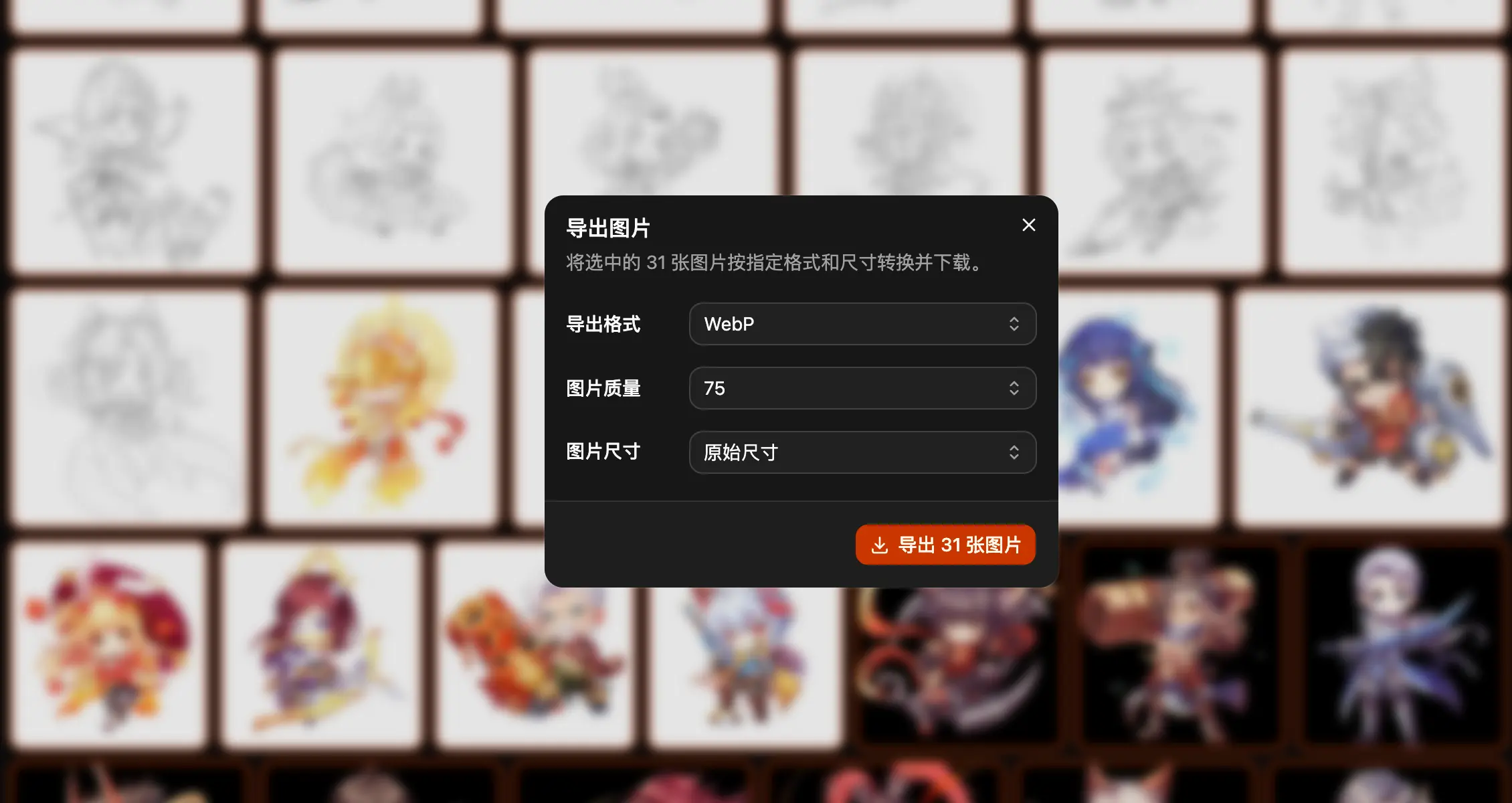
Inset.im Batch Export Is Now Available
Export one or more images with Inset.im, convert formats, adjust quality, and resize by width, height, long edge, or short edge.
2026/07/22
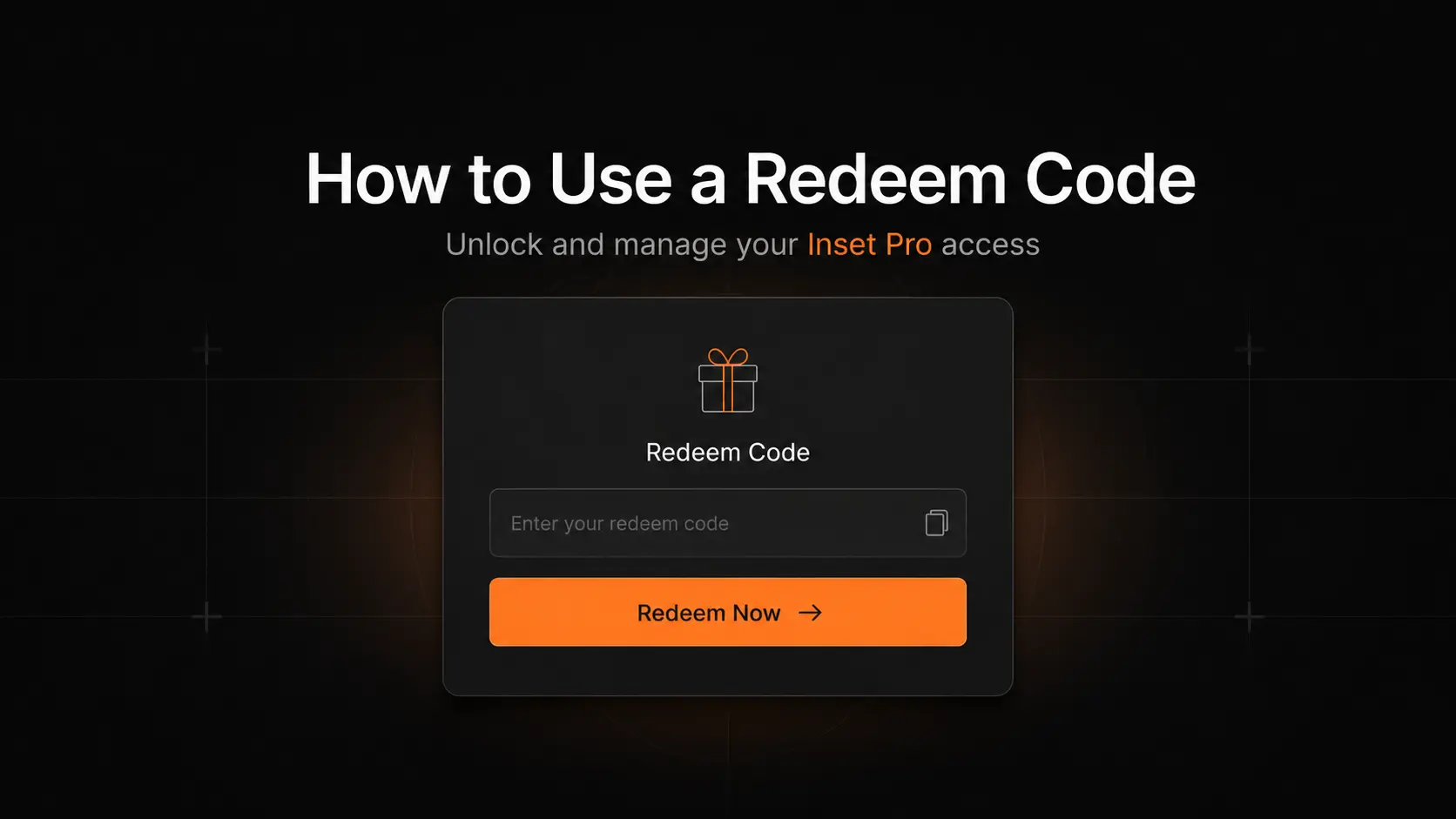
How to Use a Redeem Code on Inset.im
Learn how to redeem Pro access on Inset.im, check when it becomes active, review your entitlement status, and resolve common redeem code errors.
2026/07/20
What Is the Difference Between Billfish and Inset.im
A practical comparison between Billfish and Inset.im, covering desktop asset management, browser-based image libraries, local-first storage, supported formats, organization workflows, and ideal users.
2026/07/18
Image Asset Management Tool Selection Guide
A practical guide to choosing between Eagle, Billfish, Pixcall, Adobe Bridge, and Inset.im based on library structure, local-first storage, Eagle compatibility, image processing, prompt management, and image organization scenarios.