2026/08/03
Lsky Pro vs Inset.im: Which Image Tool Should You Choose?
A practical comparison of Lsky Pro and Inset.im, covering image uploads, storage, sharing, link copying, self-hosting, asset organization, and everyday workflows.
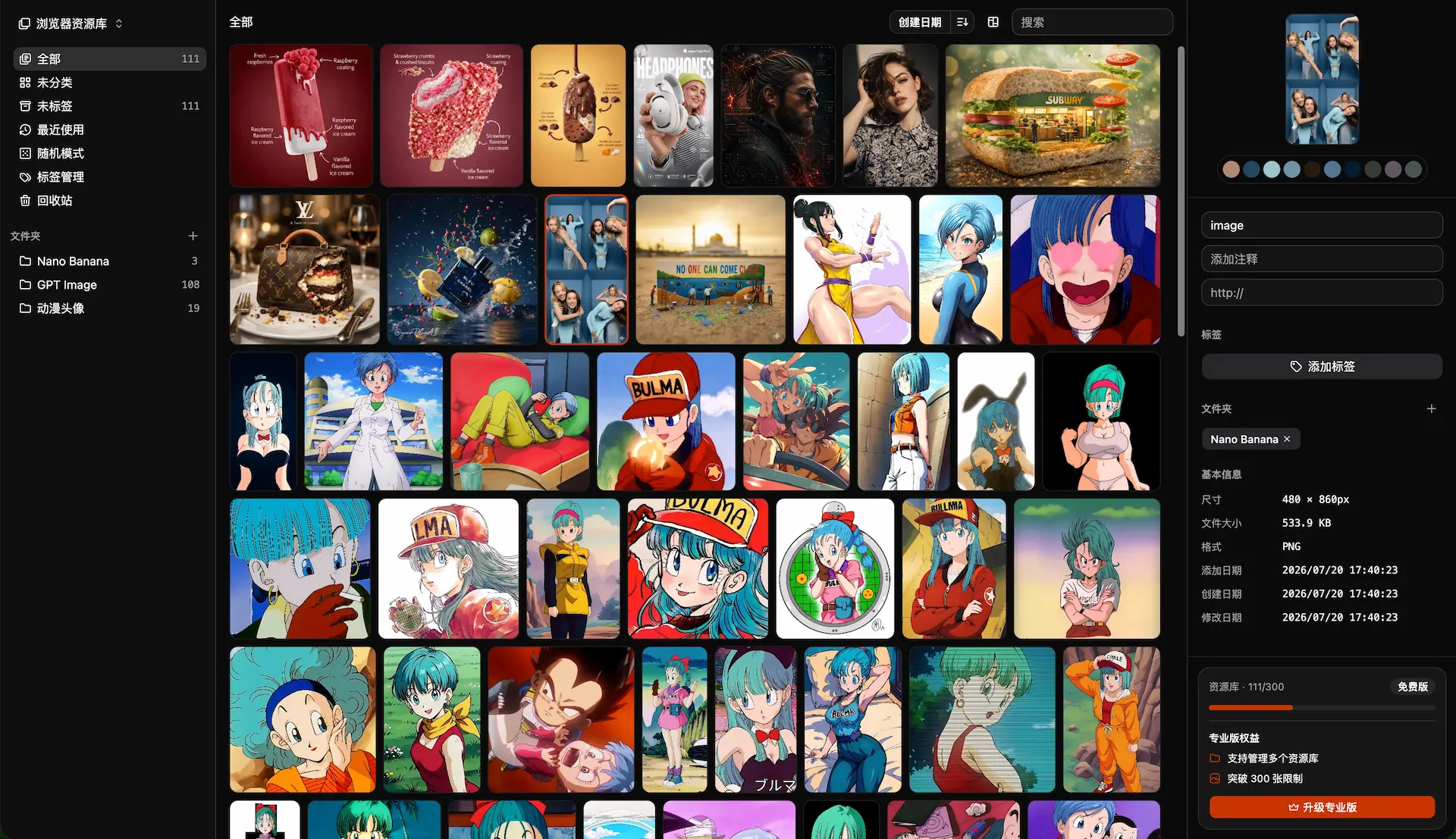
If you are looking for a way to upload, store, and share images, you will likely come across Lsky Pro and Inset.im.
Both products support image uploads, storage, sharing, and copying image links. The main difference is what sits behind that workflow.
Lsky Pro is a self-hosted image hosting application. It is a strong fit when you want to run the service yourself, control the storage layer, and expose upload or API capabilities to a website or team.
Inset.im is a browser-based image library and asset workspace. It is a better fit when you want to upload images without installing desktop software, copy shareable links, and keep your visual materials organized and reusable.
Quick answer
Choose Lsky Pro when you need self-hosting, server-side permissions, an API, custom storage policies, or full control over your domain and infrastructure.
Choose Inset.im when you want a browser-first workflow for uploading, storing, sharing, finding, organizing, and processing images.
They overlap, but they are not identical products. Lsky Pro is closer to image hosting infrastructure. Inset.im is closer to an image library that also handles upload and sharing.
Core differences
| Area | Lsky Pro | Inset.im |
|---|---|---|
| Product positioning | Self-hosted image hosting application | Browser-based image library and object storage browser |
| Upload workflow | Web upload, drag and drop, paste, API, and other integrations | Browser upload, drag and drop, and library operations |
| Storage model | Your server or a storage provider you configure | Browser library, local directory library, or object storage library |
| Sharing | Generate and copy image links | Share images and copy image links |
| Organization | Albums, waterfall layout, renaming, and batch management | Folders, tags, search, preview, notes, and batch organization |
| Image processing | Server-side resizing, watermarks, filters, and related tools | Format conversion, compression, resizing, and batch export |
| Service controls | Roles, upload limits, moderation, storage policies, and API | A lighter personal image workspace and asset library experience |
| Setup | Requires a server, PHP, database, and extensions | Open in a browser; object storage workflows use your configured storage |
| Best fit | Site owners, developers, teams, and self-hosting users | Creators, designers, operators, AI image users, and image collectors |
What Lsky Pro is best at
Lsky Pro is built around self-hosted image hosting. You deploy it, connect local or third-party storage, upload images through the web or an API, and generate links for use elsewhere.
According to the official Lsky Pro GitHub repository, the project supports multiple-image uploads, drag-and-drop uploads, paste uploads, link copying, album management, role groups, upload frequency limits, image moderation, watermarks, and APIs. Its documented storage options include local storage, AWS S3, Alibaba Cloud OSS, Tencent COS, Qiniu, Upyun, SFTP, FTP, WebDAV, and MinIO.
That makes Lsky Pro a natural choice for:
- Providing image URLs for blogs, forums, documentation, and Markdown content.
- Running a private image upload service for yourself or a team.
- Connecting image uploads to a website, editor, or automation through an API.
- Applying server-side rules such as roles, moderation, upload limits, or watermarks.
- Choosing and managing your own server, database, storage, and domain.
The trade-off is operational responsibility. You need to handle the server, database, domain, backups, security, bandwidth, upgrades, abuse prevention, and recovery when something fails.
There is also an important maintenance detail: the current README for the open-source Lsky Pro repository says that the open-source version is no longer maintained and will not receive new features or bug fixes. Check the exact version, licensing, support options, and deployment requirements before using it in production.
What Inset.im is best at
Inset.im is a browser-based image library and asset workspace. It supports image uploads, storage, sharing, and copying image links, while also giving you a place to organize the images you keep using.
You can place images in a library, organize them with folders and tags, find them through search, and preview or review them before sharing. When an image needs to be published or delivered, you can copy its link. When it needs preparation, you can convert formats, compress it, resize it, or export a batch.
Inset.im works well for:
- AI-generated images and prompt references.
- Social media posts, article illustrations, and video covers.
- Product images, case studies, and brand visuals.
- Screenshots, inspiration images, wallpapers, avatars, and stickers.
- Design references, project images, and visual materials that need to stay reusable.
The main advantage is continuity. You do not need to install a desktop client or build a PHP application before starting. You can upload, save, organize, process, and share images in the browser. Browser libraries, local directory libraries, and object storage libraries serve different needs: quick access, long-term local control, and cloud-based file management.
Uploading, storing, and copying links
If the question is simply “Can both tools upload an image and give me a link?”, the answer is yes. The more useful question is how the link workflow is managed.
Lsky Pro treats the image URL as part of a server-side service. Uploaded images go to the storage you configure, while the application handles users, albums, policies, moderation, and API access.
Inset.im treats the image URL as part of a library workflow. You can upload and save an image, find it later through folders, tags, or search, process it if needed, and then share it or copy its link.
The public accessibility, URL format, and storage location of an Inset image depend on the library type and storage configuration in use. Check those settings before building a publishing workflow around a particular URL behavior.
Organization and image processing
Lsky Pro’s management model is centered on images that have already been uploaded to a hosting service. Albums, waterfall views, renaming, multi-select actions, roles, and upload policies are useful when the main job is operating an image host.
Inset.im is more focused on asset reuse. Folders, tags, search, preview, and notes make it easier to find an image again after the library grows. Format conversion, compression, resizing, and batch export help turn selected assets into files ready for publishing or delivery.
If images are uploaded and immediately embedded in a website, Lsky Pro’s hosting workflow is more direct. If images will be collected, searched, edited, and reused over time, Inset.im provides the more natural workspace.
Self-hosting versus convenience
Lsky Pro requires a server environment. The official repository lists PHP 8.0.2 or later and extensions such as BCMath, Ctype, DOM, Fileinfo, Imagick, and PDO. After deployment, you remain responsible for security, backups, permissions, traffic, abuse, upgrades, and recovery.
Inset.im removes the need to install a desktop client or maintain a PHP application. When you use an object storage library, you still need your own storage service and its configuration; browser-first does not mean that object storage has no cost or operational responsibility.
The practical trade-off is straightforward: Lsky Pro gives you more infrastructure control, while Inset.im gets you to an upload, organization, processing, and sharing workflow faster.
Which one should you choose?
Choose Lsky Pro if you need
- A self-hosted image hosting application.
- Control over the server, database, domain, and storage policies.
- An upload service for a website, forum, blog, or team.
- API-based uploads and automation.
- Roles, moderation, rate limits, watermarks, or other server-side controls.
Choose Inset.im if you need
- A browser-first tool with no desktop installation.
- Image uploads, storage, sharing, and link copying in one workflow.
- Folders, tags, search, preview, and notes for long-term organization.
- A practical workspace for AI images, prompts, screenshots, products, and content visuals.
- Format conversion, compression, resizing, and batch export.
Use both when the workflows are different
You can also combine the two. Use Inset.im to collect, organize, filter, and prepare images, then use Lsky Pro as the self-hosted service for publishing and distribution. Or keep Lsky Pro as an existing link service while using Inset.im as the visual asset library around it.
This setup can work well for individuals and small teams that manage a large image collection while publishing to several channels. Before connecting the workflows, verify the export format, upload method, public access rules, and backup plan.
Frequently asked questions
Are Lsky Pro and Inset.im the same type of product?
They overlap, but their centers of gravity are different. Lsky Pro focuses on self-hosted image hosting, server-side management, and link distribution. Inset.im is a browser-based image library that also supports uploads, storage, sharing, and link copying.
Can Inset.im replace Lsky Pro?
For personal image uploads, storage, and sharing, Inset.im may be enough on its own. If you need a self-hosted service, public upload endpoints, user roles, moderation, API access, custom domains, and full infrastructure control, Lsky Pro is the closer fit.
Which is better for Markdown images?
Both can be used to share image links. Lsky Pro is better suited to a self-hosted or API-driven publishing pipeline. Inset.im is better suited to finding and preparing an image in a library before copying its link.
Which is better for a large image collection?
If the collection mainly exists to serve external image URLs, evaluate Lsky Pro. If it also needs tags, search, notes, filtering, format conversion, and batch export, Inset.im is a stronger image-library option. Actual capacity and performance depend on the storage model, device, and plan.
Which gives me more control over my data?
Lsky Pro is designed for users who want to operate their own server, database, and storage. Inset.im can work with a local directory or your own object storage, but the available behavior depends on the library type and configuration.
Is the open-source version of Lsky Pro still maintained?
The current Lsky Pro GitHub README says that the open-source version is no longer maintained and will not receive new features or bug fixes. Check the official repository, release information, and licensing details before deployment.
References
- Lsky Pro official GitHub repository: documented features, storage drivers, and installation requirements.
- Lsky Pro official website: product information, demo, and version details.
- Lsky Pro documentation: deployment and usage guidance.
- Inset.im: current product entry point and image library experience.
- Inset.im as an object storage browser: object storage and asset management direction.
All posts
2026/08/12
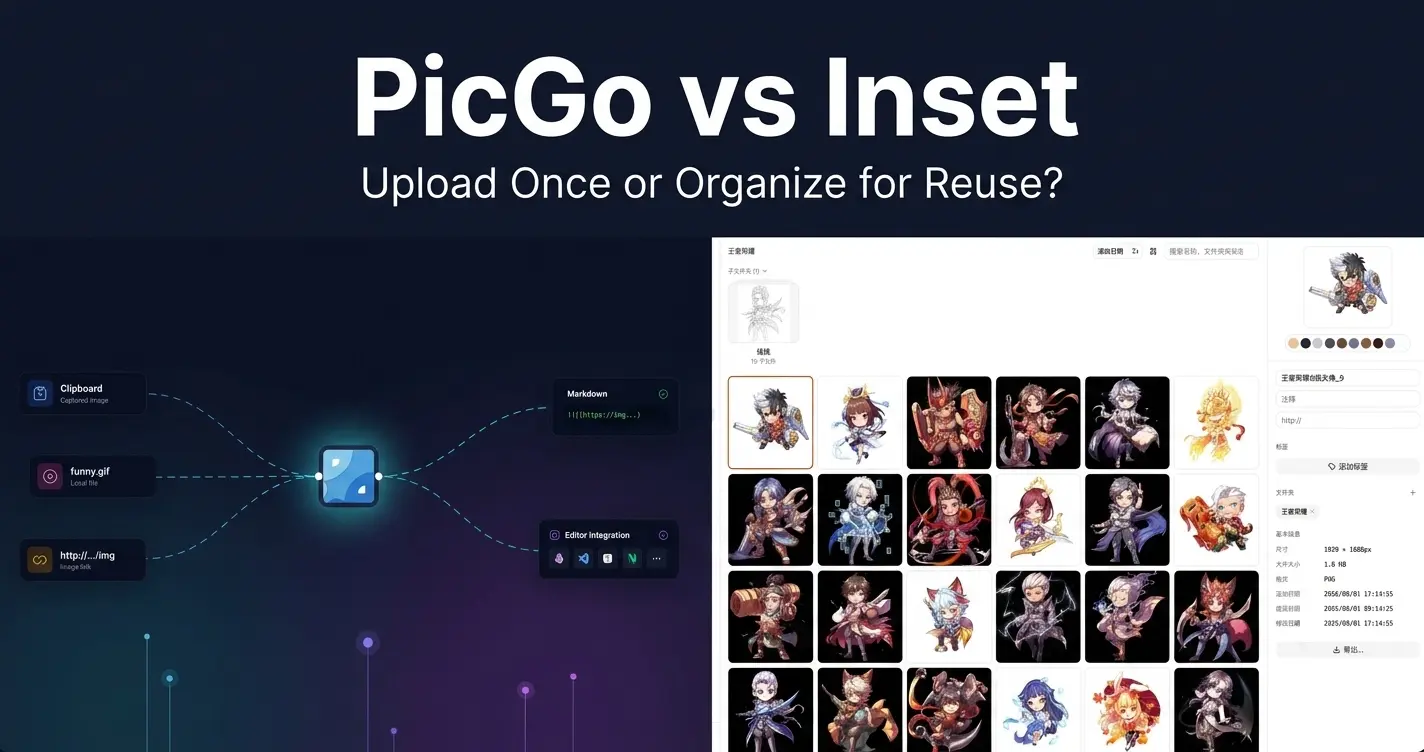
PicGo vs Inset
A practical comparison of PicGo and Inset across image uploading, link copying, asset organization, search, processing, and long-term reuse.
2026/08/11
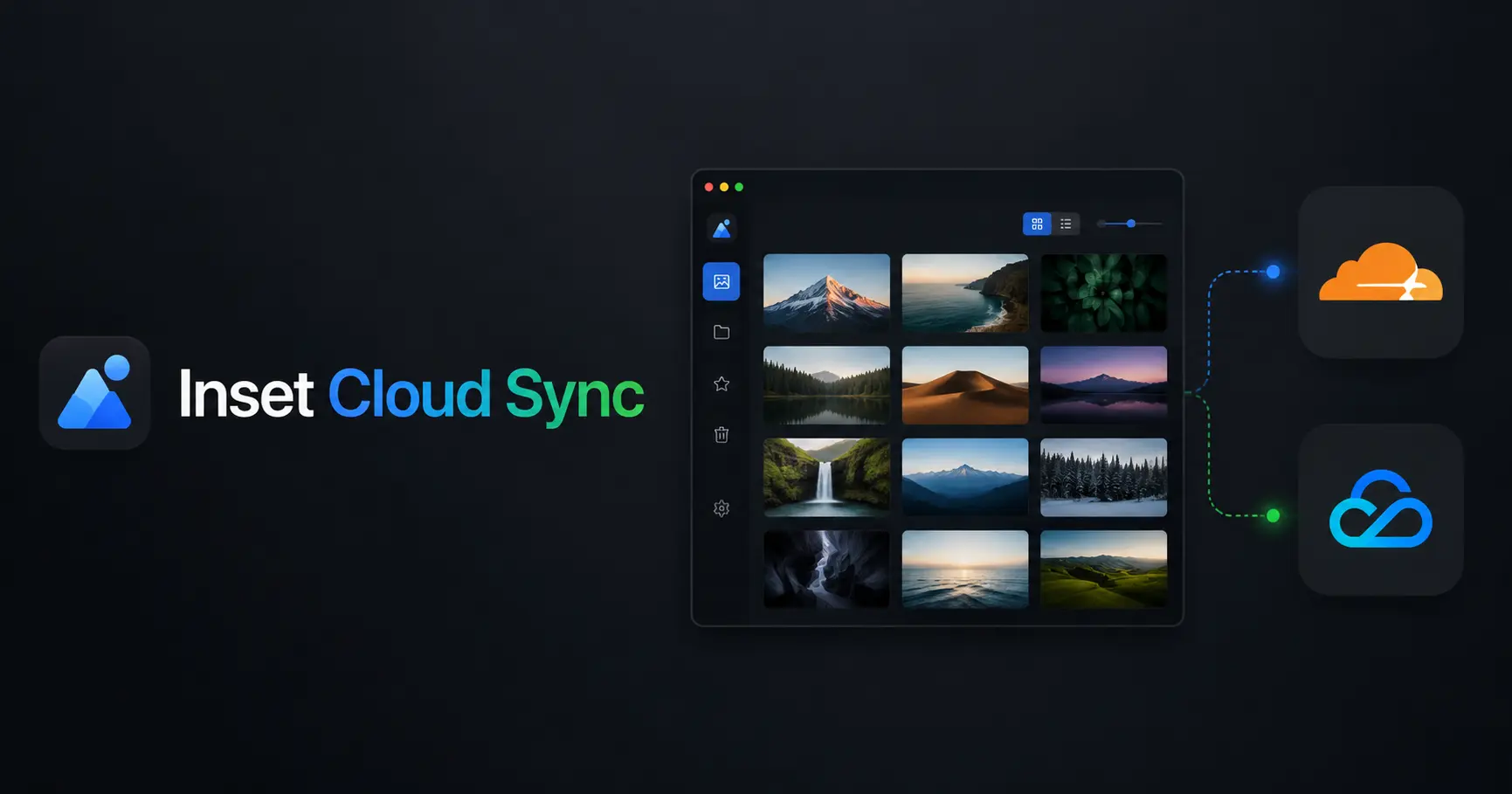
Inset Cloud Sync Is Now Available with Cloudflare R2 and Tencent Cloud COS
Inset now syncs local libraries with Cloudflare R2 and Tencent Cloud COS, with automatic sync, provider switching, and sync record recovery.

2026/08/05
What to Do When a Government Website Requires an Image Under 300KB
Use a browser-based tool to compress a JPG or PNG to under 100KB, then upload it to a government or public-service website with a 300KB file limit.

2026/08/05
Pixcall vs Inset — Which Asset Manager Fits Your Workflow?
Compare Pixcall and Inset across local file ownership, desktop and browser workflows, cloud sync, image organization, processing, and sharing.
2026/08/04
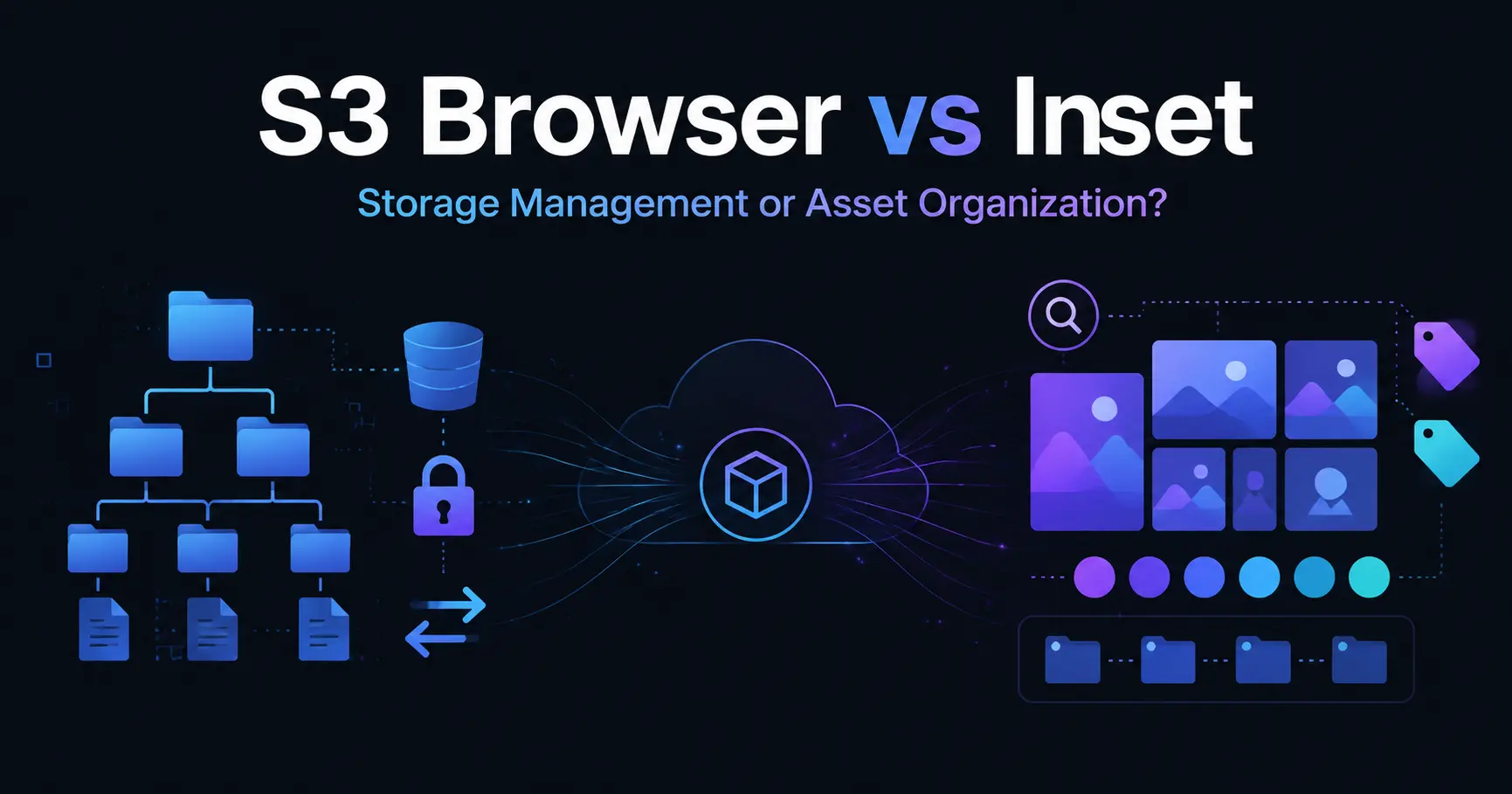
S3 Browser (Now CS Browser) vs Inset — Which Should You Choose?
Compare S3 Browser, now called CS Browser, with Inset across platforms, bucket administration, asset organization, image processing, and everyday workflows.
2026/08/03
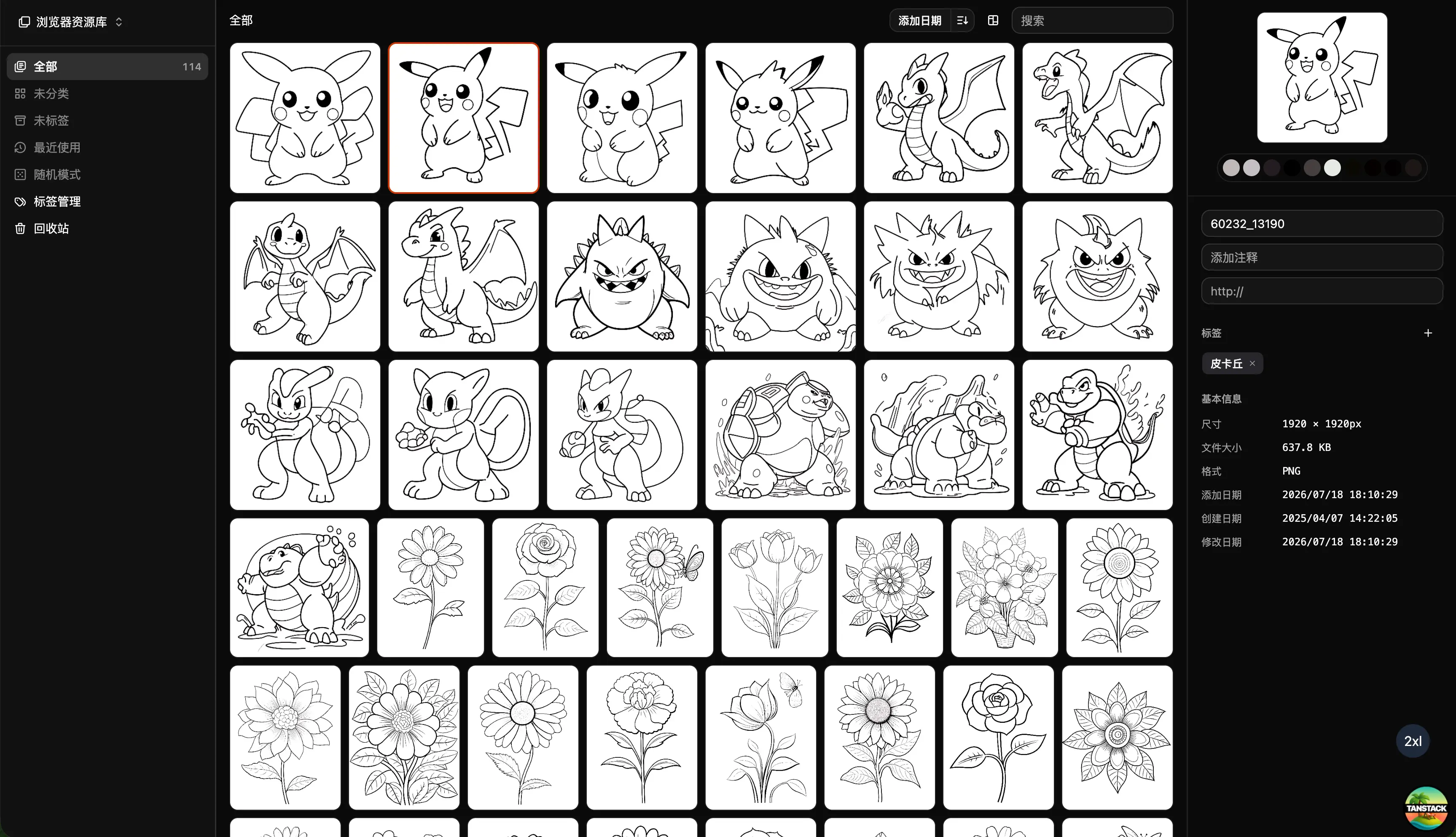
Can Inset Replace Eagle + Nutstore?
A practical comparison of Inset, Eagle, and Nutstore for image organization, file syncing, storage, browser access, image links, and object storage workflows.
2026/08/03
Lsky Pro vs Inset.im: Which Image Tool Should You Choose?
A practical comparison of Lsky Pro and Inset.im, covering image uploads, storage, sharing, link copying, self-hosting, asset organization, and everyday workflows.
2026/07/31
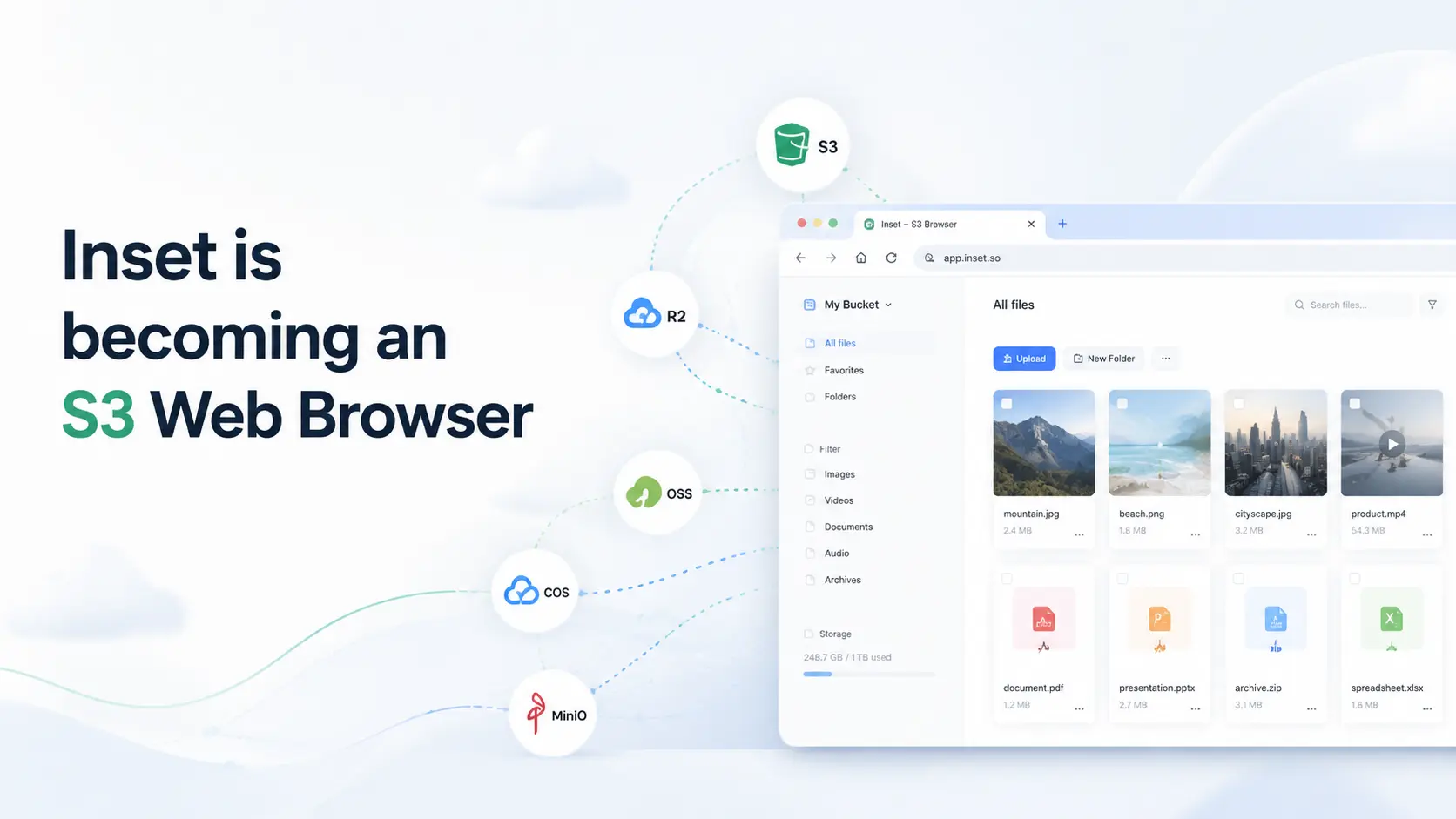
Inset is becoming an S3 Web Browser
Inset is moving from a browser-based image library toward a modern S3 Web Browser for managing cloud bucket files and visual assets online.
2026/07/26
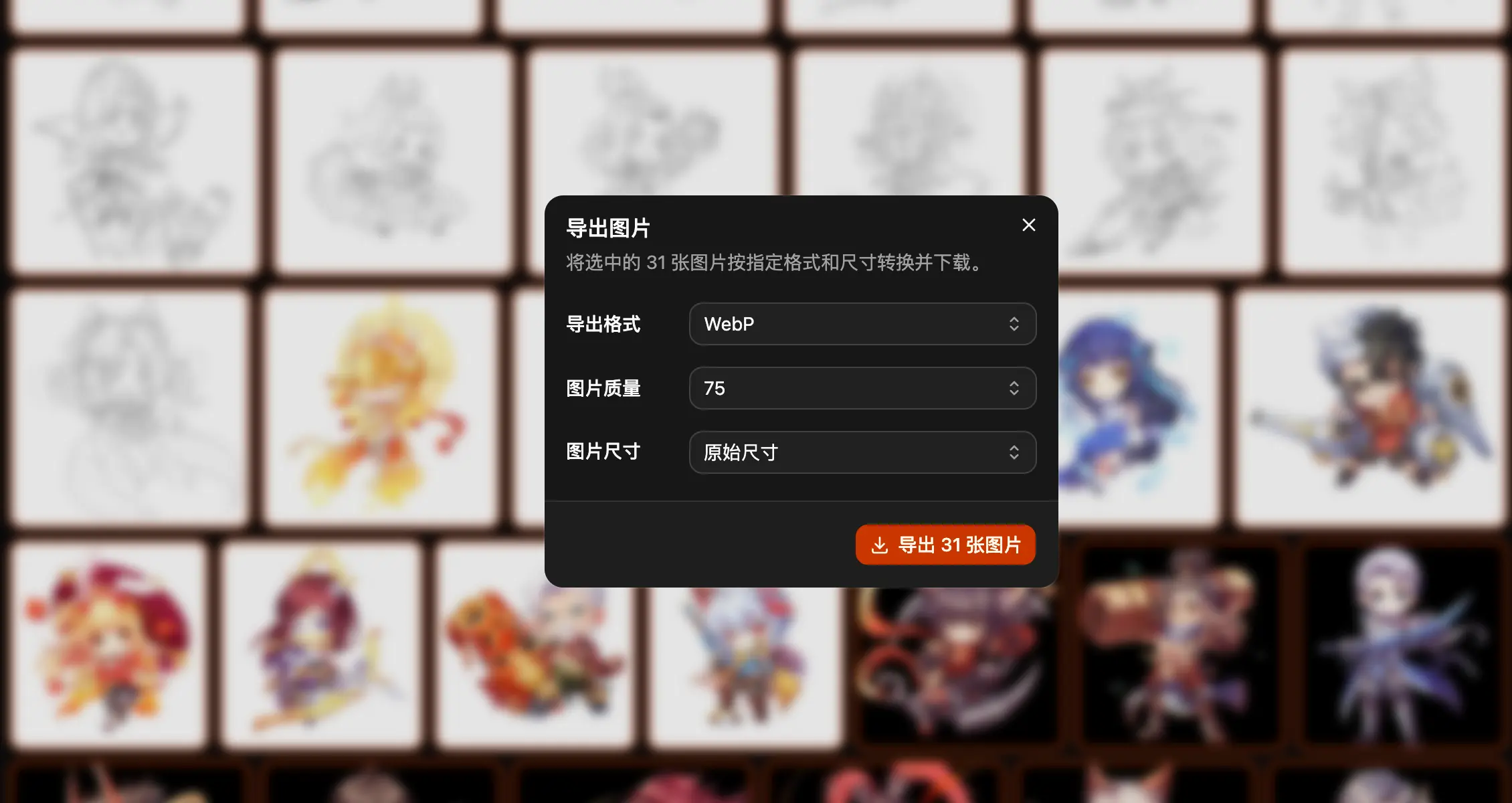
Inset.im Batch Export Is Now Available
Export one or more images with Inset.im, convert formats, adjust quality, and resize by width, height, long edge, or short edge.
2026/07/22
How to Use a Redeem Code on Inset.im
Learn how to redeem Pro access on Inset.im, check when it becomes active, review your entitlement status, and resolve common redeem code errors.
2026/07/20
What Is the Difference Between Billfish and Inset.im
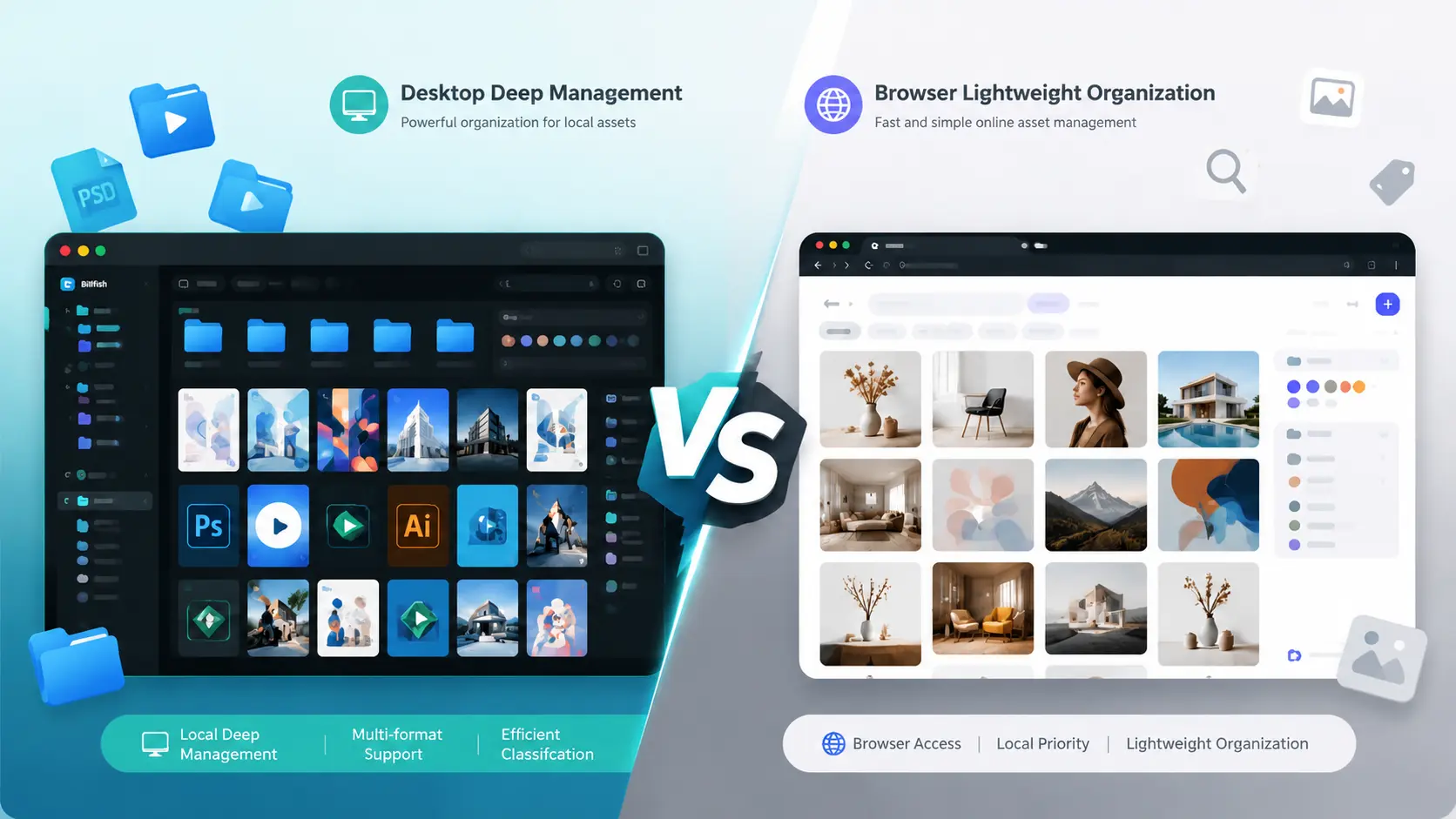
A practical comparison between Billfish and Inset.im, covering desktop asset management, browser-based image libraries, local-first storage, supported formats, organization workflows, and ideal users.
2026/07/18
Image Asset Management Tool Selection Guide
A practical guide to choosing between Eagle, Billfish, Pixcall, Adobe Bridge, and Inset.im based on library structure, local-first storage, Eagle compatibility, image processing, prompt management, and image organization scenarios.