2026/07/18
Image Asset Management Tool Selection Guide
A practical guide to choosing between Eagle, Billfish, Pixcall, Adobe Bridge, and Inset.im based on library structure, local-first storage, Eagle compatibility, image processing, prompt management, and image organization scenarios.
Choosing an image asset management tool starts with how images are created, organized, reused, and processed. The real problem is not only where to store images, but how to keep a growing image library searchable, portable, and useful.
Eagle, Billfish, Pixcall, Adobe Bridge, and Inset.im all manage image assets, but they fit different workflows. Eagle is a mature desktop library, Billfish focuses on import and index modes, Pixcall emphasizes open local file structures, Adobe Bridge fits Adobe-heavy professional workflows, and Inset.im focuses on browser-based image libraries with built-in image tools.
Quick choice
| Use case | Better fit |
|---|---|
| Heavy design asset library and long-term inspiration collection | Eagle |
| Existing local folders and less duplicated importing | Billfish |
| Open folder structure and stronger local file control | Pixcall |
| Adobe ecosystem, photography, metadata, and batch workflows | Adobe Bridge |
| Browser-based image library with prompt records and image tools | Inset.im |
If maturity matters most, Eagle and Adobe Bridge are stronger. If local file control matters most, compare Billfish and Pixcall. If browser access, image library organization, and built-in image processing matter most, Inset.im is the more direct option.
Selection criteria
| Criteria | What to check |
|---|---|
| Library structure | Backup, migration, and long-term control |
| Folders and tags | Whether large image collections remain organized |
| Search and preview | Whether images can be found quickly later |
| Eagle compatibility | Migration path for existing Eagle users |
| Local-first workflow | Privacy, offline use, and data ownership |
| Browser access | Whether desktop software is required |
| Image processing | Compression, conversion, resizing, cropping, and export |
| Scenario coverage | Designers, AI images, prompts, products, Binder collections, stickers, wallpapers, and general image references |
Eagle
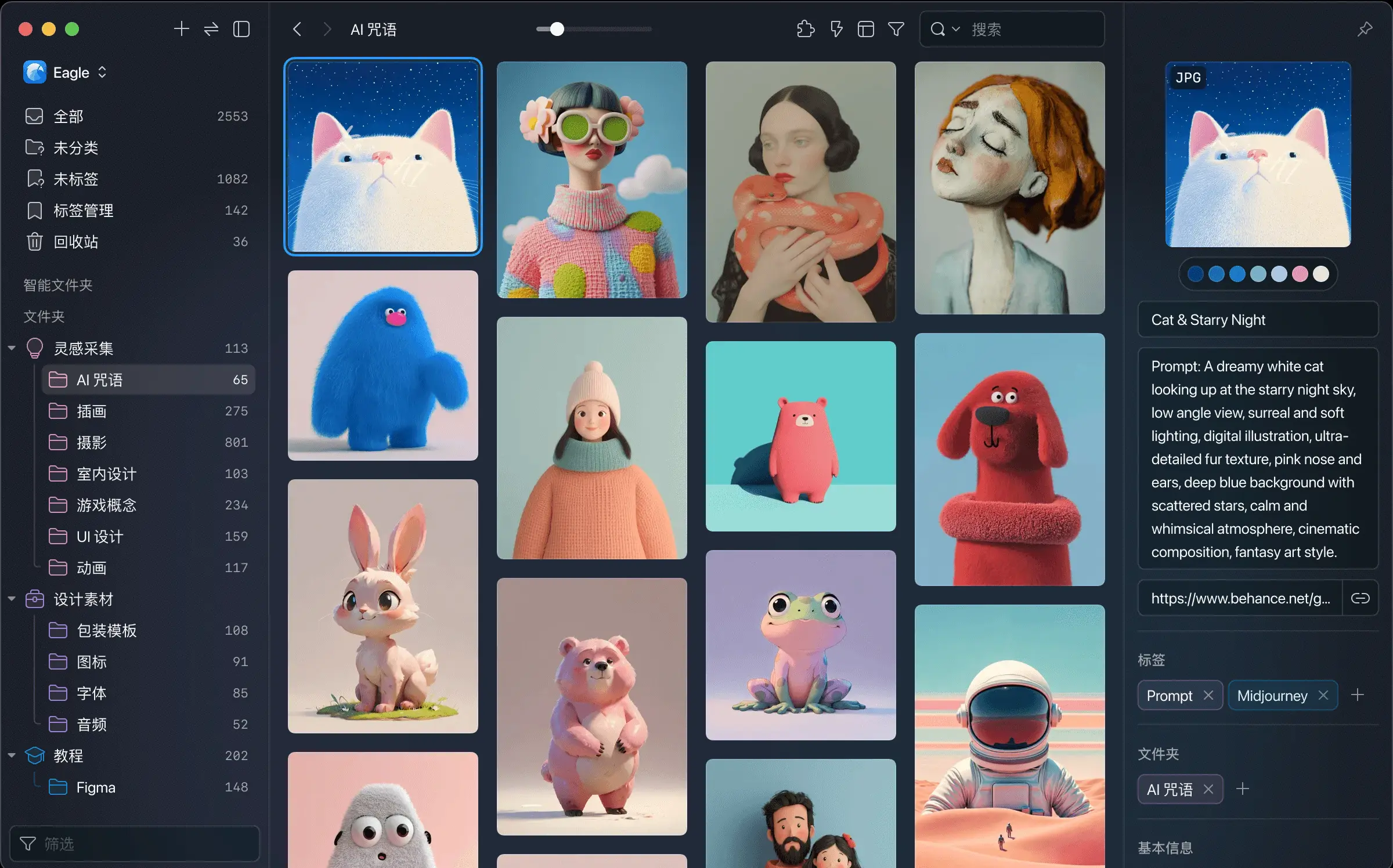
Eagle is a mature desktop asset library for UI screenshots, logos, illustrations, icons, web references, videos, fonts, and design inspiration.
| Area | Decision point |
|---|---|
| Strengths | Mature folders, tags, ratings, notes, color filters, batch renaming, duplicate checks, browser extension collection, asset previews, and EaglePack migration. |
| Limitations | Requires a desktop app. The library structure is relatively closed, and imported files move into Eagle’s management system, which reduces direct control over original folders. |
| Best for | Designers, creators, front-end developers, and users with large design-reference libraries. |
| Less ideal for | Lightweight image collections, AI images, product images, stickers, and wallpapers. |
Eagle’s value is maturity and stability. The tradeoff is that it is heavier and more desktop-library oriented.
Billfish
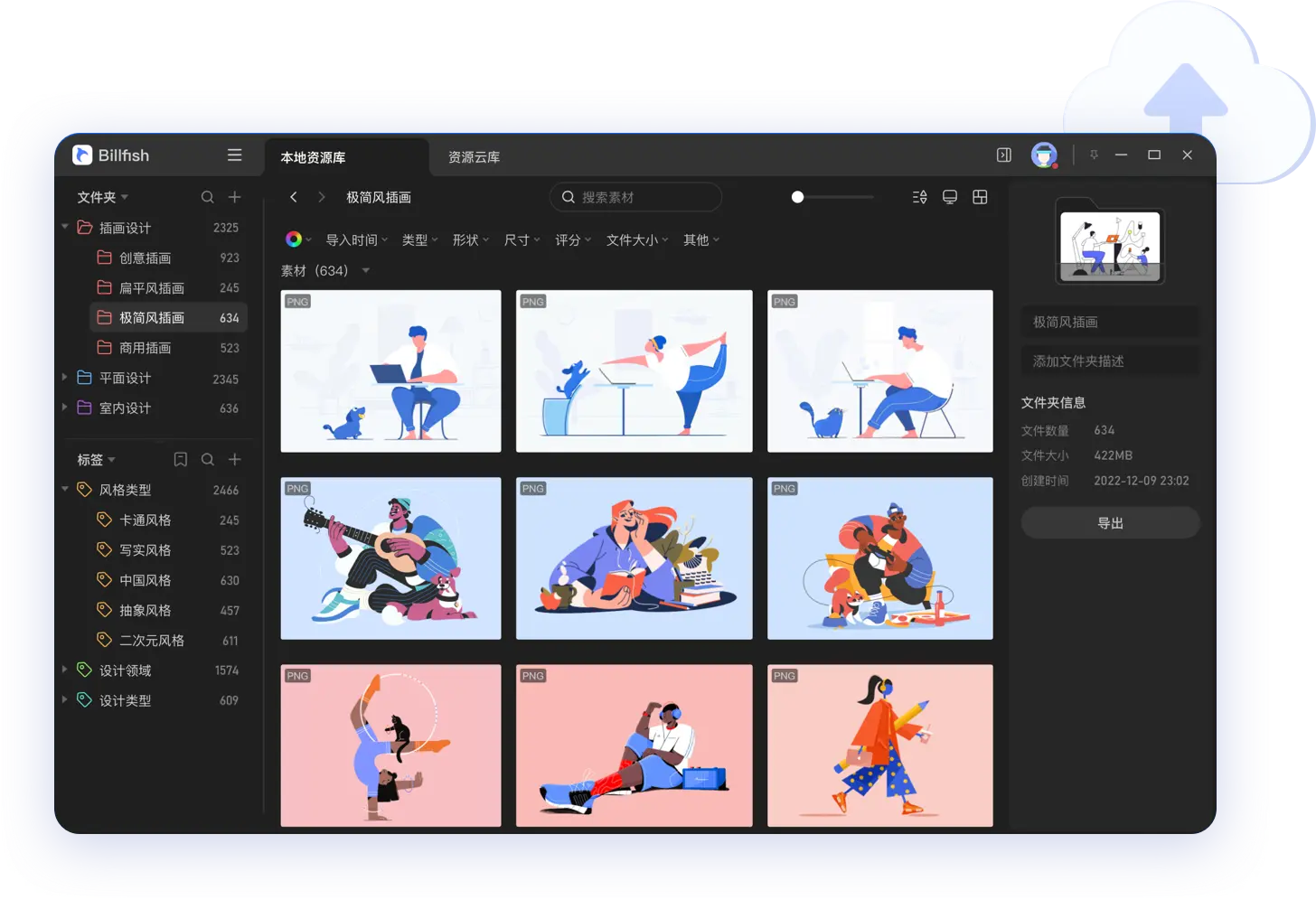
Billfish is often compared with Eagle, but its main value is import flexibility, index mode, and Eagle compatibility.
Billfish official help describes support for local folder imports, local file imports, Billfishpack files, Eagle packs, and Eagle libraries.
| Area | Decision point |
|---|---|
| Strengths | Supports local folder imports, index mode, Billfishpack, Eagle pack imports, and Eagle library imports. It is friendlier to users who already have local asset folders. |
| Limitations | Tags, notes, ratings, and other management data still depend on Billfish’s library data. After disconnecting a library, files and folder classification may remain, but metadata is not directly readable in a normal file manager. Update cadence is also worth checking: Billfish’s official macOS changelog lists 2024-06-05, version V3.1.15.5, as the latest macOS entry; as of 2026-07-18, the macOS changelog has had no newer entry for more than two years. |
| Best for | Users migrating from Eagle, users who dislike duplicated imports, and users with existing local folder systems. |
| Less ideal for | Users who need a highly mature ecosystem, broad cross-platform experience, and long-term professional workflows. |
Billfish is stronger than ordinary folders, but it is still a library-based asset manager.
Pixcall
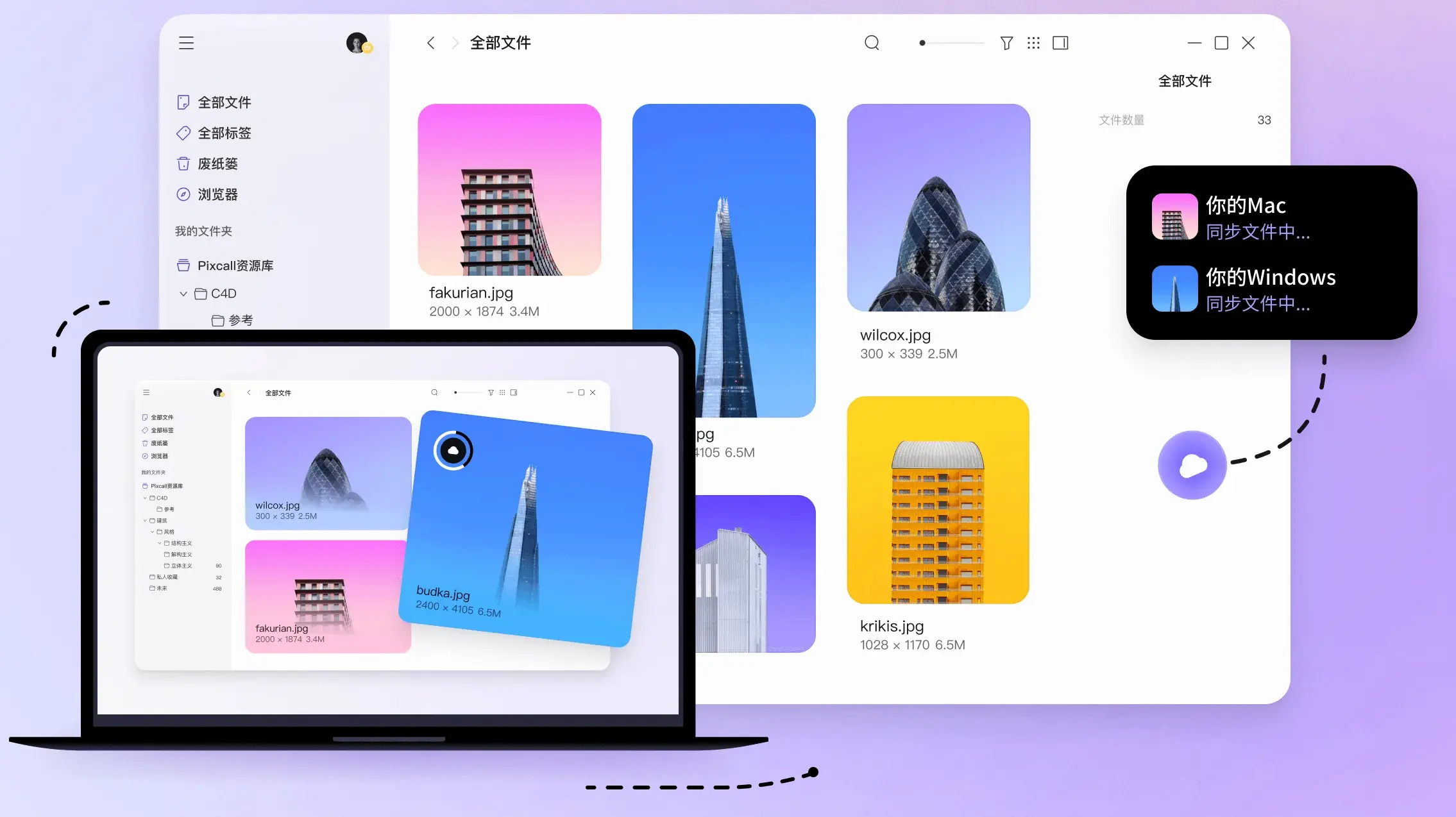
Pixcall focuses on local-first storage, open file structure, and multi-device use.
Pixcall states that it has no proprietary file structure. A resource library can correspond to regular computer folders, with a hidden .pixcall system folder in the library root.
| Area | Decision point |
|---|---|
| Strengths | Open file structure, local libraries, sync libraries, multi-level folders, optional cloud sync, end-to-end encryption, and Eagle .library / .eaglepack imports. |
| Limitations | Local-first storage, open files, sync, and asset management are hard to balance. Users should evaluate sync conflicts, performance with large libraries, metadata storage, and cross-device consistency. |
| Best for | Users who dislike closed library structures and want image libraries to remain controllable as normal folders. |
| Less ideal for | Users who only need a mature, simple desktop asset library with more tutorials and existing user habits. |
Pixcall is attractive when data ownership matters. Whether it fits long-term use depends on each user’s sync and file-management habits.
Adobe Bridge

Adobe Bridge is a creative asset manager and professional file browser in the Adobe ecosystem. It is not designed primarily as a personal image collection tool.
Adobe’s official help describes Bridge as a tool for viewing, searching, sorting, filtering, managing, and processing images, page layouts, PDFs, and dynamic media. It also supports renaming, moving, deleting, metadata editing, image rotation, and batch commands.
| Area | Decision point |
|---|---|
| Strengths | Strong metadata, keywords, labels, ratings, sorting, filtering, batch renaming, workflow tasks, format conversion, resizing, and Adobe app integration. |
| Limitations | Feels more like a professional file browser than a lightweight image library. It can be too heavy for general image collecting, AI image management, prompt records, Binder image collections, and ecommerce image organization. |
| Best for | Adobe users, photographers, designers, retouchers, and video teams. |
| Less ideal for | Users who do not rely on Adobe and only need lightweight image organization. |
Bridge is strongest when Adobe is already part of the workflow.
Inset.im
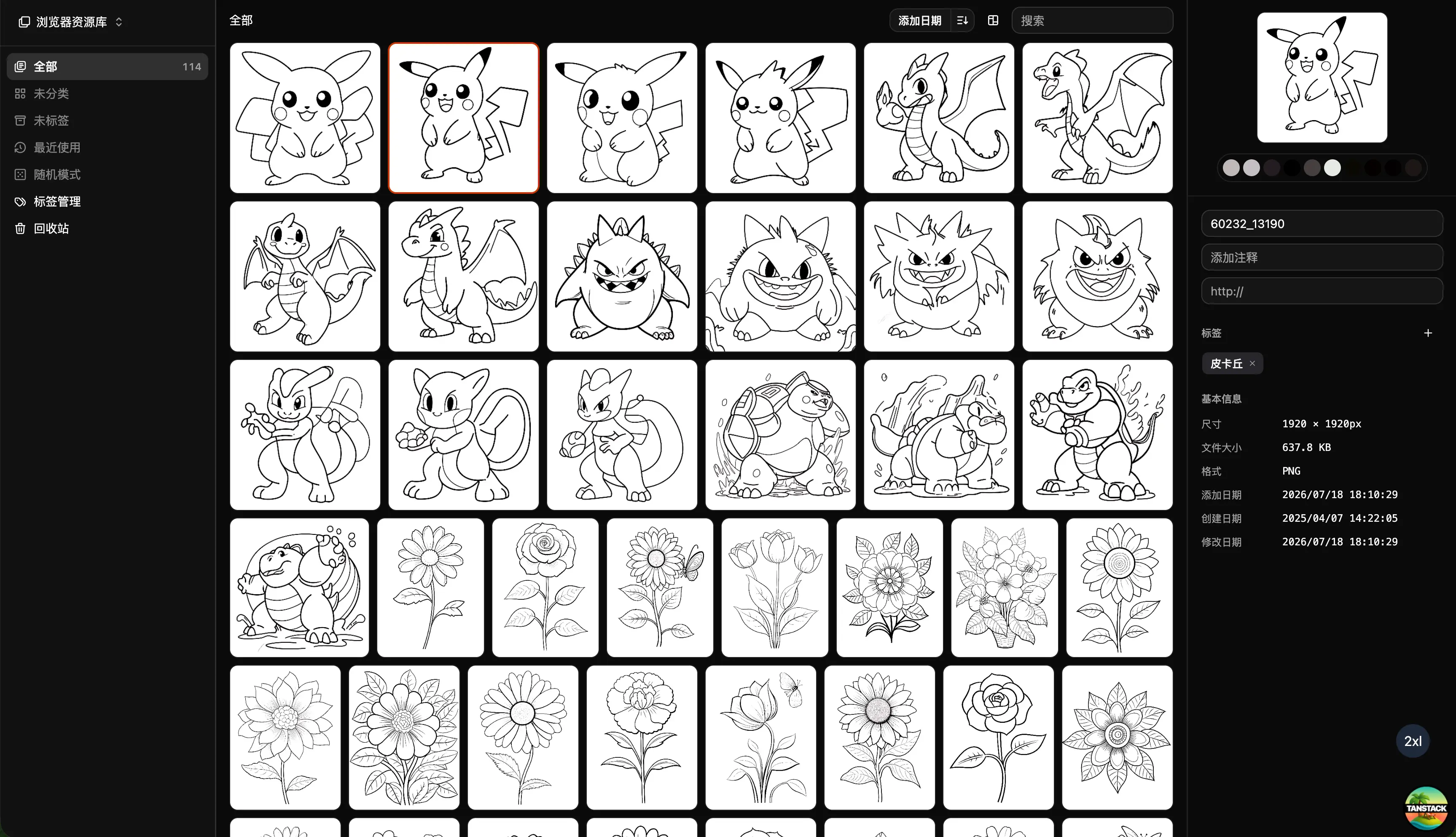
Inset.im is a browser-based, local-first image library. It is not only for designers. It can also be used for AI images, prompt references, Binder collections, product images, content images, costume references, stickers, wallpapers, avatars, and project image libraries.
Inset’s core idea is simple: if the material is related to images, it can be organized in one image library.
Inset.im capability groups
| Capability group | Details |
|---|---|
| Access model | Browser-based, no desktop installation, local-first, suitable for personal image libraries. |
| Library organization | Image library structure, folders, tags, search, previews, and batch organization. |
| Image information | Source records, image notes, prompt records, image-prompt binding, AI generation parameters, and scenario templates. |
| Web collection | Browser extension collection for web images. |
| Image processing | Format conversion, WebP / PNG / JPG / AVIF conversion, resizing, compression, cropping, batch renaming, and batch export. |
| Smart organization | Duplicate cleanup, similar image search, automatic tags, OCR text recognition, and image color detection. |
| Area | Decision point |
|---|---|
| Strengths | No desktop installation. Image organization and image processing live in the same browser workflow. It is useful when images, prompts, sources, notes, and generation parameters need to stay connected. |
| Limitations | User awareness and ecosystem trust are still developing. Users deeply tied to Eagle, Billfish, Pixcall, or Adobe Bridge may not need to migrate immediately. |
| Best for | Users who want to manage image assets in a browser without heavy desktop software. AI image workflows, content creation, product images, Binder collections, and general image collecting all fit this model. |
| Less ideal for | Teams already locked into mature desktop asset libraries and fixed asset-management processes. |
Inset is not simply “Eagle on the web.” It borrows the image-library workflow from tools like Eagle, moves the entry point into the browser, and combines organization with common image-processing tasks.
Tool comparison
| Tool | Positioning | Storage structure | Eagle compatibility | Main strength | Main limitation |
|---|---|---|---|---|---|
| Eagle | Mature desktop asset library | Eagle library structure | Native Eagle format | Mature organization and previews | Requires installation; relatively closed structure |
| Billfish | Local asset management | Library + import/index modes | Imports Eagle packs and libraries | Flexible imports for existing local folders | Metadata still depends on Billfish |
| Pixcall | Local-first asset management | Folder-based, no proprietary structure | Imports .library / .eaglepack | Strong data ownership | Sync and metadata portability need evaluation |
| Adobe Bridge | Adobe creative asset manager | Direct file-system management | Not Eagle-focused | Metadata and batch workflows | Traditional and Adobe-centric |
| Inset.im | Browser image library | Browser-based local-first image library | Works with Eagle-like library habits | No install; image management + image tools | User awareness still growing |
Selection by user type
| User type | Better choice |
|---|---|
| Heavy designers | Eagle, Pixcall, or Billfish. Eagle is mature, Pixcall has a more open file structure, and Billfish is useful for import and index workflows. |
| AI image users | Check whether the tool can manage images, prompts, parameters, and references together. Inset is built around that combined library model. |
| Content creators | Cover images, screenshots, reference images, and examples need fast collection, search, and processing. Inset’s browser workflow is lighter. |
| Ecommerce and brand teams | For asset management, compare Pixcall, Billfish, and Bridge. For image organization plus compression, resizing, conversion, and export, Inset is more direct. |
| General image collectors | Wallpapers, avatars, stickers, anime images, outfit references, decoration references, and costume references do not require a designer-only tool. A general image library is enough. |
FAQ
What is the difference between an image asset tool and a photo app?
Photo apps are better for personal memories. Image asset tools are better for reusable visual materials such as design references, product images, prompt images, screenshots, content images, stickers, and project assets.
Who should use Eagle?
Eagle is best for heavy desktop asset management users, especially designers, illustrators, front-end developers, and creators.
What is the main difference between Billfish and Eagle?
Billfish supports Eagle imports and index mode, making it useful for users with existing local folders who want to reduce duplication and migration friction.
What is the main difference between Pixcall and Eagle?
Pixcall emphasizes local-first storage and open file structure. Its libraries can correspond to regular computer folders instead of locking files into a proprietary structure.
Is Adobe Bridge suitable for general users?
For ordinary image collecting, Adobe Bridge may be too heavy. It fits Adobe users, photographers, designers, and metadata-heavy workflows better.
Who should use Inset.im?
Inset is for users who want to manage image assets in a browser. Design assets, AI images, prompts, Binder collections, product images, costume references, stickers, and wallpapers can all be organized in one image library.
How is Inset different from Eagle?
Inset borrows the image-library workflow from Eagle-like tools, but it is not a direct clone. It emphasizes no installation, browser access, local-first organization, and image management plus image processing in one workflow.
Sources
- Eagle browser extensions
- Eagle batch tags help
- Eagle batch rename help
- Billfish import and export help
- Billfish migration help
- Billfish macOS changelog
- Pixcall website
- Pixcall features
- Pixcall Eagle importer
- Pixcall resource library folder docs
- Adobe Bridge organize content and assets
- Adobe Bridge batch rename
- Adobe Bridge workflow tasks